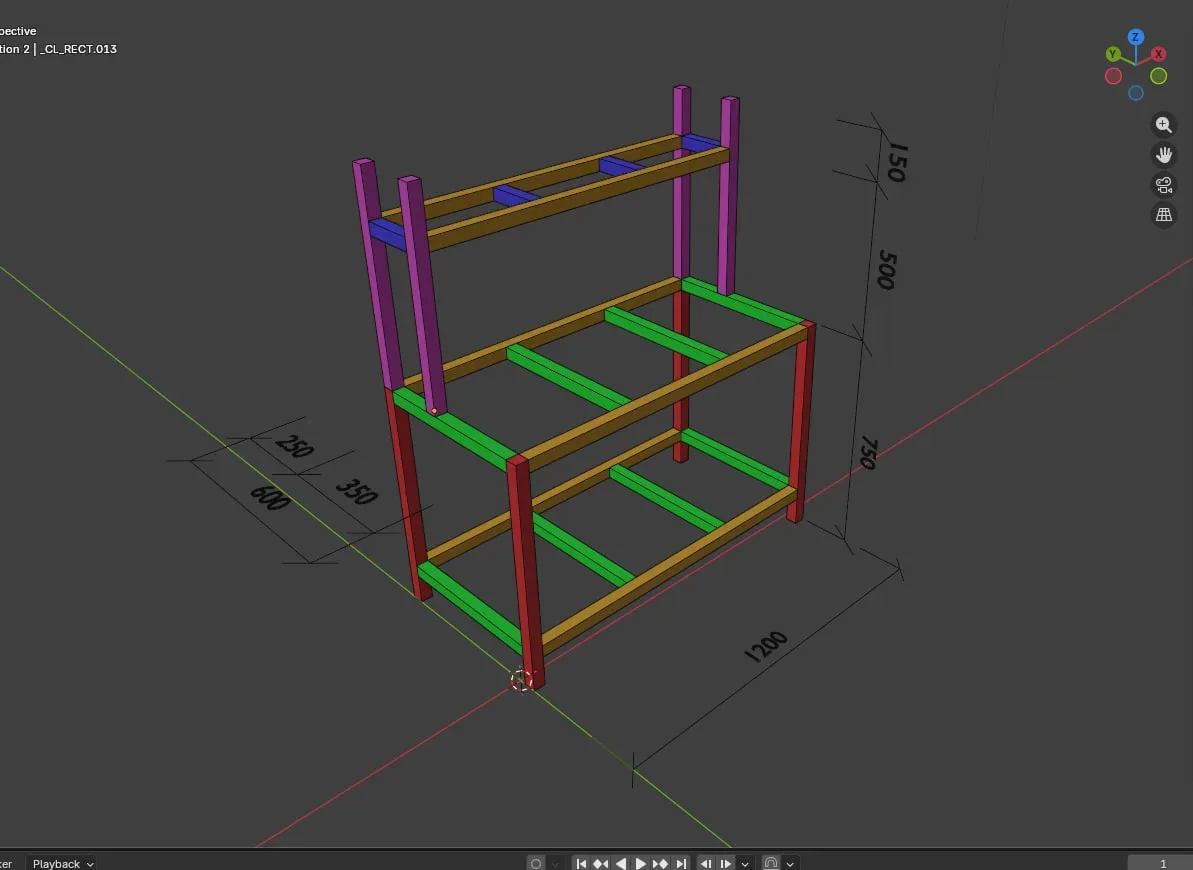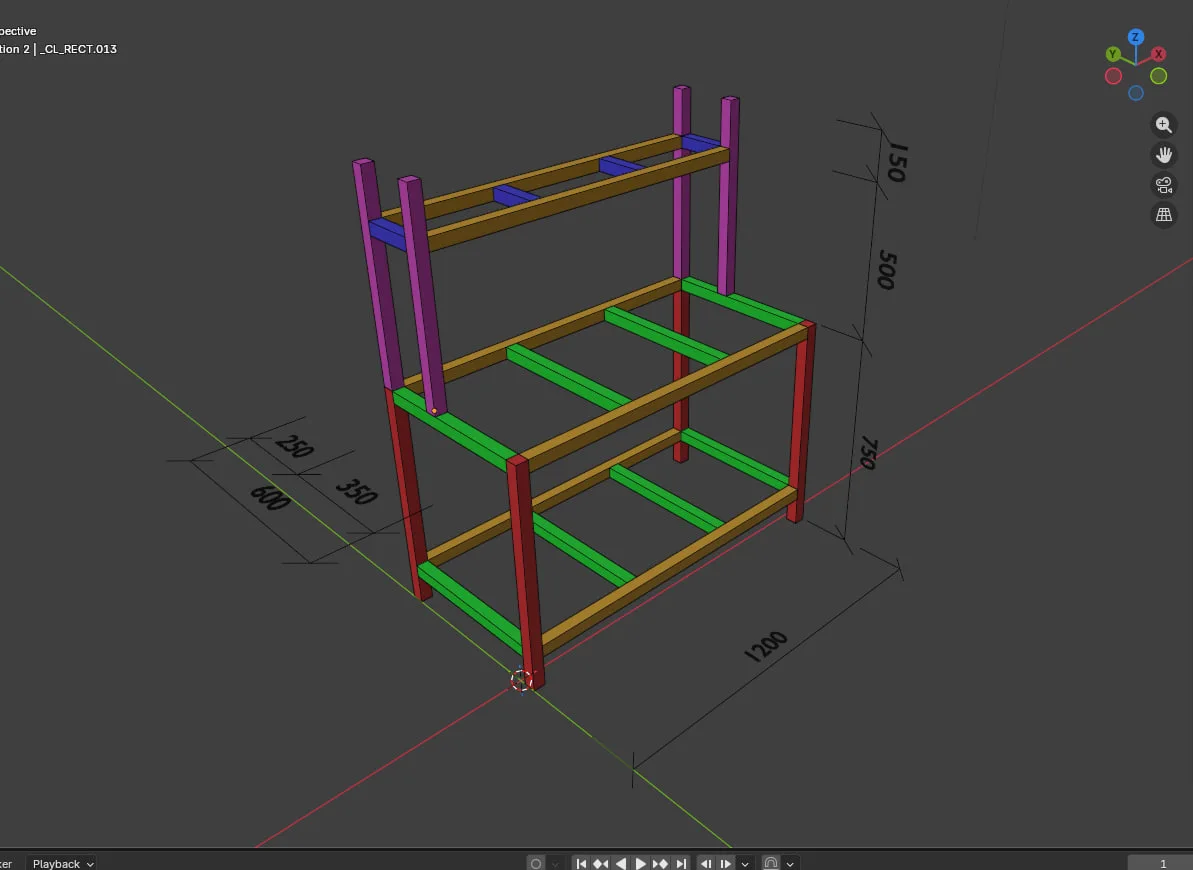
Pro 3D Dimension Tool is a Blender add-on for creating dimensions in the 3D View. The Blender Extensions listing identifies release 1.4.1, maintainer DUONG-HOANG, Blender 4.2.0 as the minimum version, and the GNU GPL 3.0 or later license. Its workflow centers on drafting-focused measurements.
How dimensioning works
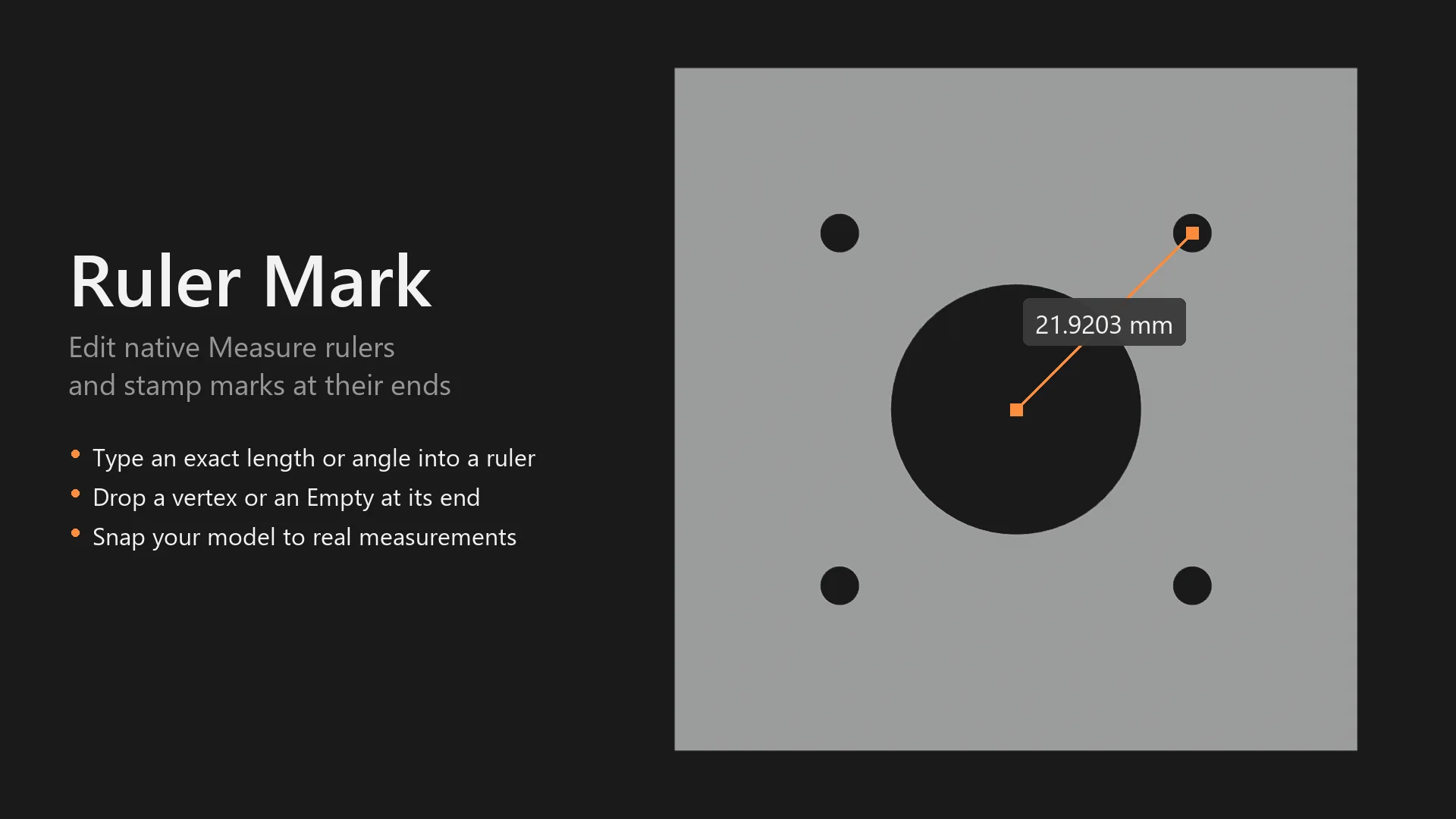
To place a dimension, choose a start point, then an end point, and set the offset distance for its line. Snapping can target vertices, edges and midpoints, while a live preview shows the measurement as it is placed. Shift plus X, Y or Z constrains a dimension to an axis or plane.
For a series of measurements, dimensions can be chained together. The overview also describes splitting or merging segments in the viewport, which can help when a measurement needs to be adjusted after the initial placement.
Styles and updates
A style library lets you manage different dimension appearances. The listed options include metric or imperial units, arrows or ticks, and font choices. The product overview also describes automatic cleanup and updates when geometry or dimension styles change.
That makes the add-on a potential fit for technical modeling, drafting and annotating dimensions within a Blender scene. It is focused on measurement and presentation in the viewport. If your deliverable depends on a specific export format or documented tolerance, confirm that requirement with the developer before building it into your workflow.
Compatibility and license
The catalog categorizes the add-on under 3D View and Modeling. Check the listing above for current compatibility and license details before installing.