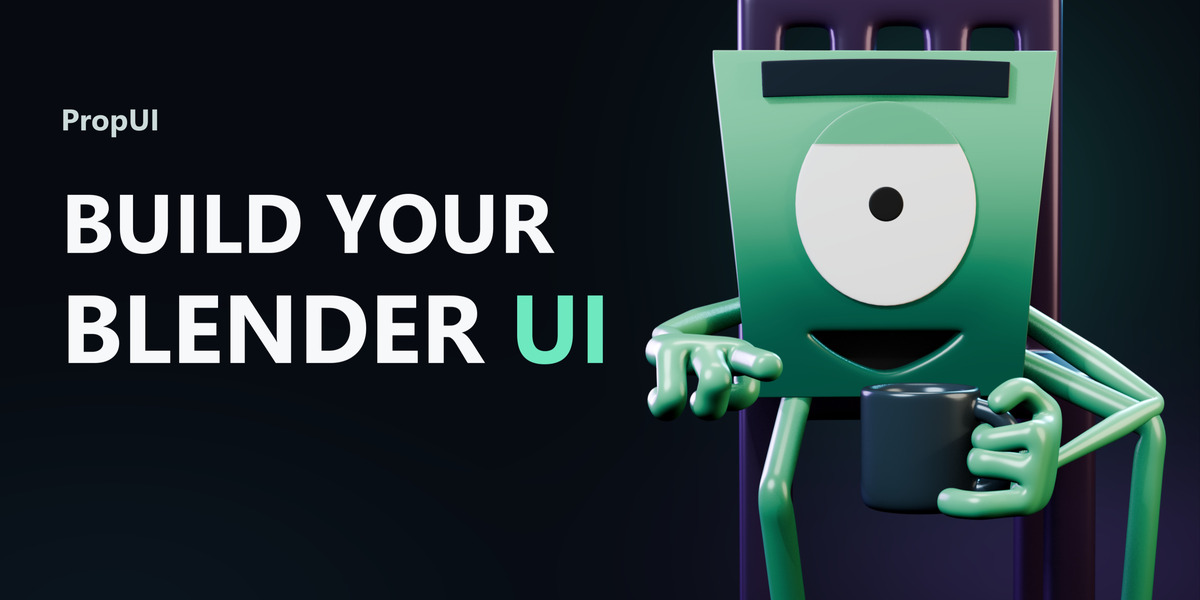
PropUI is a Blender add-on for building custom control panels visually. Arrange controls, give them readable labels, and generate a Blender panel without hand-writing a panel script for the basic workflow. You can save the panel in a .blend file; the Full edition also includes a portable Python export. PropUI is aimed at rigs, animation controls, modifiers, materials, tools, and other setups where Blender's default list of custom properties is hard to navigate.
Arrange controls for the task
Create sliders, toggles, dropdowns, and other controls, or add supported Blender properties from their context menu. PropUI lets you organize controls into rows, Row Boxes, and sub-panels. Depending on the edition, layouts can also use compact controls, popovers, and foldouts. Dynamic Labels and conditions can change what appears as users work with a panel.
Some features are geared toward more specific workflows. Full and Rigify include native Color Ramp and Curve Mapping widgets, Display Link controls for showing a value in more than one place, operator buttons, group reset and keying actions, and value presets. The listing names Bone Collection controls for Full but does not specify whether Rigify includes them. Managed properties use Blender's usual animation and driver behavior where supported.
Compare the editions
Free
Free covers the core panel-building workflow with five entry types: Float, Integer, Boolean, Array, and Text. It generates one 3D Viewport sidebar panel and stores custom properties on one Object. It also includes simple shared rows, Child Visibility conditions, labels that respond to their own value, and setup JSON import and export with clipboard transfer. Compatible setups from Full and Rigify can be transferred into Free.
Full
Full is the standalone edition for general Blender work, including rigs and animation. It has all 12 entry types, including Python, Custom, Display Link, and Operator Button. It adds right-click property capture, flexible property storage, more layout options, selection-based visibility, UI Variants, a Generated UIs manager, reusable presets, saved defaults, editor customization, and optional generated branding. Full also provides the portable Python export.
Rigify
Rigify is for building a control UI on a metarig and generating it through Rigify's normal rig-generation workflow. Show the controls in Rig Main Properties or in a separate 3D Viewport sidebar panel. You can choose storage bones and set controls to appear by bone selection or remain Always Visible. This edition requires Blender's Rigify add-on.
Requirements and documentation
The Superhive compatibility field lists Blender 5.0–5.2, while its requirements and PropUI's site state Blender 5.0 or newer. Check the PropUI documentation for the supported range for your Blender build. The stated license is GPL-3.0-or-later. The listing describes a Free edition and says it is available free on Gumroad or for $1 on Superhive to support the developer; check the Superhive listing for current availability and price.