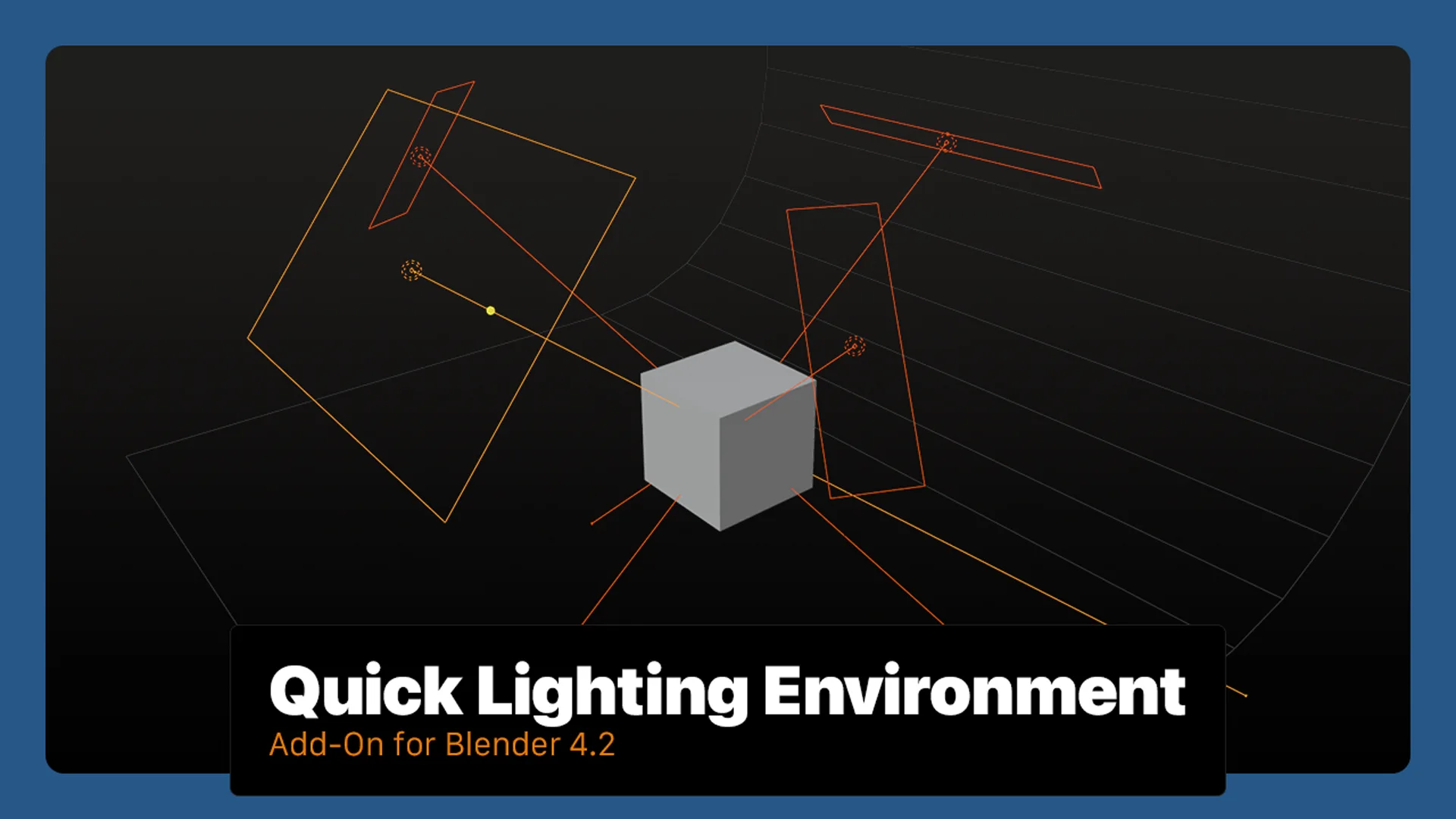
QLE (Quick Lighting Environment) is a Blender add-on that builds a basic lighting environment in the current scene. An active World is required or Add Environment errors. Click Add Environment to create a World, four Area Lights, a target Empty and a Backdrop. It suits artists who want a repeatable starting setup they can adjust in Blender.
What the setup adds
Clicking Add Environment creates a World named QLE World with Background strength set to 0.25 and a Blackbody value of 5454. QLE places four Area Lights around the scene: Left uses 3800 for a warm orange tint, Fill and Back use 5454 with equal energy, and Right uses 20,000 for a blue tint, about as blue as a blackbody light can get. Each light tracks an Empty named Lights_Target through a Track To Object constraint. The setup also adds a mesh object named Backdrop.
The lights and scene objects give you a baseline to tune for your model or scene. You can adjust their positions and light settings with Blender's usual controls. The World light also helps even out the backdrop. For a more conventional studio arrangement, the developer suggests setting QLE World's strength to zero and increasing the Area Fill light's power.
Panel location and recovery
After installation, find Quick Lighting Environment in the Properties Editor under Scene Properties. It does not appear in the 3D Viewport Sidebar. If a QLE light, the Backdrop or the target Empty is deleted or disconnected, clicking Add Environment again restores the missing object or constraint.
Installation and compatibility
QLE 1.8.0 requires Blender 4.2.0 or later. Download the ZIP from the developer's QLE Releases page, then install it in Blender using Install from Disk. The add-on is maintained by don1138 and is licensed under GNU GPL v3.0 or later. Check the Blender Extensions listing for version and compatibility details.
Clear the QLE setup
Use Clear Environment to remove the QLE lights, Backdrop and target Empty. The add-on also resets the World from QLE World to the original World.
For the setup details and lighting notes, see the developer's QLE repository.