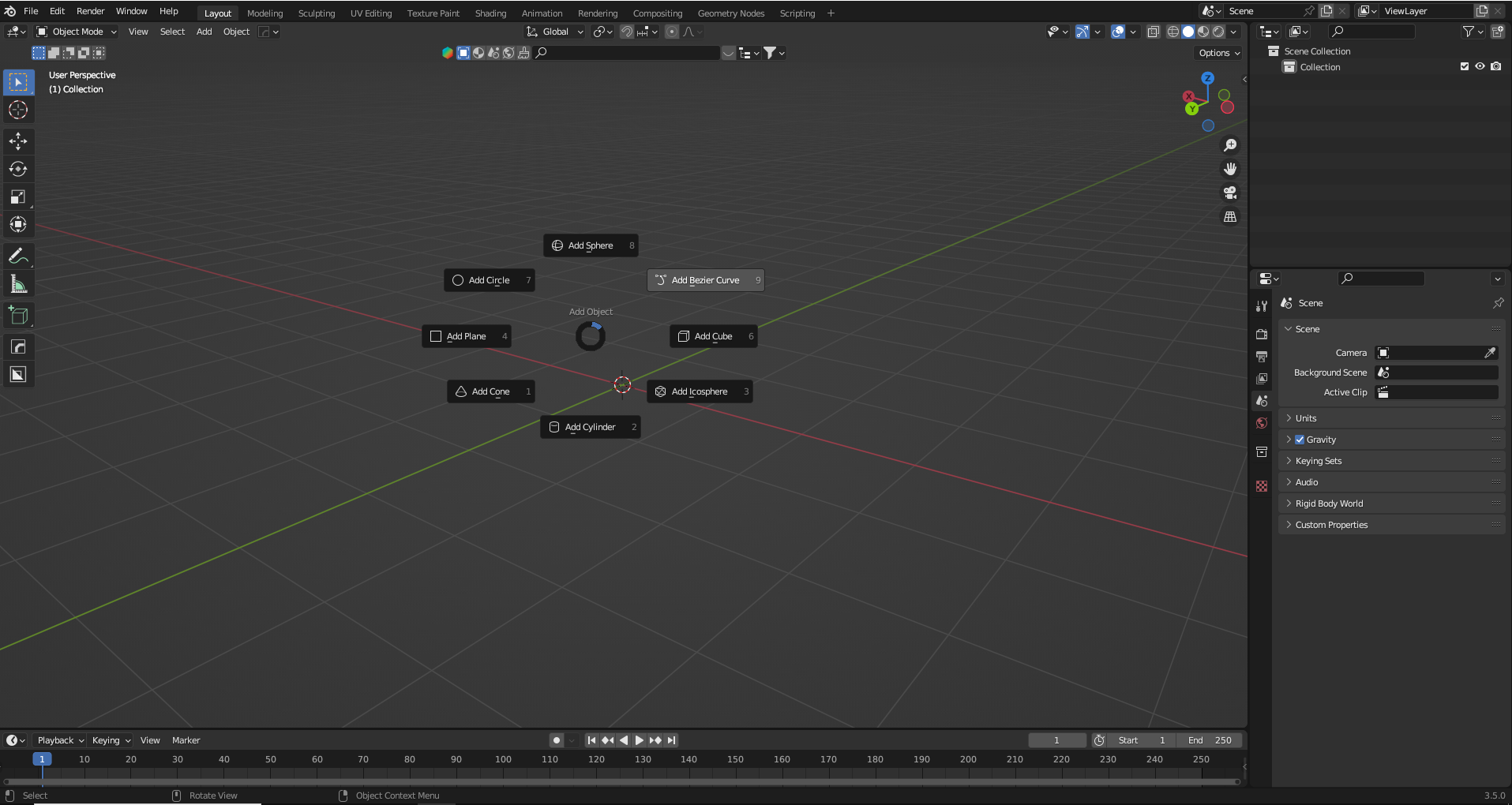
Add common meshes from a pie menu
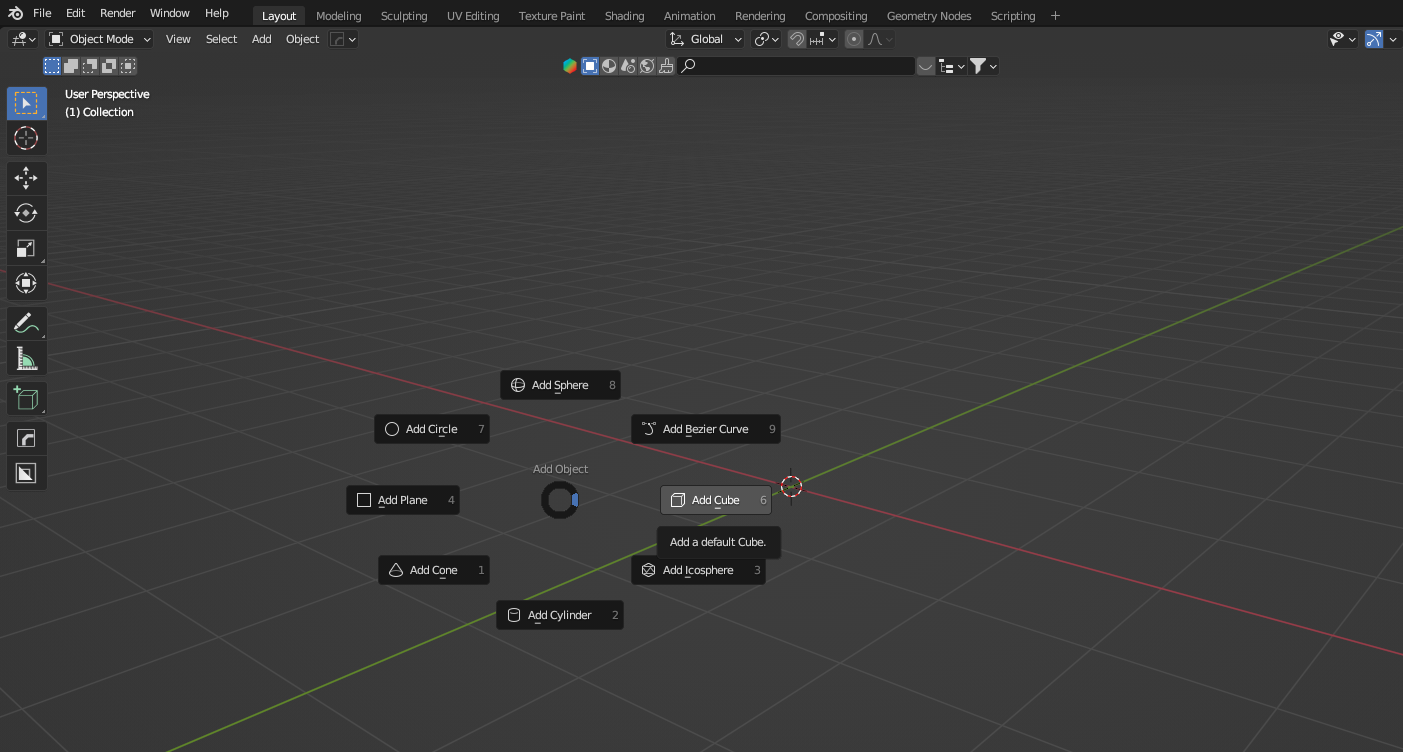
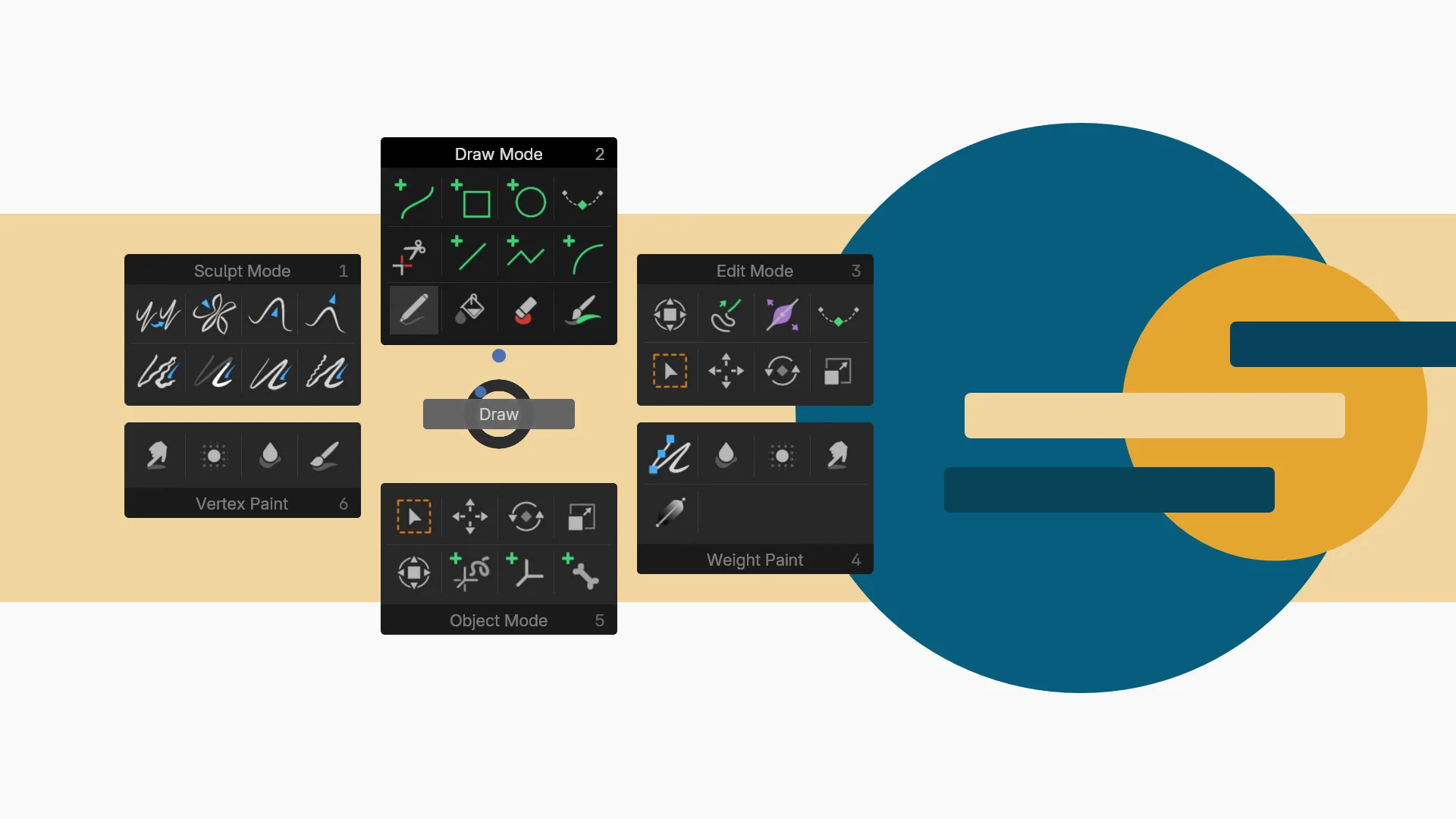
Quick Add Objects is a lightweight Blender add-on for inserting common basic meshes without navigating the usual add menus. From the Layout tab, press Alt + Q to open its pie menu, then choose an object. It works in both Object and Edit modes, so you can add a mesh without changing modes. The add-on is intended to reduce the steps involved in placing a new object in a scene.
Install and use the add-on
- Download the add-on ZIP file.
- In Blender's user preferences, open the Add-ons tab.
- Choose Install, select the ZIP file, and check the box beside the add-on to enable it.
- Go to the Layout tab, press Alt + Q, and choose an object from the pie menu.
A video tutorial is available with installation steps and a demonstration of the add-on.
Listed compatibility and license
The product listing names Blender 3.0, 3.1, 3.2, 3.3, 3.4, and 3.5, and identifies the license as GPL. Compatibility with later Blender releases is not stated, so check the product page before installing on a newer version.