Quick Load is a Blender add-on for trying alternate images and textures on a model. It works through Blender's open File Browser, where you can preview pictures and move through folders while choosing a replacement. The Superhive listing records version 1.4 and a change date of 15 March 2020.
Change an image from the File Browser
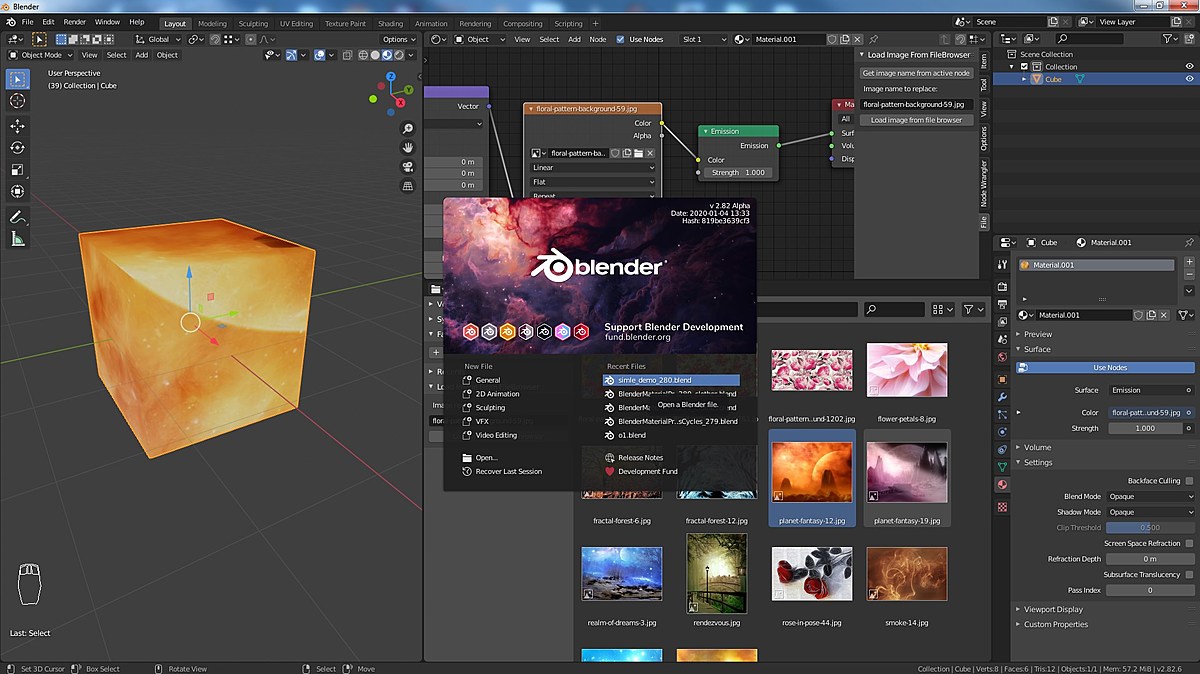
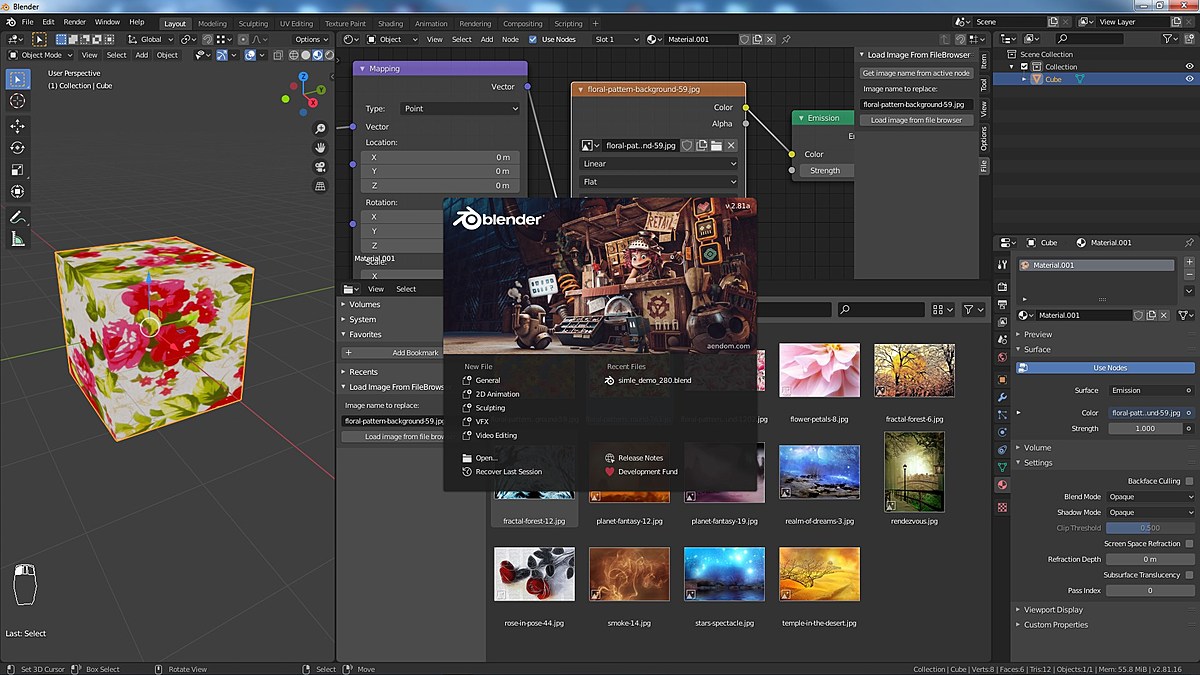
After installing Quick Load, enter the name of the image to change in its add-on panel. Open Blender's File Browser, select a picture, then click the 'Load image from file browser' button in the panel or press Q. The browser shows image previews and lets you navigate the disks as you choose.
Load scene elements and change textures
Quick Load also supports loading objects and other elements of a scene. It can also quickly load and change a brush or the World texture.
Node and face options in Blender 2.80+
Version 1.3, for Blender 2.80+, introduced automatic creation of an Image Texture node from the selected file, placement of the image in an empty node, and assignment of the selected texture to selected mesh polygons. Version 1.4 adds Alt + Q to put an image on selected faces and Shift + Q to put it on a selected node. The version 1.4 additions are listed for Blender 2.80+ and 2.76+.
Compatibility notes
Quick Load suits Blender users who want to compare image files from disk and choose replacements through previews. Superhive lists Blender versions from 2.7x through 2.91; compatibility with later releases is not listed. Check the Superhive product listing before installing it in a newer Blender version.