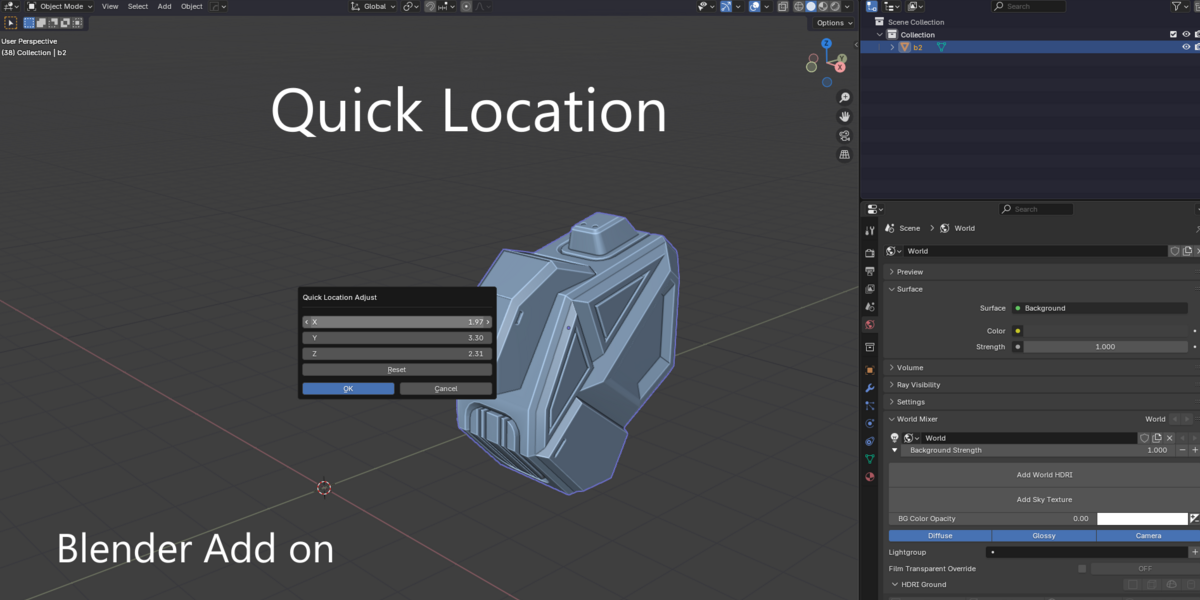
Quick Location is a Blender add-on for adjusting an object's location from a popup. It puts X, Y, and Z sliders in one menu, so you can reposition an object without opening the sidebar or Properties editor.
Adjust an object's location
Select a mesh, camera, light, or empty in Object Mode, then press Shift+V to open the popup. Change the X, Y, or Z slider and press Enter or click OK to confirm.
Reset the position or change the shortcut
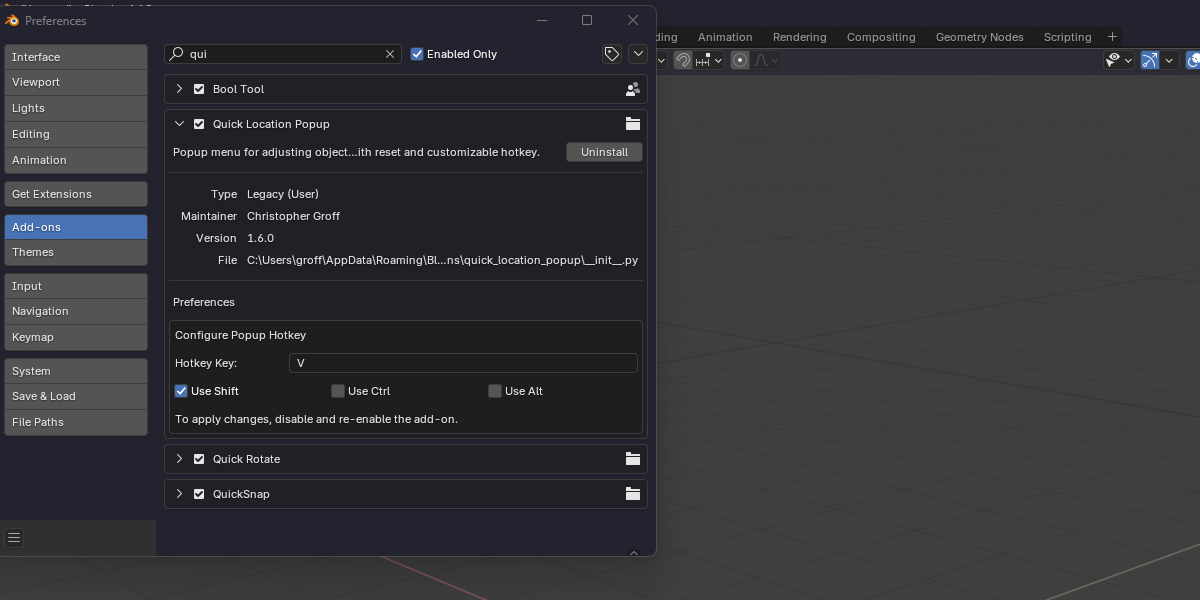
Quick Location remembers the object's original position. Click Reset to return to that location before the adjustments. In the add-on preferences, choose a different key and add or remove Shift, Ctrl, or Alt modifiers.
Compatibility and installation
The product listing specifies Blender 2.80 and above and says Quick Location was fully tested in Blender 4.4. To install it, download the ZIP without extracting it. In Blender, open Edit > Preferences > Add-ons, click Install, select the ZIP, and enable the add-on.