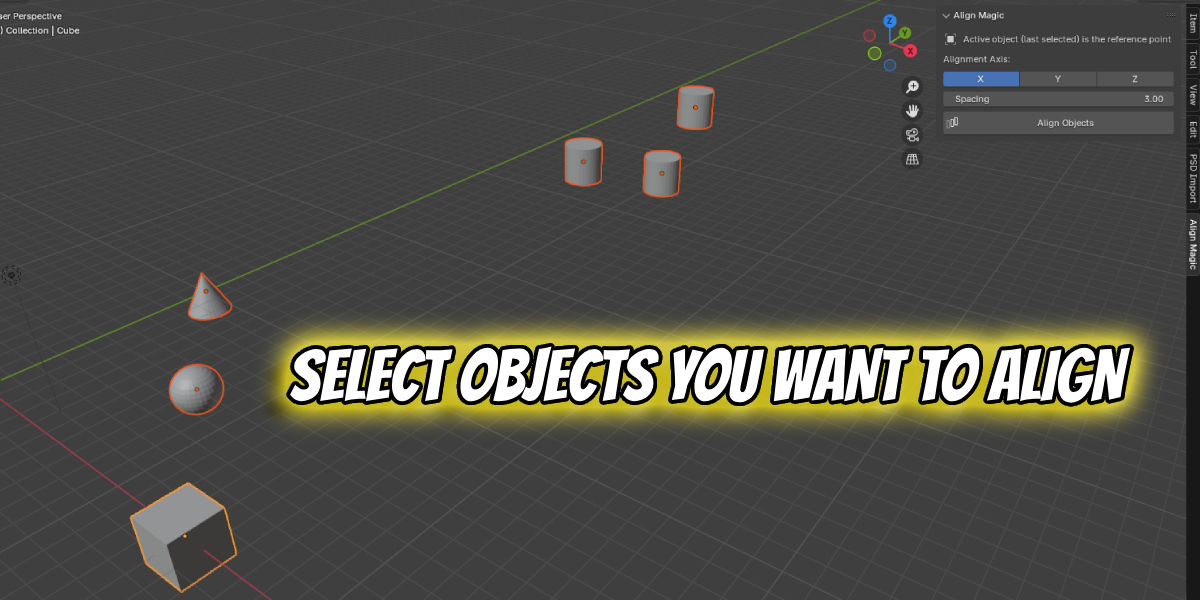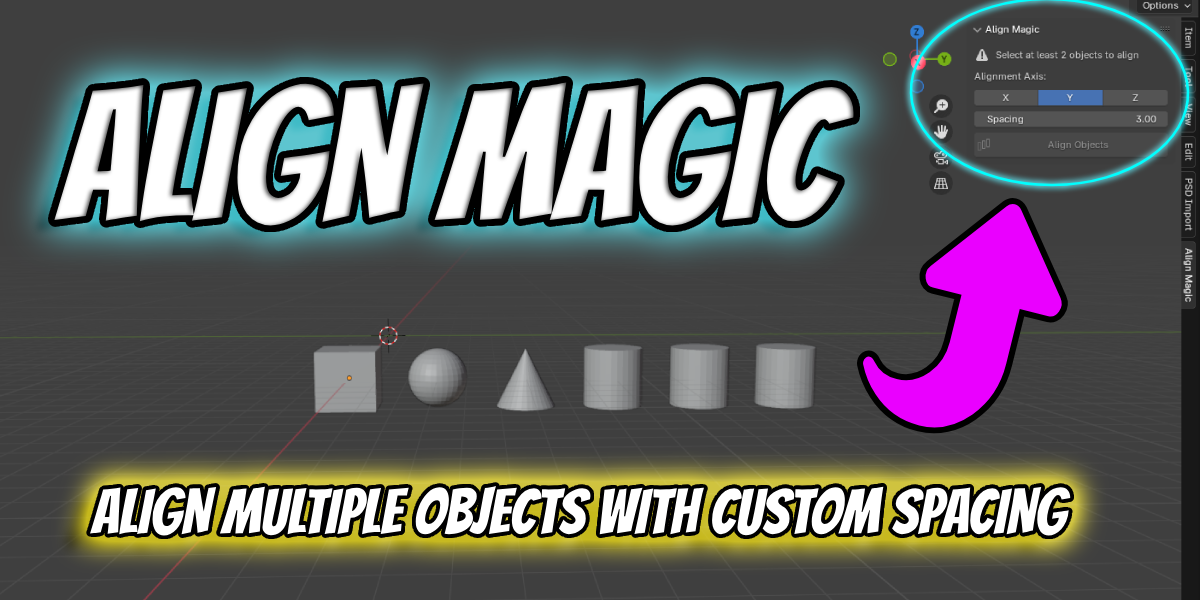
Align Magic is a Blender add-on for arranging several objects around one reference object. The last object you select becomes the active reference and stays in place. You choose X, Y, or Z as the alignment axis; the other selected objects match the reference position on the remaining axes.
Choose an axis and spacing
Set a spacing value in the Align Magic panel to control placement along the chosen axis. Positive and negative values let you set the direction. This can help when organizing assets, making patterns, or laying out objects in 3D space.
Align objects in Blender
- Select the objects you want to arrange, selecting the reference object last.
- Open the Align Magic panel in the 3D View sidebar, also called the N-panel.
- Choose X, Y, or Z, then enter a spacing value.
- Click Align Objects.
Installation and compatibility
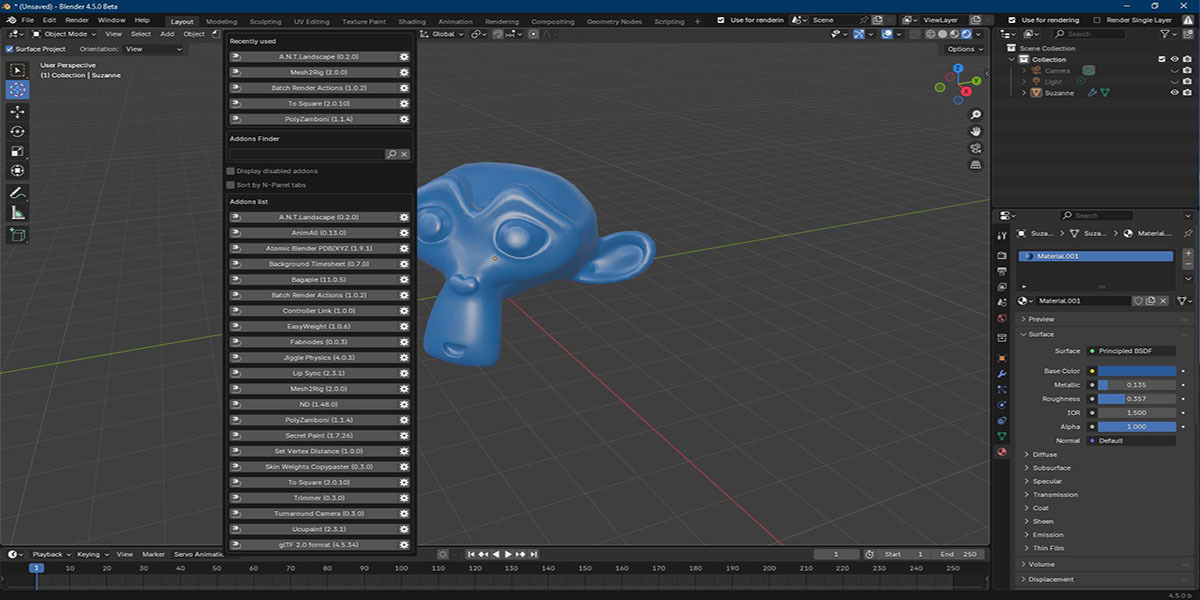
After downloading the add-on, open Blender's Edit > Preferences > Add-ons, choose Install, select the downloaded file, and enable the add-on. The product listing names Blender 3.0, 3.1, 3.2, 3.3, 3.4, 3.5, 3.6, 4.0, 4.1, 4.2, 4.3, and 4.4. If you use a newer release, check the product listing for current compatibility details. The documentation identifies the license as GNU GPL v3.0. See the Align Magic documentation for the installation and usage steps.