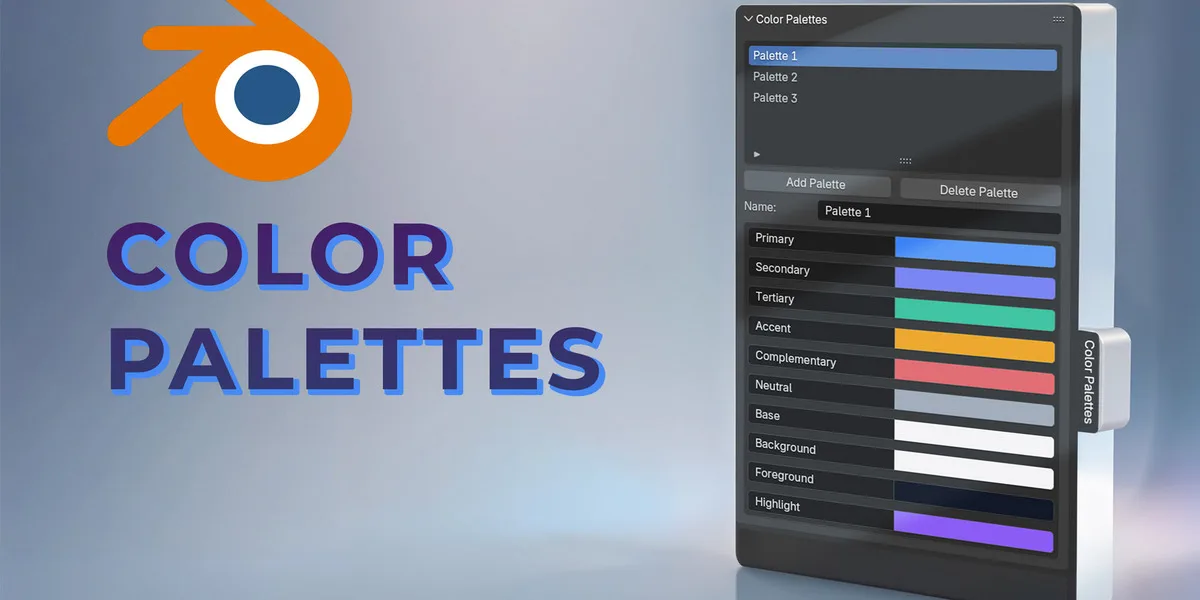
Quick Palette Addon by Yasine Imerie brings color palette selection into Blender. It lets you create and organize palettes, then apply colors to materials, lights, or other scene elements. The included collections group colors by tone and mood, so you can choose from ready-made sets while working on a scene.
The documented collections include Warm, Cool, Neutral, Dark, Light, Vibrant, Pastel, and Muted. Quick Palette is aimed at artists who want to reuse palette choices across materials, lights, scenes, or assets.
Using Quick Palette
The product documentation describes this workflow:
- Open the Quick Palette panel in the Shader Editor or 3D Viewport.
- Choose a palette from the dropdown.
- Click a color swatch to apply it to the selected material, light, or object.
The product listing says Quick Palette supports Blender 4.0 through 4.5 and works with Cycles and Eevee. It also lists the GPL license. Check the current product listing for details that may change.
Installation notes
The marketplace FAQ describes extracting the main Quick Palette.zip archive and installing the enclosed Quick Palette Addon v1.1.zip through Blender's Edit > Preferences > Get Extensions > Install from Disk. It then directs users to open the installed extension's View Details > Preferences panel and set Quick Palette Library Path to the extracted Quick Palette Library folder.
The separate documentation page describes an Add-ons > Install workflow and names a different archive. Since the two pages give different installation steps and filenames, check the instructions included with your download and the guidance for your Blender release before choosing a workflow.