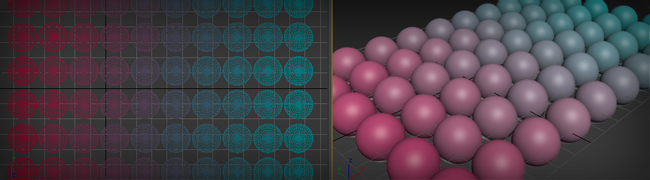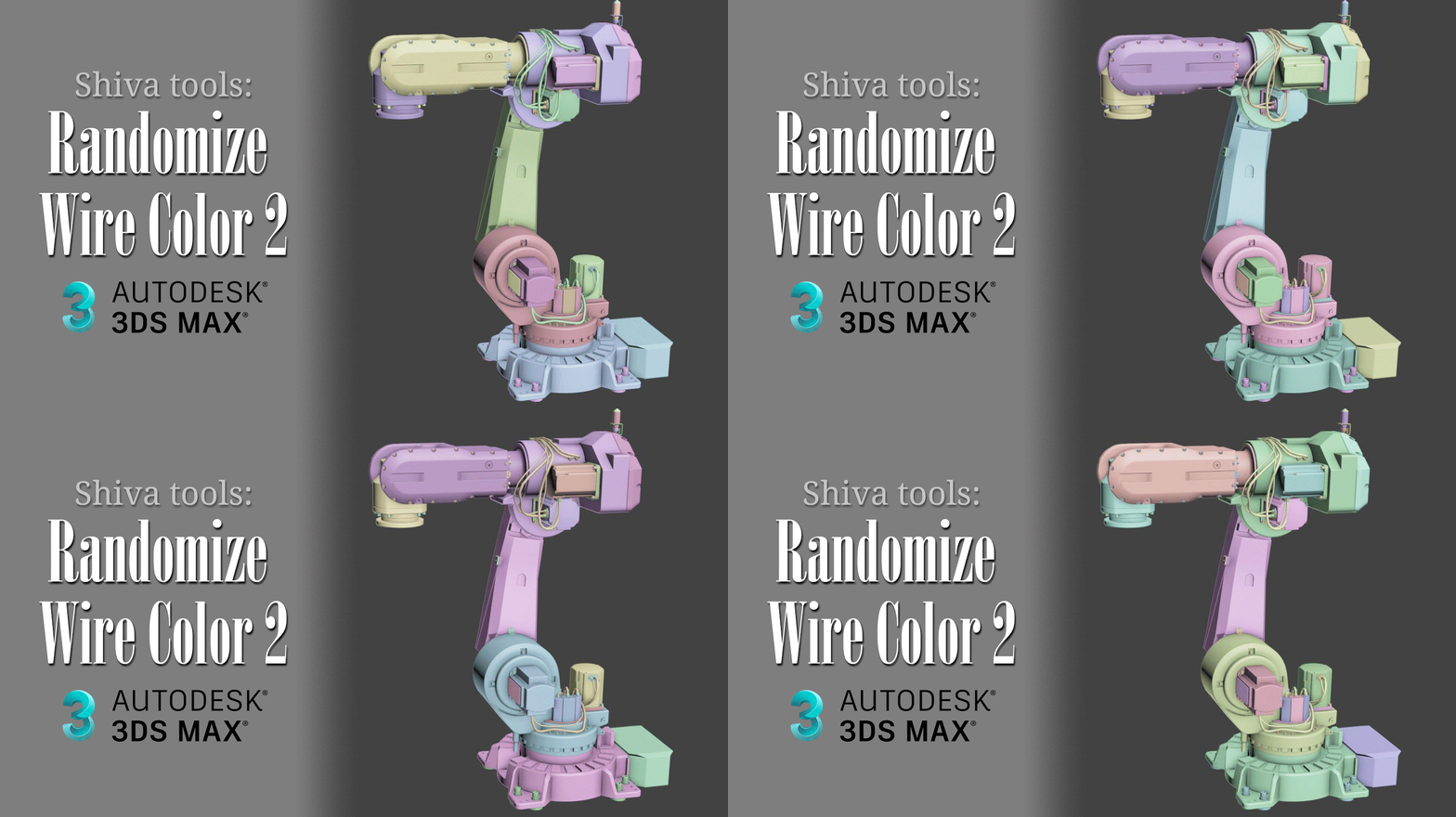
Randomize Wire Color 2 is a 3ds Max script that assigns random wire colors to selected objects. The ScriptSpot listing specifies compatibility with 3ds Max 2015 and later. It uses softer pastel colors, similar to Blender's, to help distinguish parts in the viewport. This can be useful when an imported CAD model has black wireframes or detached geometry has parts sharing the same wire color.
Install and add the command to a menu
- Drag the script onto the 3ds Max viewport.
- Open Customize > Customize User Interface > Menus.
- Under Category, find Shiva Tools and drag Random Wire Color to a Tools submenu or another menu location.
After confirming that your 3ds Max version meets the compatibility requirement above, select the objects you want to recolor, then run Random Wire Color from the menu location you chose. The ScriptSpot listing lists version 2 and describes the script as free. Visit Shiva's Gumroad page for the developer's download.