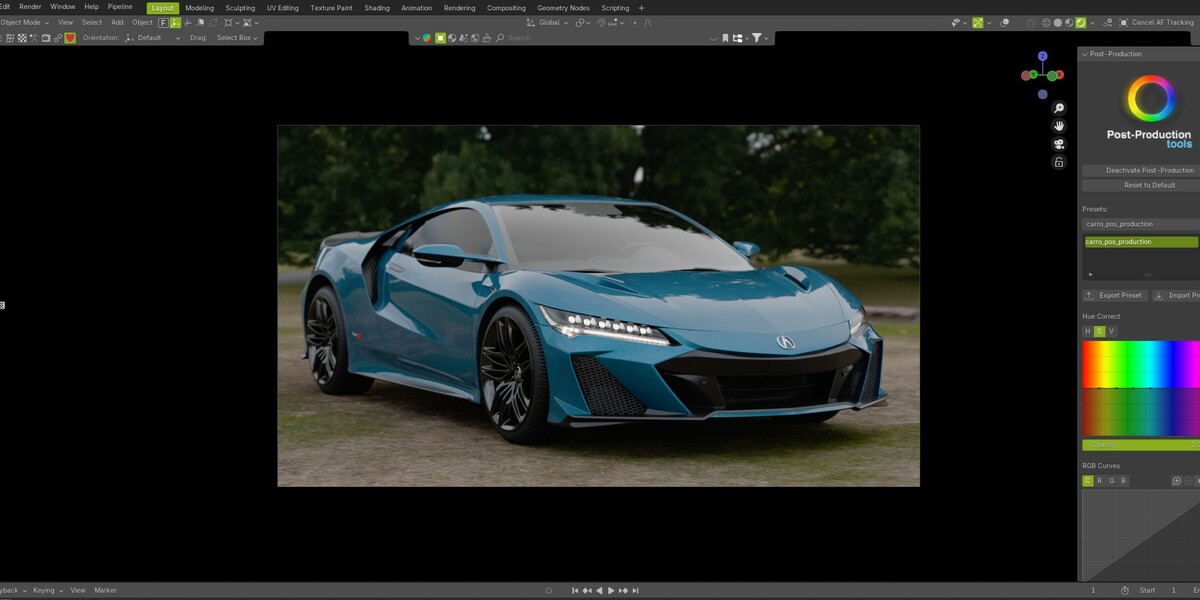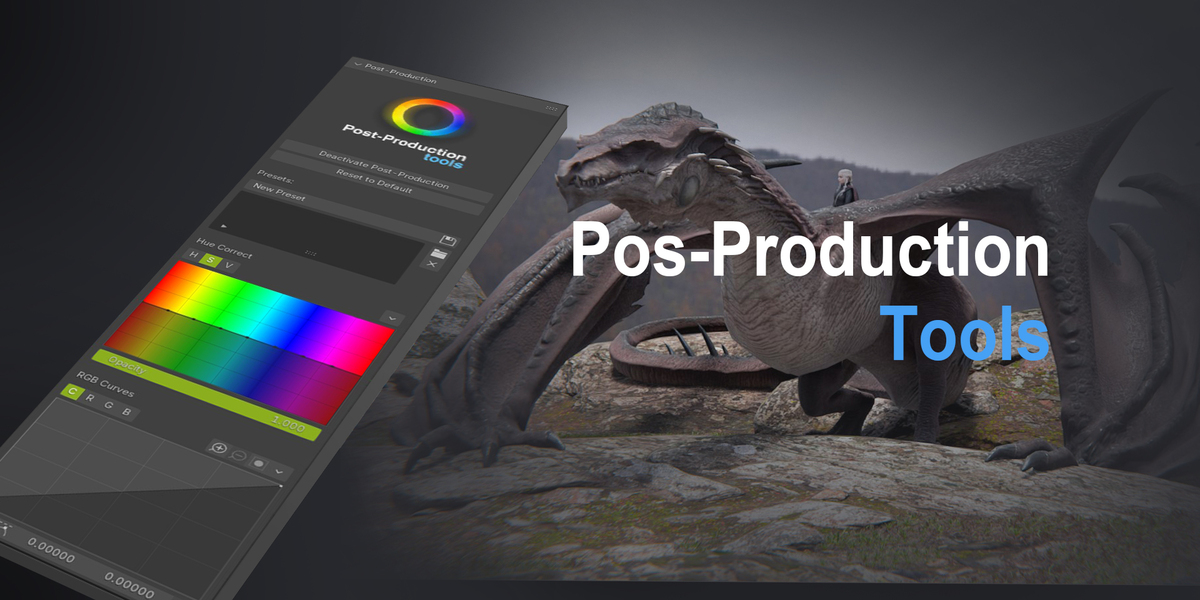
Raw Render - Post-Production Tools is a Blender add-on for refining viewport renders from a panel in the 3D View. It provides real-time feedback while you adjust the overall image, keeping these corrections close to the rendered view.
Color and effect controls
The panel covers color tones, gamma, saturation, shadows, sharpness and chromatic aberration. It is intended for quick render finishing without manually setting up each adjustment in Blender's Compositing workspace. The product description lists Cycles and EEVEE Next as supported render engines.
Presets and reusable settings
You can save and load multiple presets for looks you use again. In version 1.1, SMArchviz added export and import for post-production settings, so a settings file can be used in another project. The update also added color correction controls and included minor bug fixes.
Installation and compatibility
The product page's instructions say to install the add-on ZIP from Blender's Edit > Preferences > Add-Ons panel. After installation, open the 3D View sidebar and use the "Post-Production" panel. The supplied Superhive product listing shows Blender 4.0–5.3; check its compatibility and installation details before installing.
The separate documentation page points to the product page for installation instructions and says users with questions can contact the creator by private message.