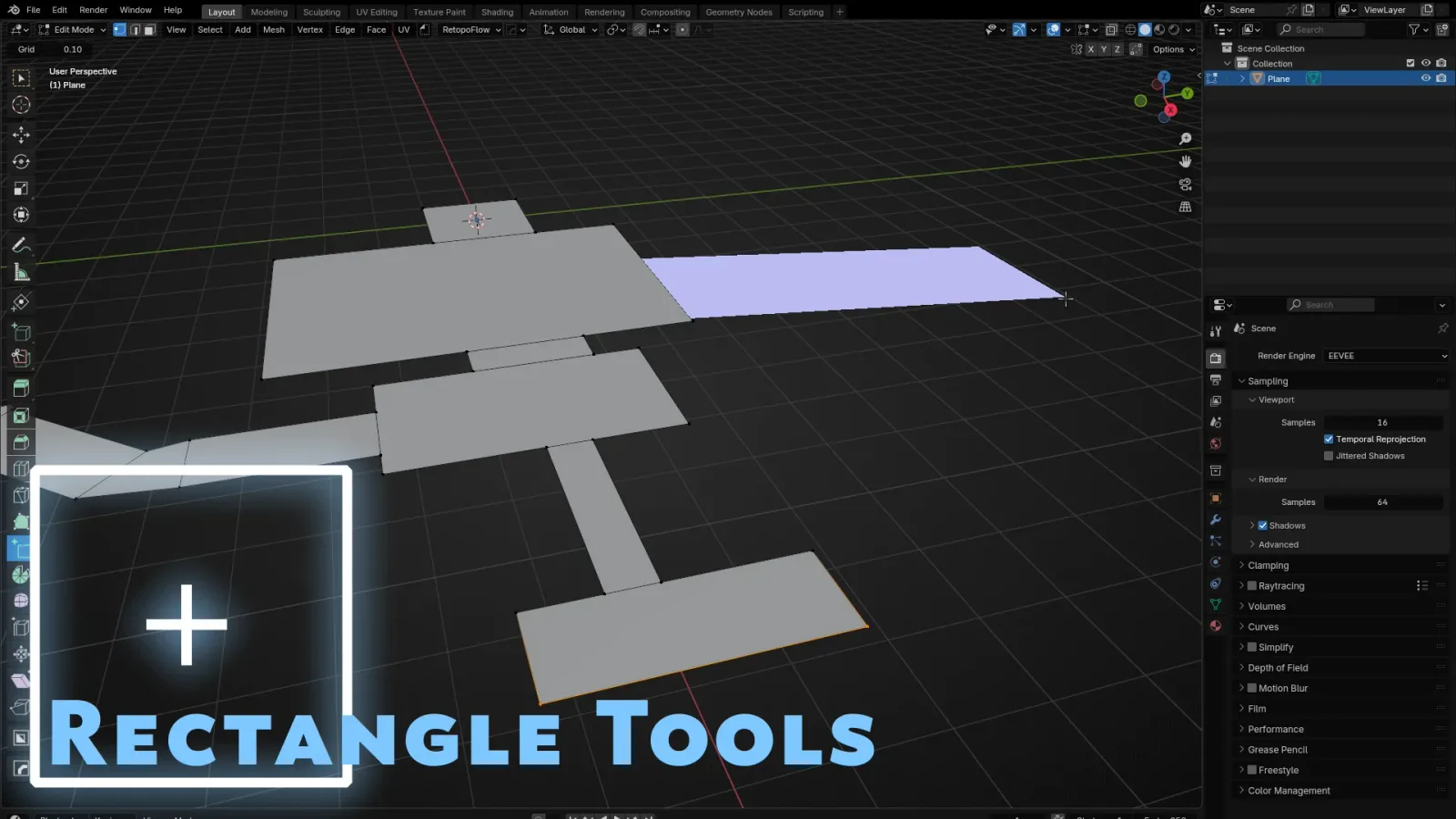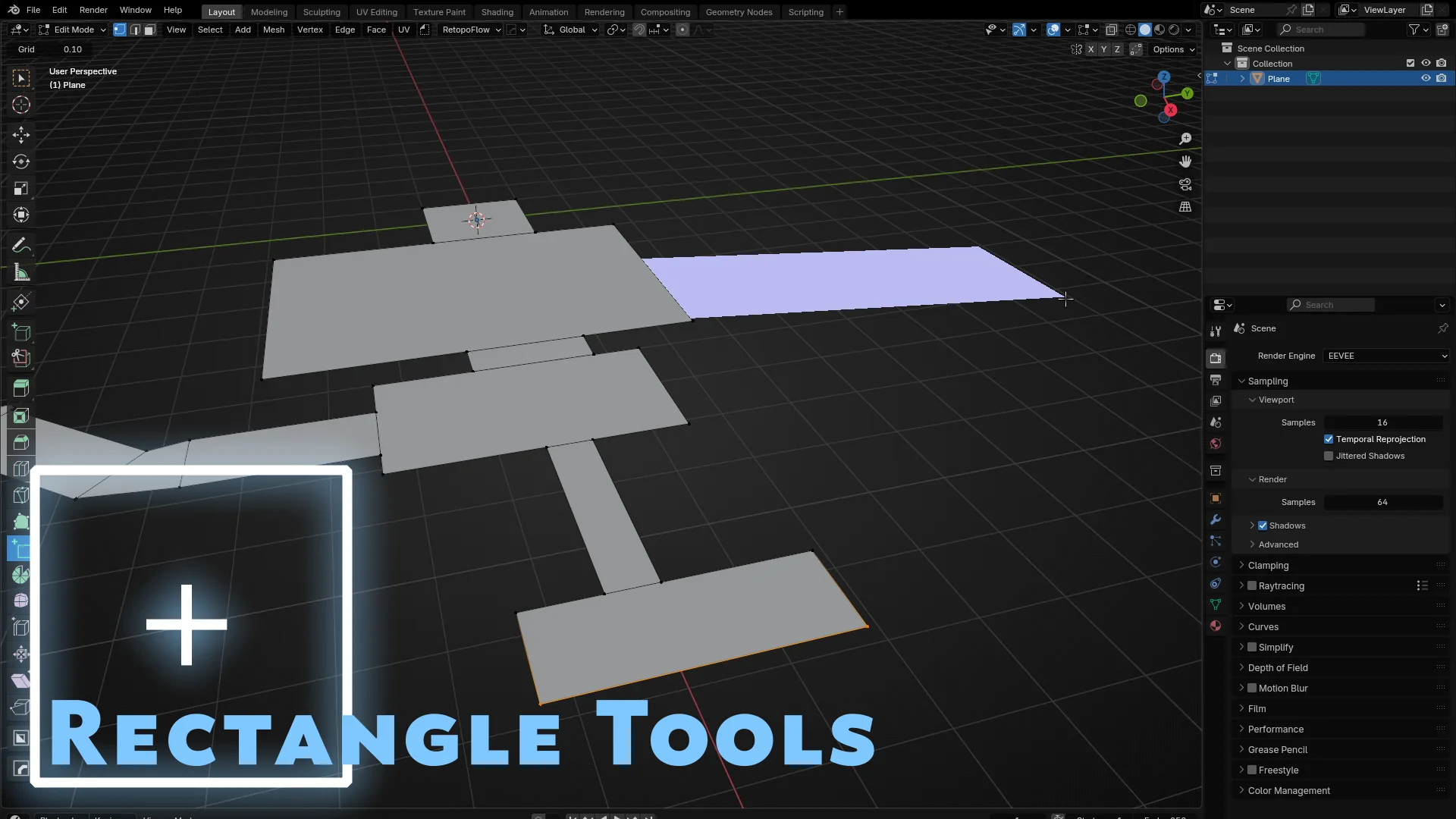
Rectangle Tools is a Blender add-on by shinmera for drawing rectangular geometry during mesh editing. The official Blender Extensions listing describes it as a way to draw rectangles in Edit Mode. The catalog record lists version 1.0.2, Blender 4.2.0 as the minimum, the Modeling category, and GPL-3.0-or-later and Zlib licenses.
Draw rectangles from mesh edges
Select a mesh, choose Rectangle Tools from the toolbar, then drag from the highlighted edge to size a rectangle aligned with it and release to extrude it. Right-click cancels. A click without dragging extrudes the highlighted edge toward the cursor, and the new edge stays selected for adjustment with Blender's standard transform shortcuts. These controls are described in the usage notes.
Grid snapping defaults to a precision of 0.1, which you can change in the tool options. Holding Ctrl switches to midpoint extrusion, moving both sides of the rectangle outward as you drag.
Compatibility and installation
The catalog lists Blender 4.2.0 or later. The version notes say release 1.0.2 fixed issues with objects that have an applied transform. The Blender manual's Install from Disk instructions explain one way to install an extension. The official listing links to the developer's project page for issue reporting and release details.
Snapping on cylinders
One reviewer on the Blender Extensions reviews page reports trouble with snapping when drawing rectangles on cylinders. This is one user's report, not a confirmed limitation for every setup. If cylinder modeling is part of your work, try the tool on a representative mesh first.