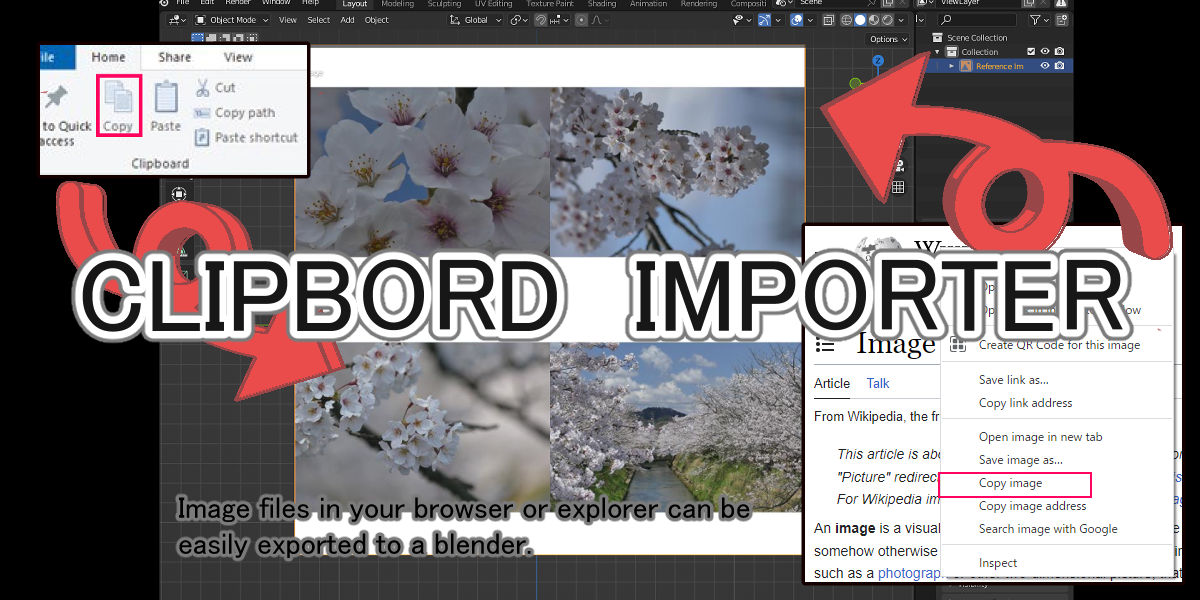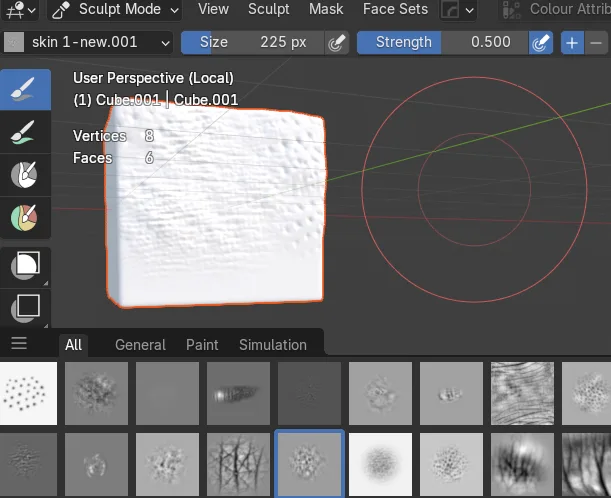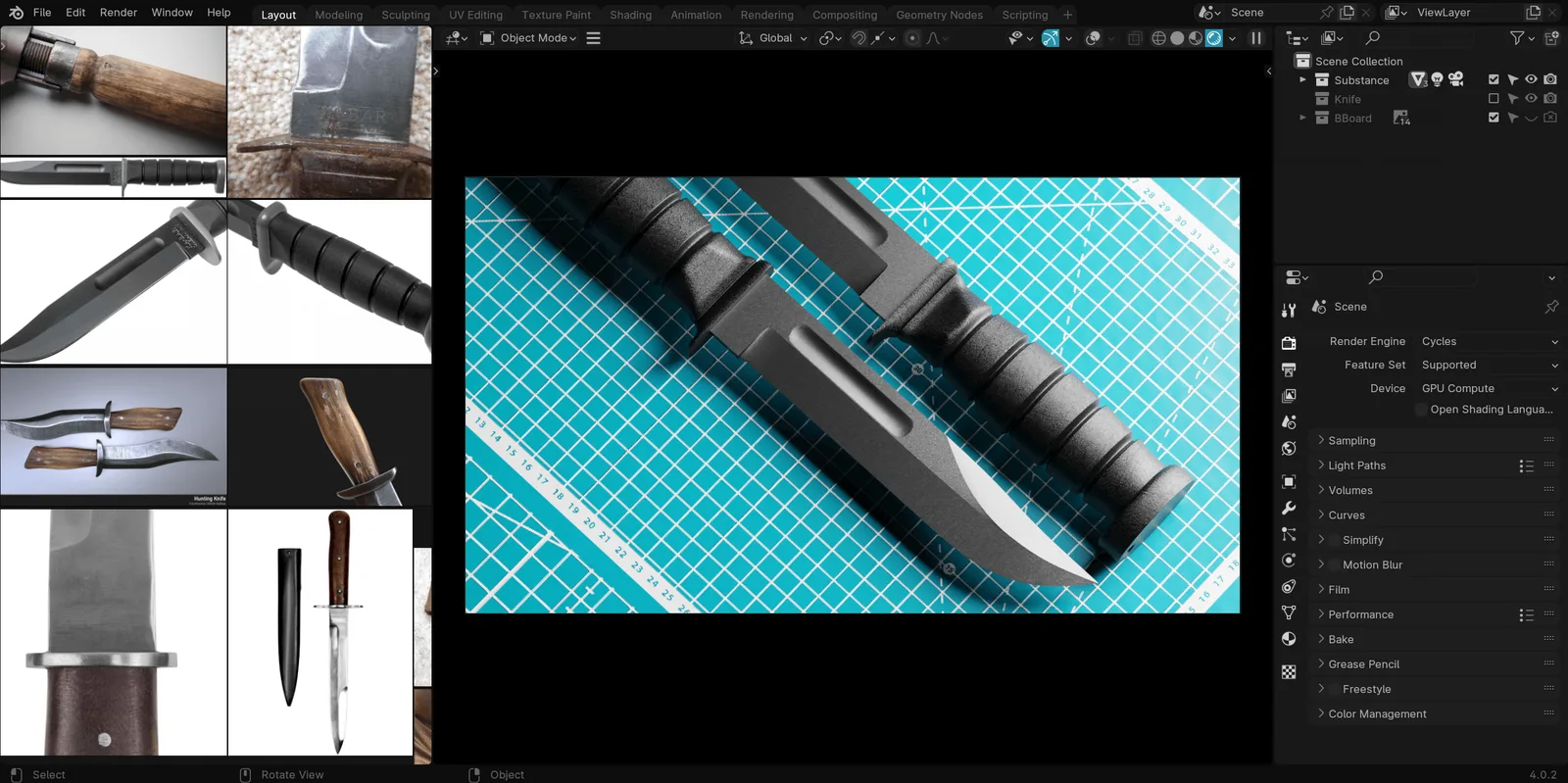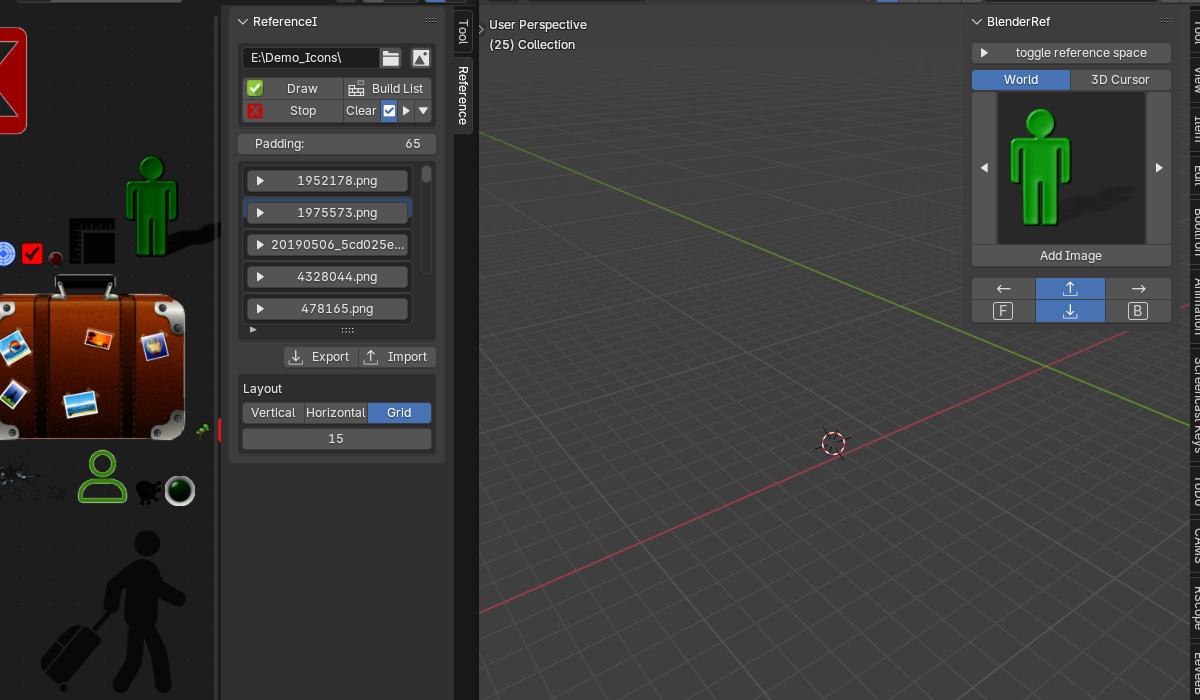
Ref-Pro Image Referencing Made Easy, also called RefPro, is a Blender add-on for importing and arranging image references in a dedicated workspace in the 3D view. You can load a folder, select several images, or add one image, then arrange them vertically, horizontally, or in a grid. This keeps reference images close to the scene while you model.
Arrange and manage reference images
RefPro lets you adjust the padding between images and toggle the reference workspace on or off. Its RefPro panel in the 3D Viewport also shows the workspace images. If the reference queue changes during a project, you can remove individual images or clear the whole list.
Flip and align controls can mirror images to match your modeling orientation. Import and export sets let you save reference boards for future projects, which is useful when you return to a scene or reuse a board.
Compatibility and installation
The Superhive product listing names Mr. Steve 3D as the creator and shows version 1.1.6 for Blender 3.3 through 4.4. It lists Windows, macOS, and Linux as supported platforms, and Cycles and Eevee as render engines used. The listed license is GPL. Check the product listing for current compatibility and terms before installing.
To install RefPro, open Blender’s Edit menu, choose Preferences, then Extensions, and select Install from Zip. After selecting the downloaded ZIP and enabling RefPro, it appears in the N-panel.
Who may find RefPro useful?
RefPro is aimed at Blender artists who model from 2D or 3D image references and want to arrange them within the 3D view.