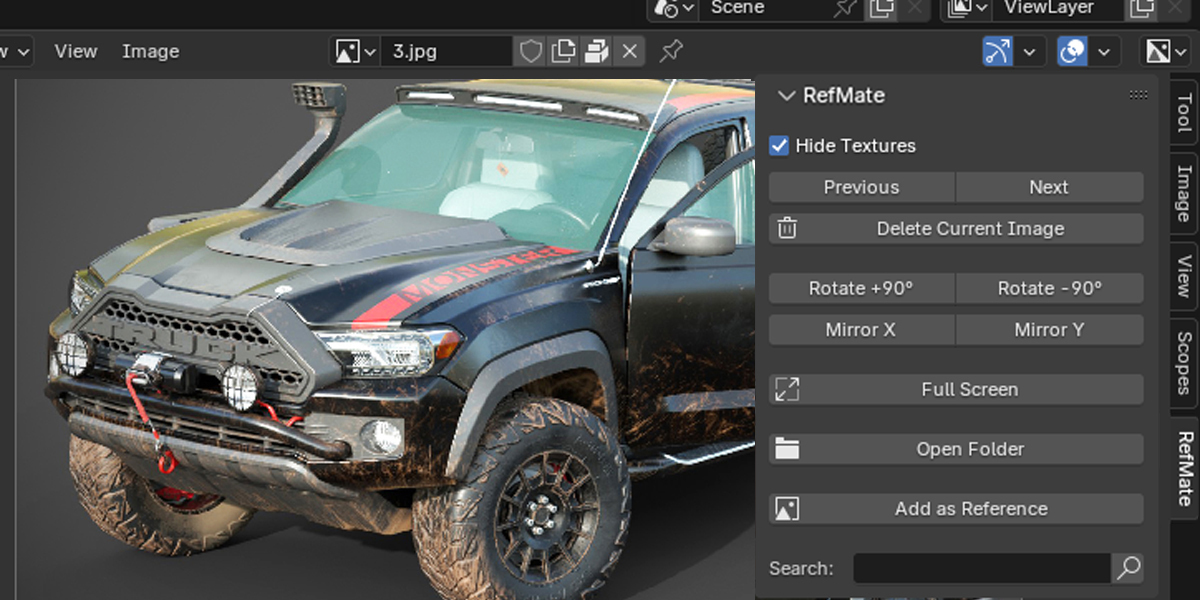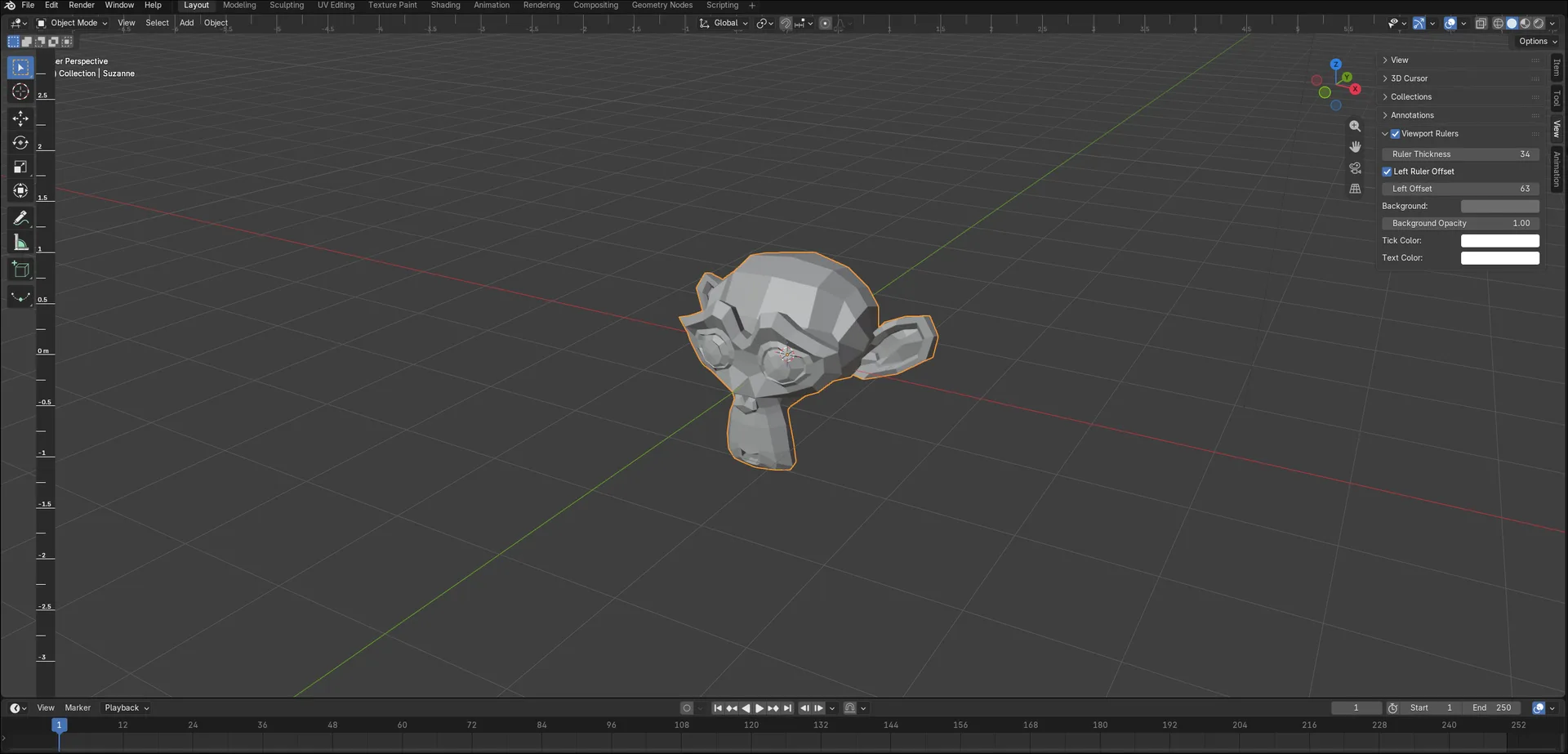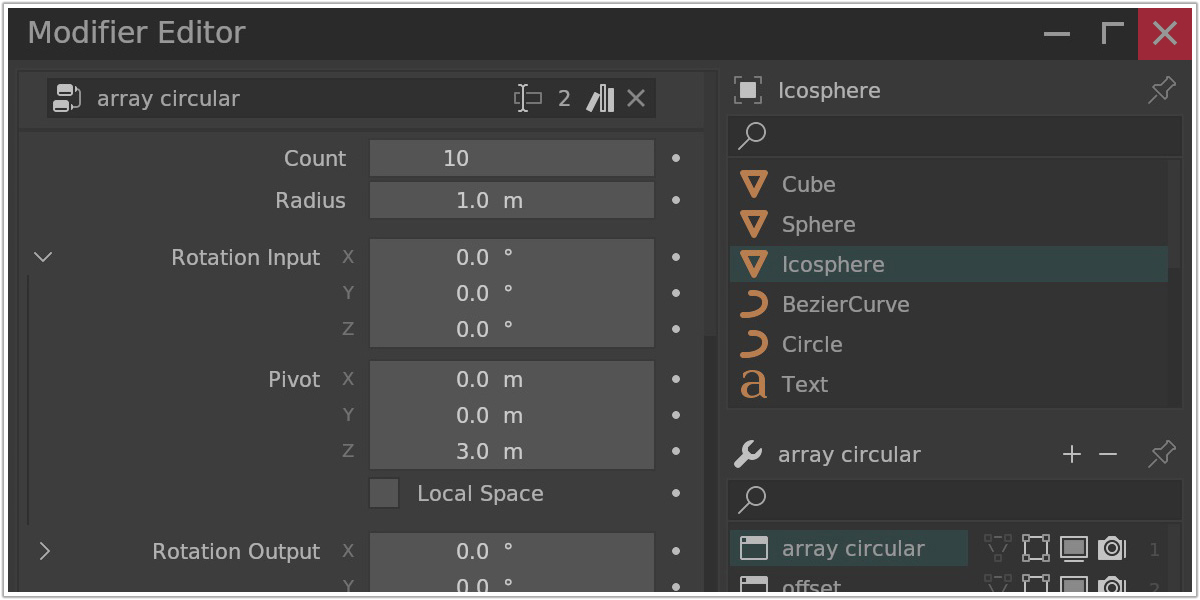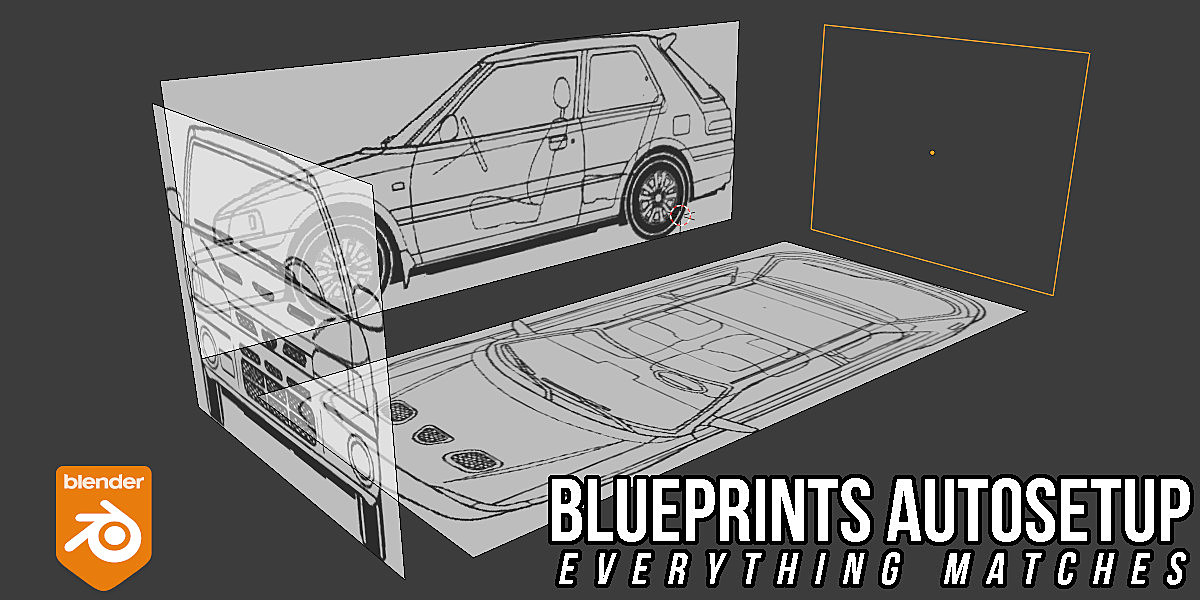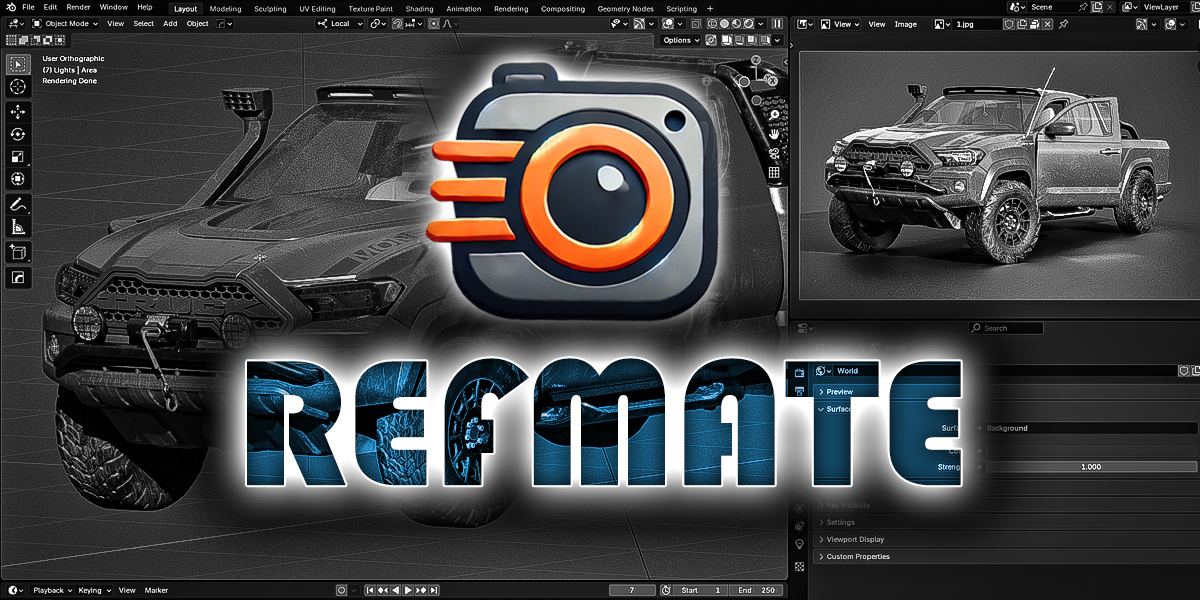
RefMate is a Blender add-on for managing reference images such as concept art, blueprints, and textures. Its tools cover image browsing and adjustments in the Image Editor, plus reference placement in the 3D viewport.
Browse and adjust project images
Use the Next and Previous buttons to cycle through images in a project, or set up customizable keyboard shortcuts. In the Image Editor panel, RefMate can rotate, mirror, or remove images with a single click. The Hide Textures option filters out images linked to materials, helping keep the view focused on reference visuals.
Place references in the 3D viewport
Drop an image into Blender's 3D viewport to add it as a reference object, aligned without distortion for visual references such as concept art and blueprints.
Find an image and its source file
RefMate's search finds images using keywords in their names. The Open Folder command opens the folder containing the current image, so you can reach its source file from the image you are viewing.
Compatibility and license
The Superhive product listing names Blender 3.6 and versions 4.0 through 4.4, and labels the license Royalty Free. Check the seller's listing for current compatibility and license terms before installing.