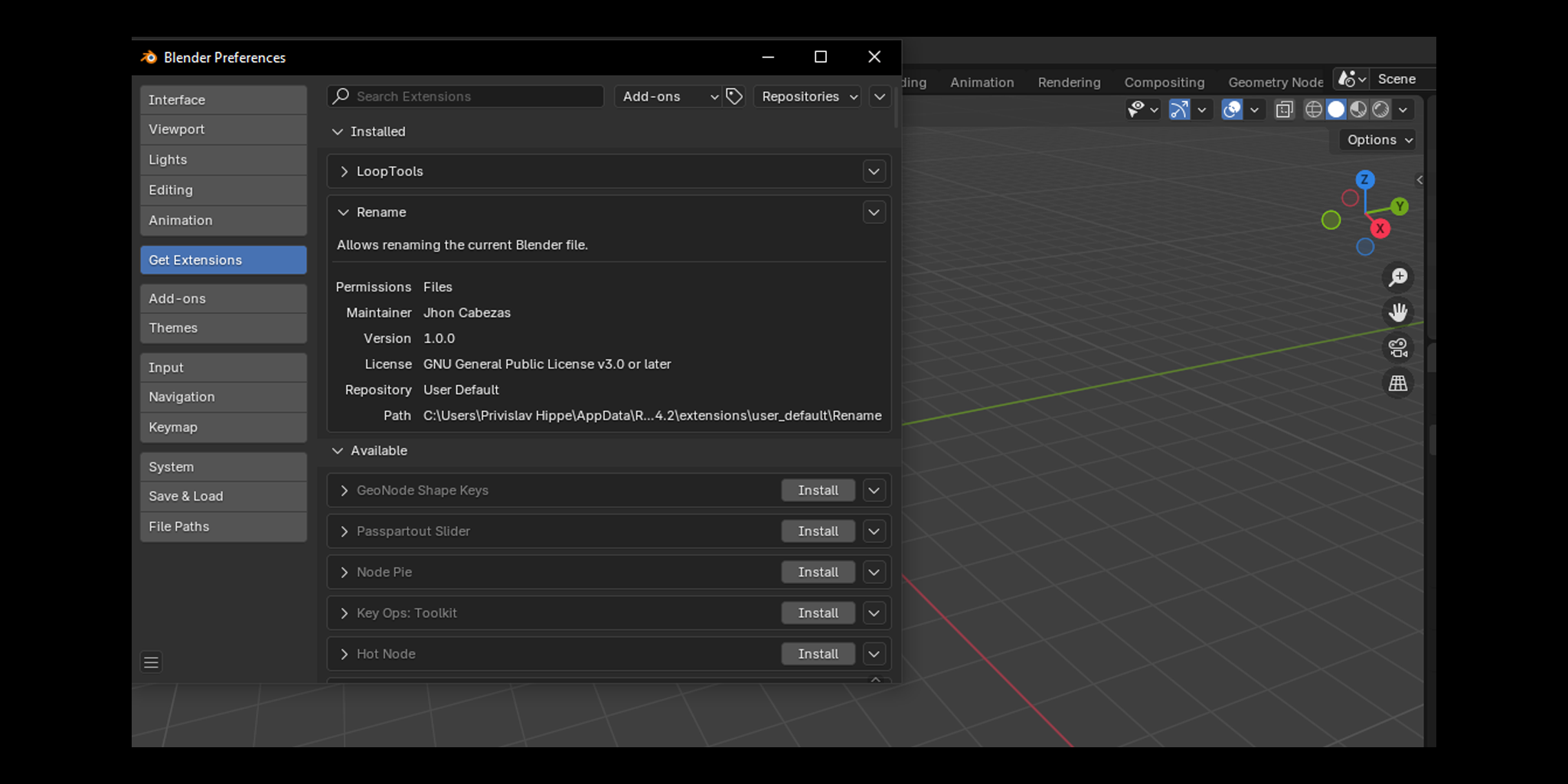
Rename is a Blender add-on by Giambattista Von Nettesheim for changing a .blend file's name from inside Blender. Its interface is integrated into Blender, so you can make that change without switching to your file explorer.
What Rename does
It may suit a workflow where you decide on a clearer file name while working in Blender and want to make the change there. The product listing describes .blend file renaming; check with the creator if you need a different task, such as renaming scene objects or handling files in batches.
Compatibility and license
Superhive marks Rename as Blender Extension compatible and identifies its extension type as an add-on. The listing names Blender 4.2, 4.1, 3.6, 2.93 and 2.83 as compatible versions. It does not confirm support for other releases, so check the creator's listing if you use a version outside that set. The listed license is GPL.
Install the add-on
The product instructions use Blender's standard ZIP installation flow:
- Download the add-on ZIP file.
- In Blender, open Edit > Preferences > Add-ons.
- Choose Install and select the ZIP file.
- Enable Rename by checking the box beside its name.
Save before renaming
Rename does not automatically save your file. Save your work before changing the .blend file's name; saving remains a separate step.
Check the product details
For the listed Blender versions and GPL license, review the Superhive product listing.



