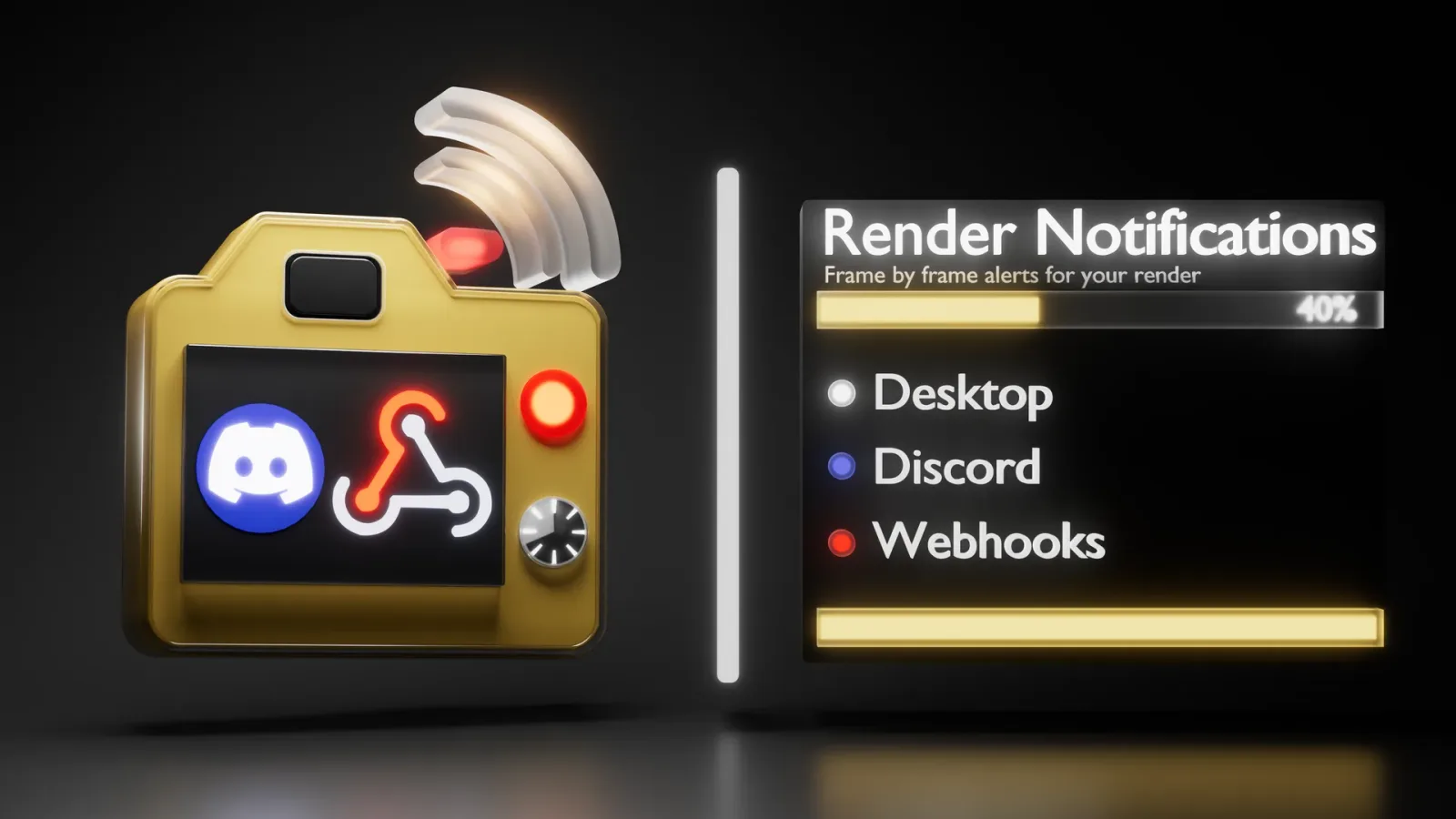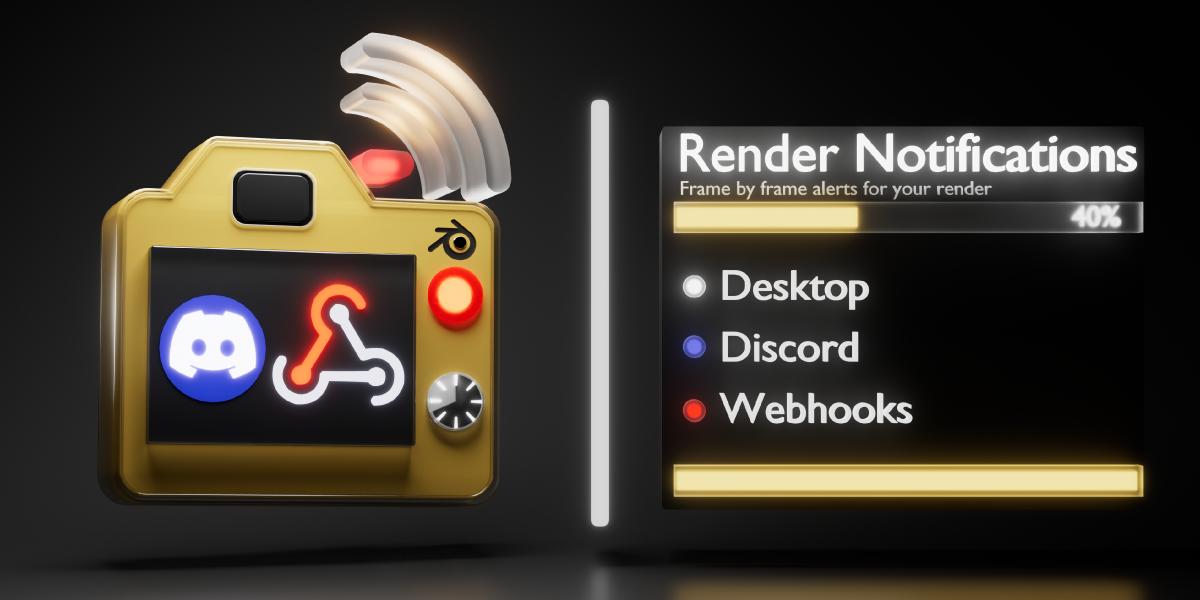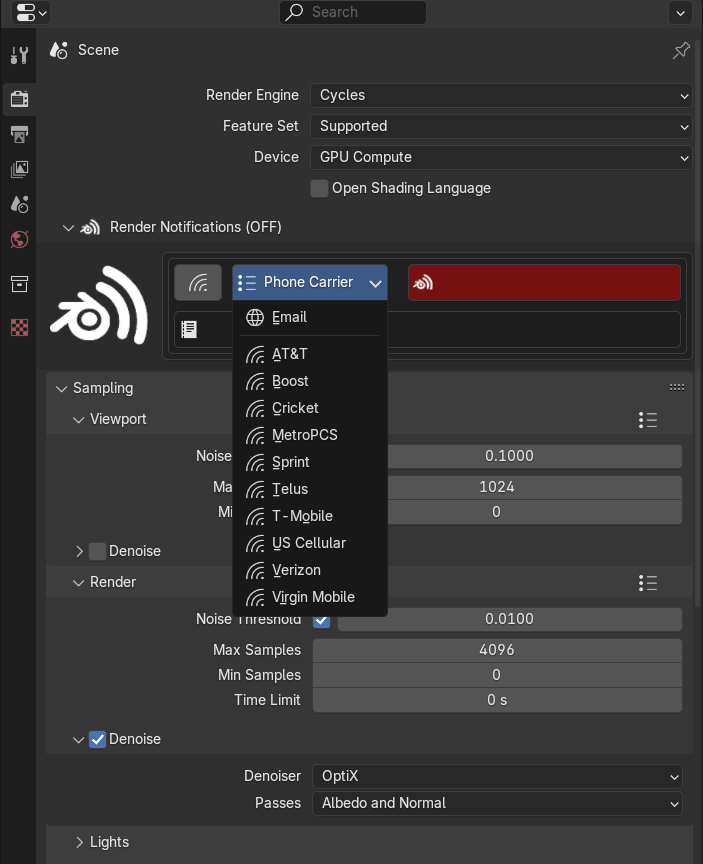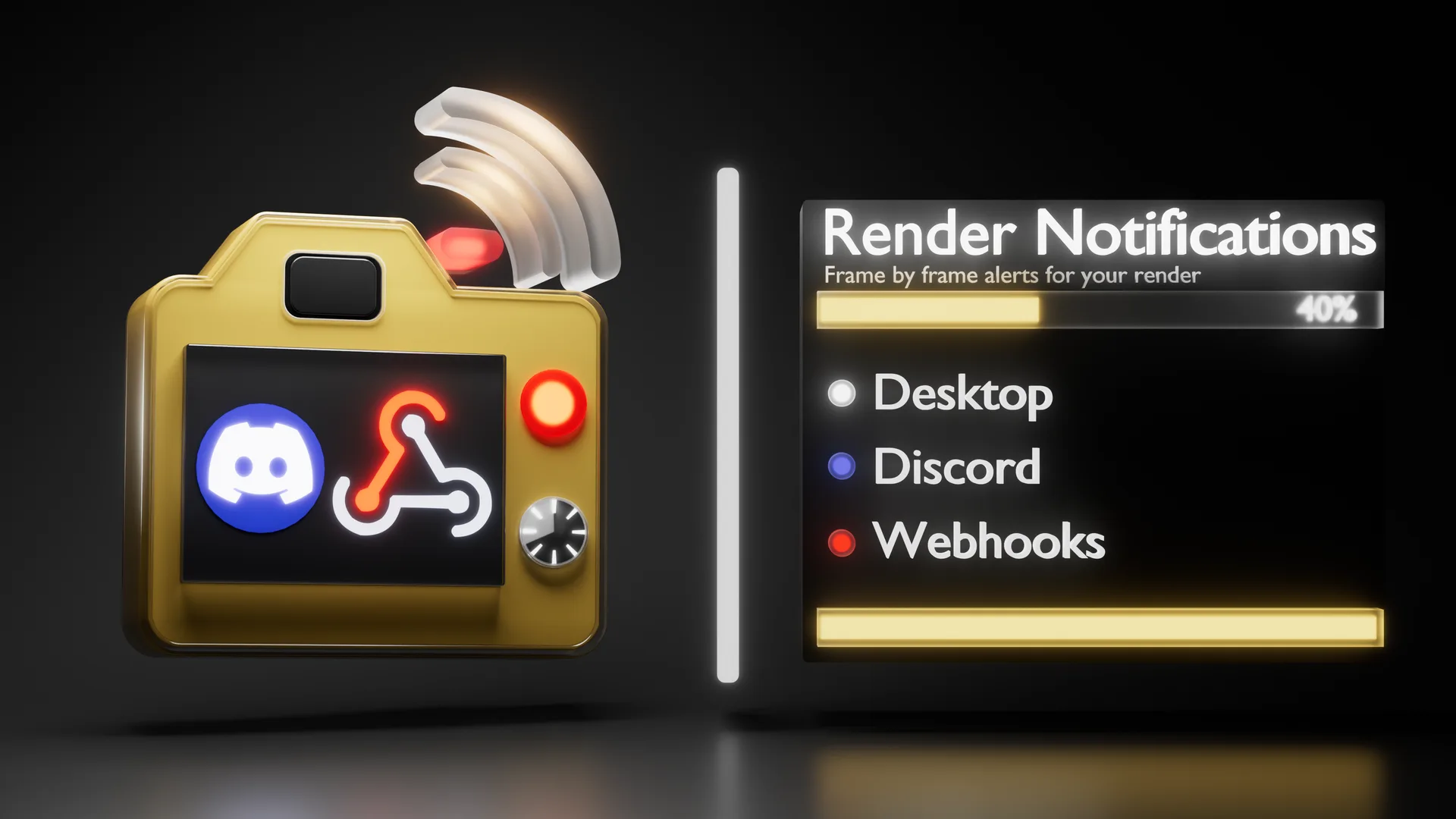
Render Notifications is a Blender extension by JimmyNoStar that sends render event alerts to your desktop, Discord, or a webhook. It can alert you at render start, after the first frame renders, and when the job finishes or is cancelled, which is useful when you leave a render running unattended.
Render events and frame estimates
Render Notifications calculates its progress and timing figures after each frame. These include render time, average time per frame, estimated total render time, frames remaining, and percentage complete. The estimates update as frames finish rather than providing a continuous sub-frame progress reading.
Choose where alerts go
Desktop notifications can show the time taken and estimated total render time. You can also choose a custom WAV sound. For Discord, the extension sends a message when rendering starts, updates it as frames are rendered, then sends a completion or cancellation message.
Discord alerts can include render previews. A single-frame job uses its final image; an animation uses its first and last frames. Preview extraction requires PNG output, and EXR previews are not supported. The extension also lets you set a custom preview image path.
Webhook notifications send structured JSON to external services such as Home Assistant. Notification channels, preview options, and timing settings are available in Blender Preferences and the Render Properties tab.
Version, platform, and installation
The Blender Extensions record lists version 1.3.0, Blender 4.3.2 as the minimum version, and Windows x64 as the supported platform. It lists the license as GPL-3.0-or-later and a Network permission needed to send notifications through Discord and webhooks. Check the official extension page for current release details. Blender's Install from Disk instructions explain how to add an extension ZIP file in Preferences.