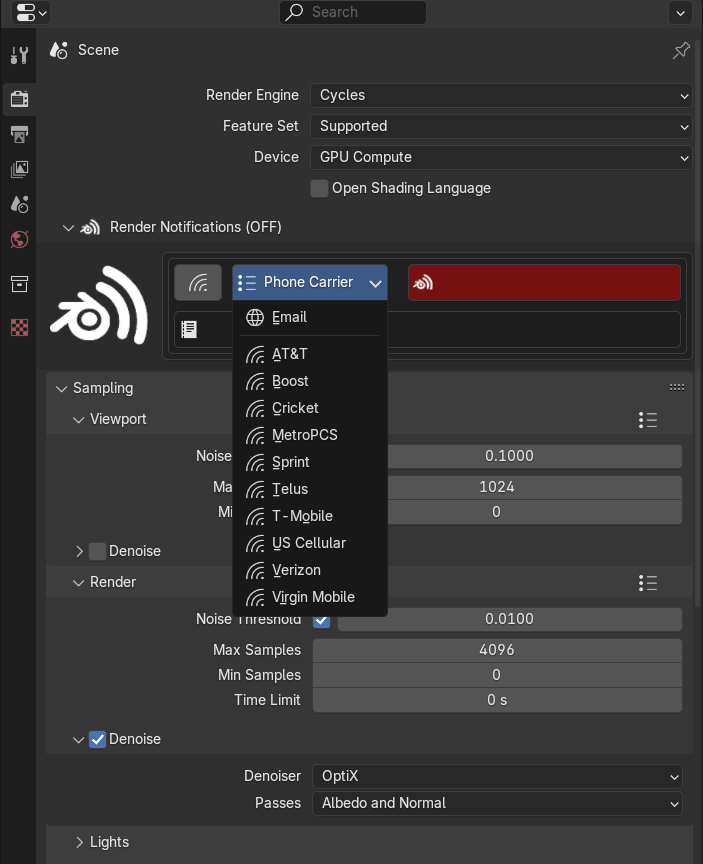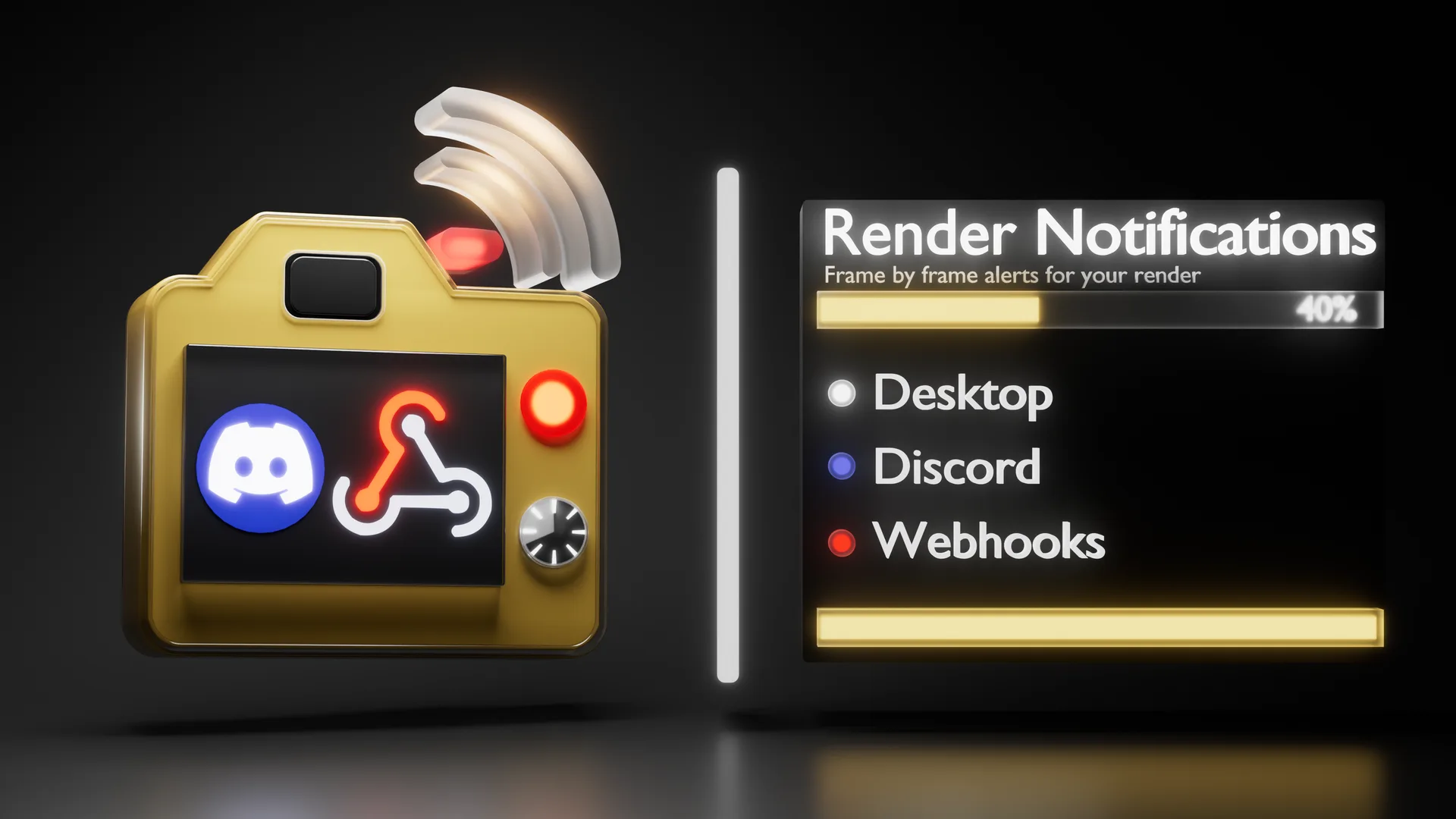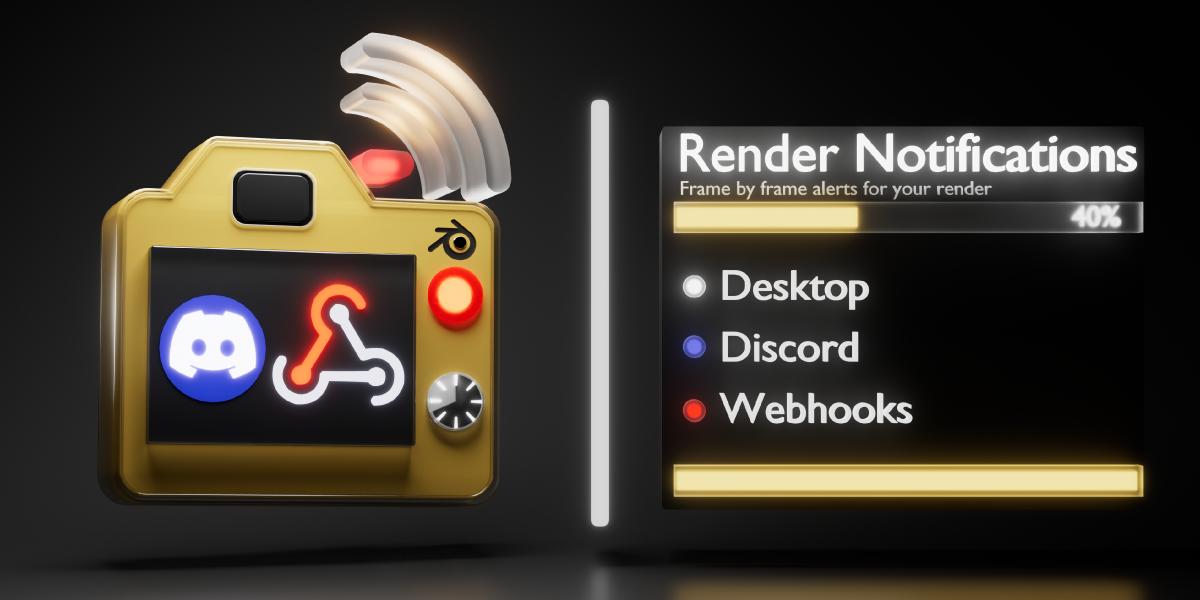
Render Notifications-Frame By Frame Alerts is a Blender extension for keeping track of renders while you step away or work remotely. It reports when a render starts, finishes or is cancelled, with updates through desktop popups, Discord or third-party webhooks. Version 1.3.0 places the add-on in its own collapsible panel in Render Properties.
Choose where render updates go
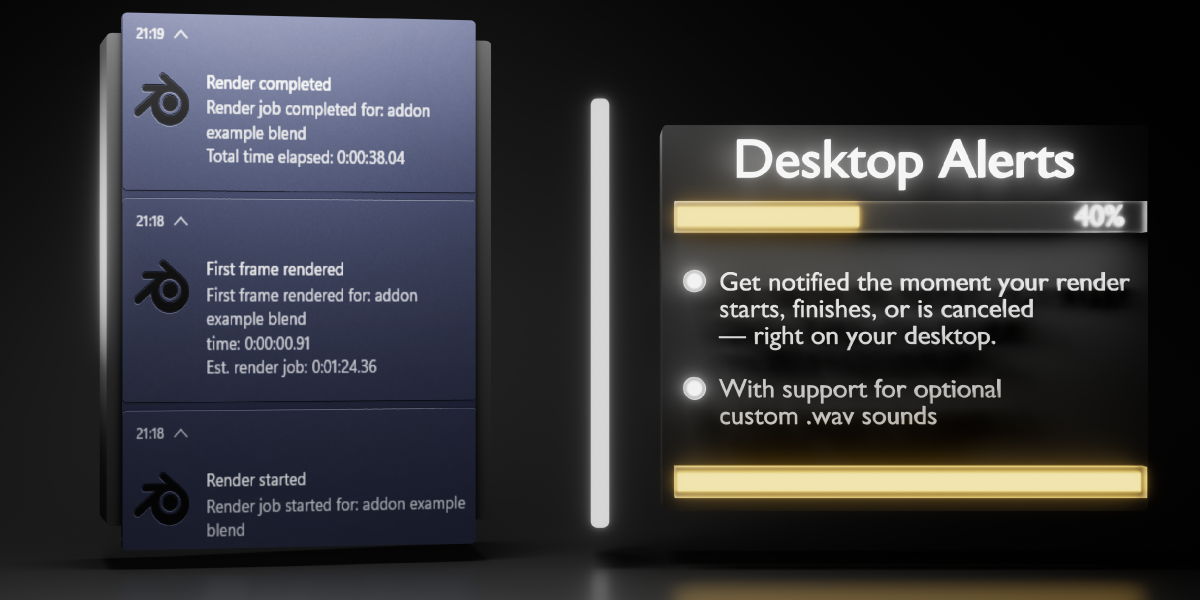
- Desktop: Show alerts for render start, finish and cancellation. You can enable an optional custom
.wavsound. - Discord: Send frame-by-frame updates to a private channel. The add-on edits its message as progress advances and can include a preview of a signal frame or the first and last frames of an animation job. Previews require PNG output; EXR is not supported.
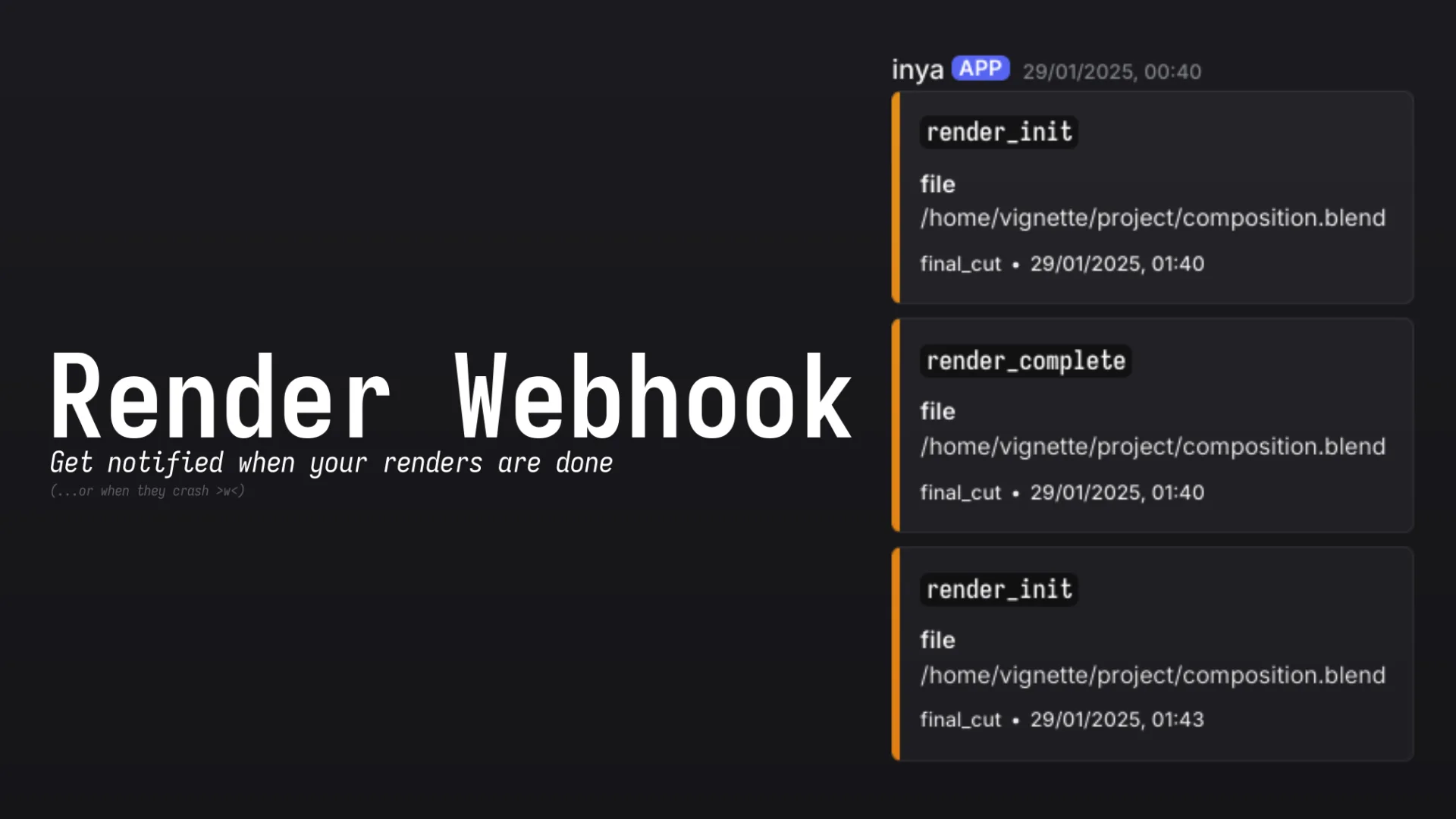
- Third-party webhooks: Send structured JSON to an endpoint after each frame. The developer lists Home Assistant, IFTTT and mobile dashboards as examples. Version 1.3.0 also adds customizable simple messages for chat services that accept webhooks but cannot modify a posted payload. These use the add-on preferences by default, and you can attach some render data.
Install and configure the extension
Download the extension ZIP, then in Blender open Edit > Preferences > Get Extensions and choose Install from disk. After installation, use the notification controls in Render Properties. Configure desktop alerts and sounds in Preferences; Discord settings include a webhook URL, bot name and preview image path. Set a URL for each third-party webhook endpoint you want to receive frame notifications.
Follow the installation and configuration instructions. Superhive's product details list Blender 4.3 to 5.1, while its version notes give 4.3.2 to 5.1 for version 1.2.4. Version 1.2.3 is incompatible with Blender 5.0 and earlier; version 1.2.4 restored support for those versions. If you update the add-on on Blender 5.1, the developer says to disable and re-enable it.
How to read progress and ETA
Blender does not expose render progress or timing directly to Python, so the extension calculates render-time information after each frame. Treat its progress and ETA as estimates. In version 1.3.0, total frames and ETA account for the scene's frame step.
Discord previews and webhook messages have separate settings: version 1.3.0 removed the Discord webhook from the third-party webhook payload. For version history, see the marketplace listing.