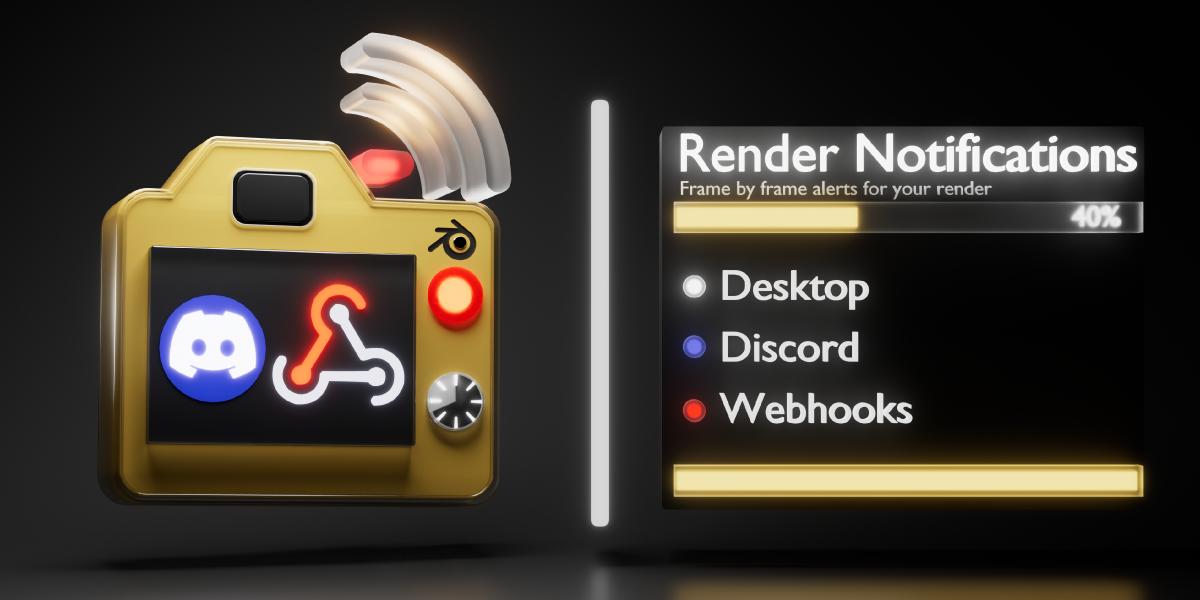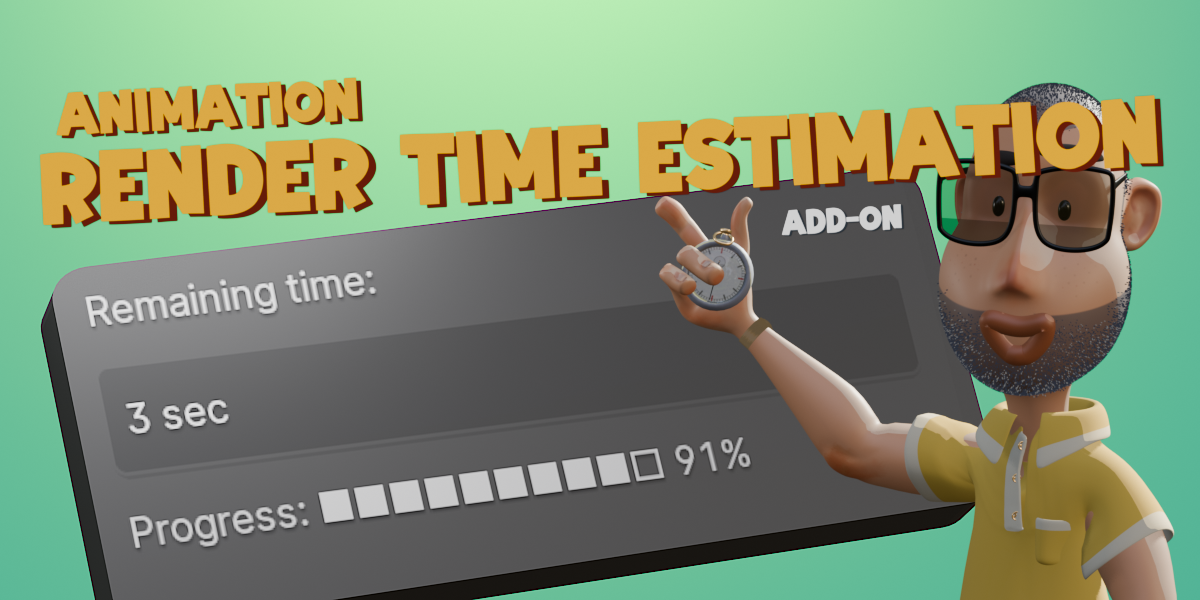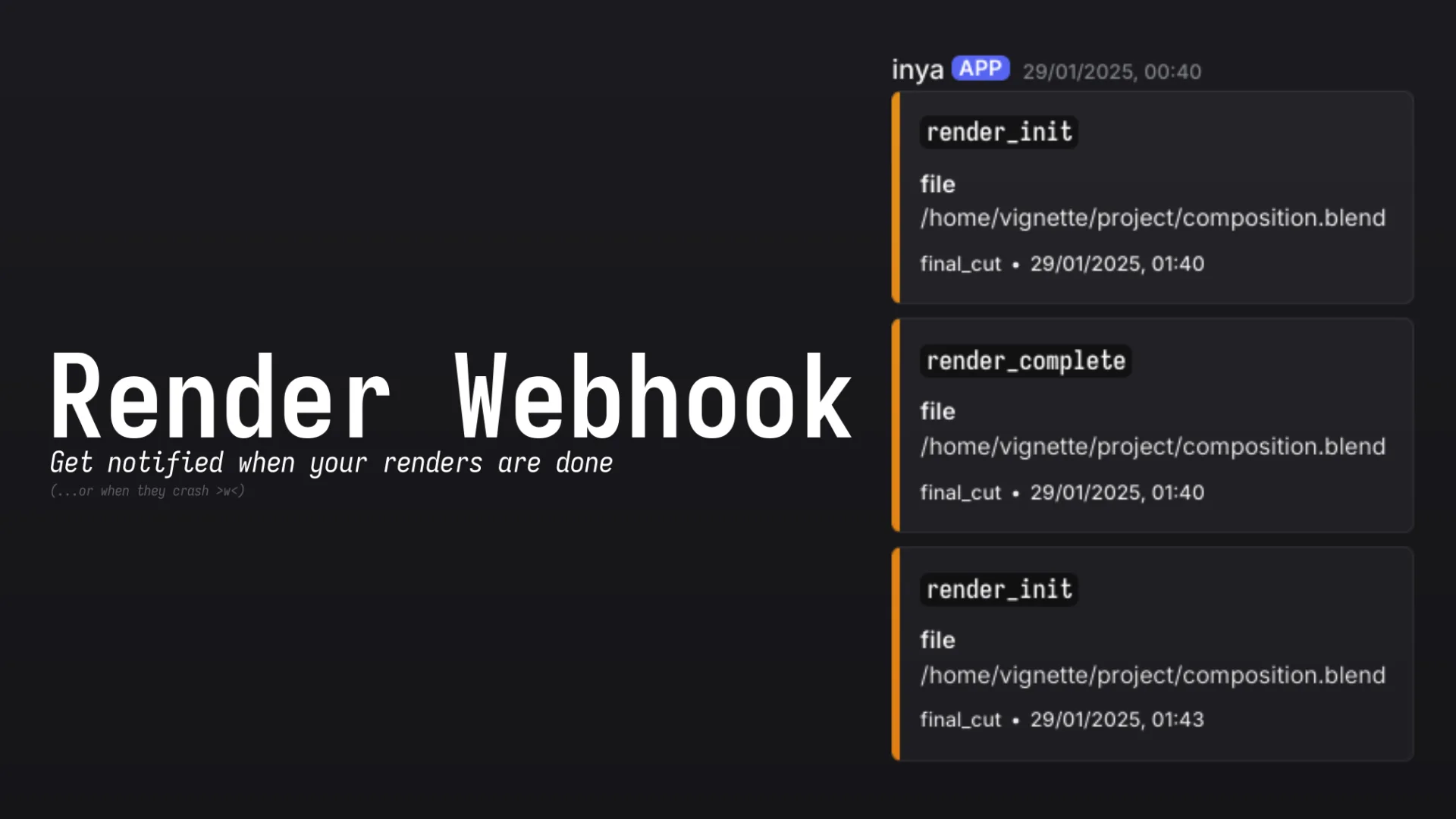
Render Monitor is a Blender add-on for checking render progress away from the workstation. It sends live project status updates through Discord and includes desktop and mobile notifications, a computer ID, essential render information, and monitoring for multiple computers.
How Render Monitor works
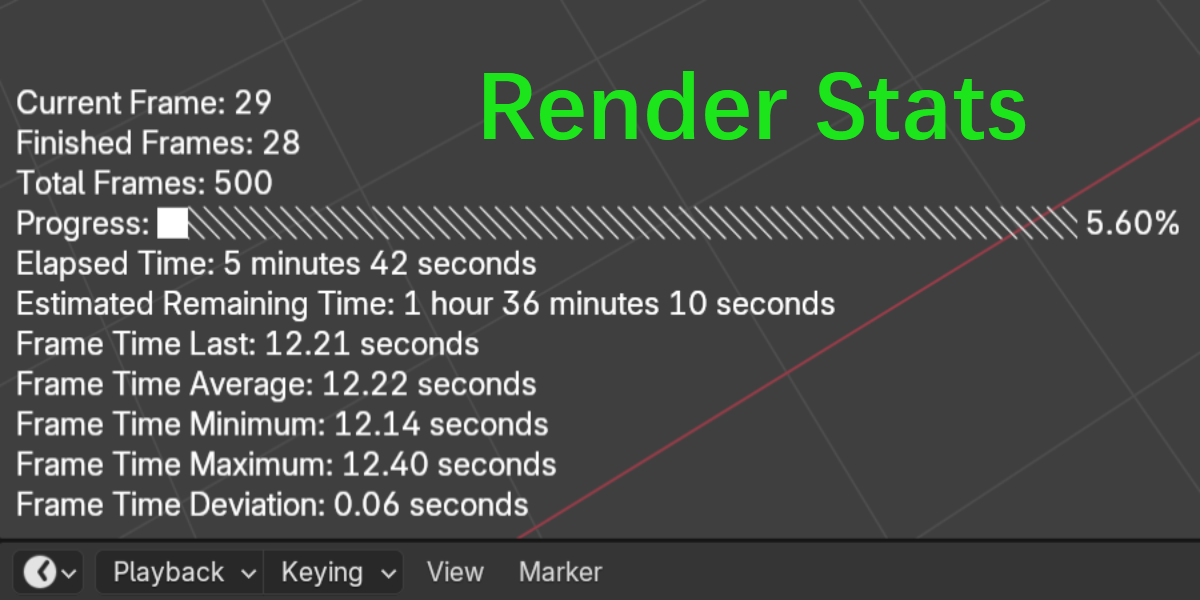
To receive updates, configure a bot on a Discord server and connect the add-on with the bot's webhook. Setup documentation and a step-by-step video guide are available to help with installation. The add-on's render statistics can help identify bottlenecks and inefficiencies and inform adjustments to improve render speed and overall performance.
Discord notifications let you follow a render remotely. To restart a render after a crash remotely, combine the add-on with remote desktop software such as TeamViewer.
Basic and Plus versions
Render Monitor has Basic and Plus variants. The seller describes Plus as optimized for monitoring multiple computers, with improved readability and an interface that looks more polished than a standard Discord chat. Check the product listing for the current variant details.
Blender compatibility
The listing names Blender 2.9, 2.91, 2.92, 2.93, versions 3.0 through 3.6, and versions 4.0 through 4.2. If you use a version outside that list, check with the seller before installing.
See the documentation page for the setup video.