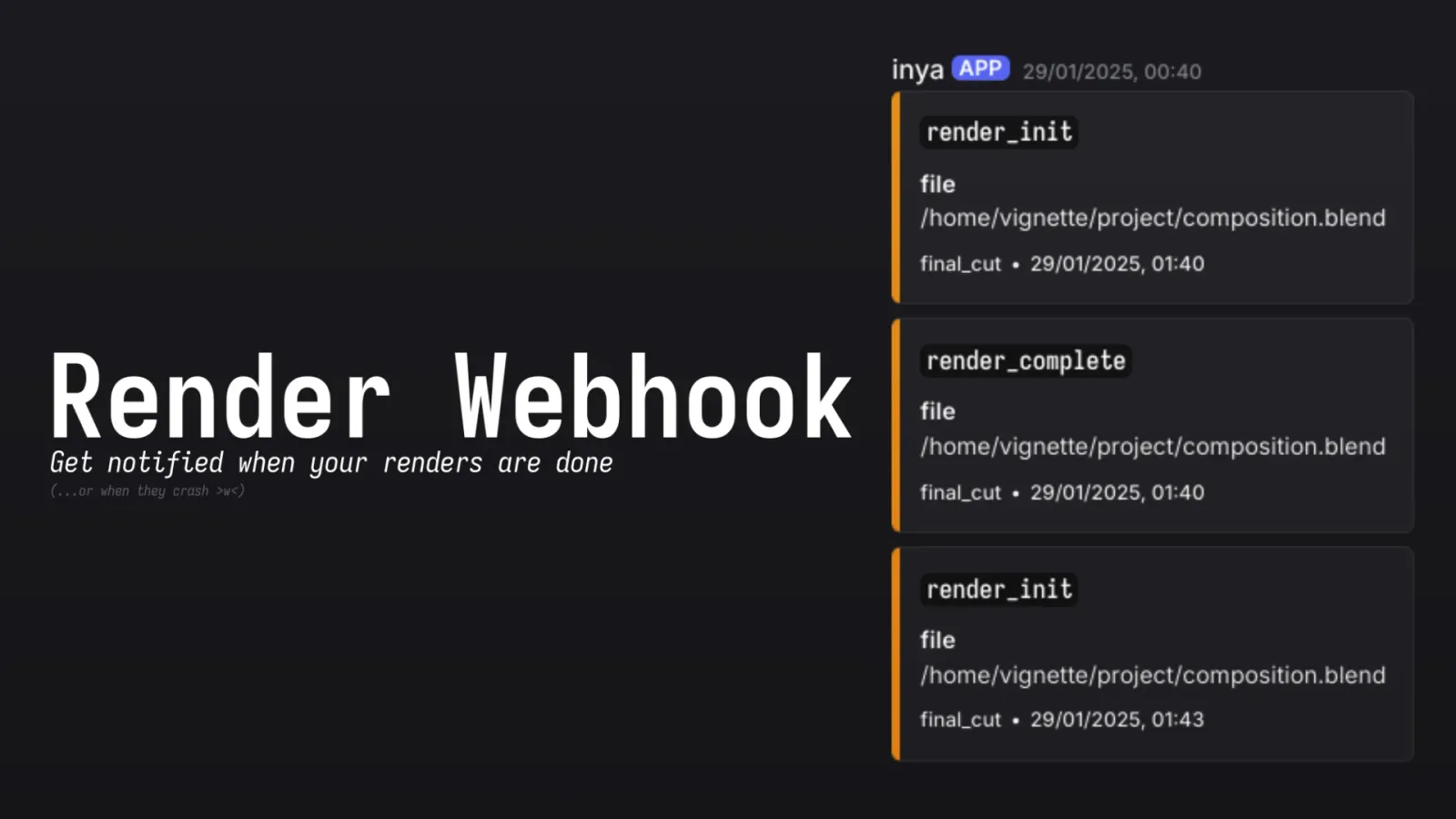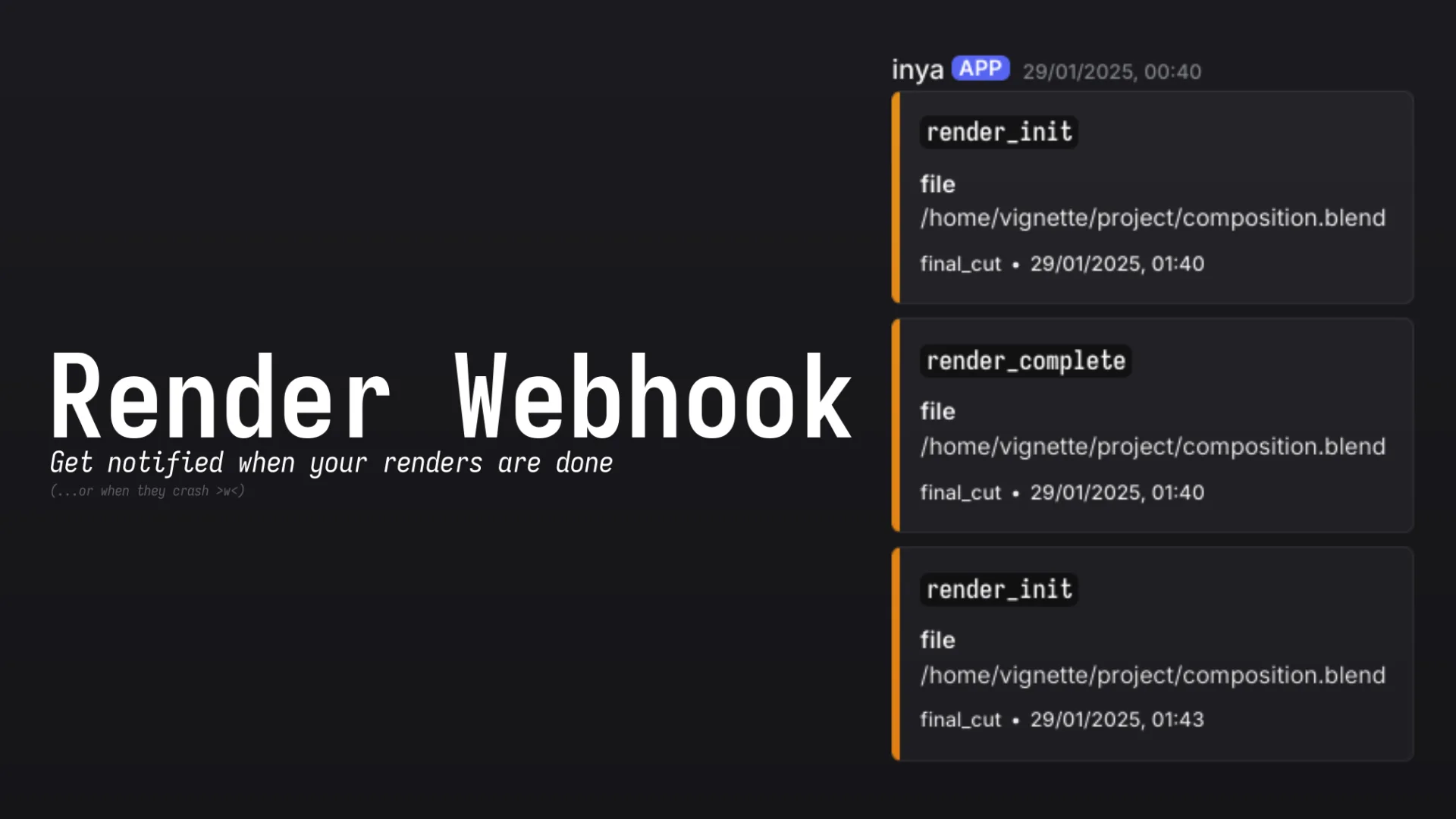
Render Webhook is a Blender add-on by vignette that sends status messages through Discord or Slack webhook formats. By default, it reports when a rendering job is created, finishes, or is cancelled. The extension listing shows version 1.0.2 and Blender 4.2.0 as the minimum version.
Render event notifications
By default, Render Webhook sends a message when a rendering job is created, when it finishes, and when it is cancelled. These event updates can help you keep track of a Blender render while you work elsewhere or step away from the workstation. The listing describes milestone notifications, not a continuous per-frame progress feed.
Discord and Slack are the two supported webhook formats named in the extension listing. The add-on requests Network permission so it can send HTTP requests to the endpoint URL you provide.
Configure the endpoint and project
Set up the destination in the add-on preferences, then enable webhook sending for each project where you want render updates:
- Install the add-on from the Blender Extensions listing if you use Blender 4.2.0 or later. The page provides drag-and-drop and download-and-install options.
- In the add-on preferences, enter the webhook endpoint URL and select its type, Discord or Slack.
- Use the preferences test button to check the configured endpoint.
- Open the Scene > Output tab in the project and enable webhook sending.
The endpoint settings and project-level switch are separate steps. If a project does not send updates, check that the endpoint and type are set in preferences, then confirm sending is enabled for that project.
Compatibility and scope
The current listing identifies Render Webhook as version 1.0.2, maintained by vignette, and compatible with Blender 4.2.0 or later. It is licensed under GNU GPL version 3.0 or later. The listing says there is no changelog for this release.
Before setting up a workflow around it, check that Discord or Slack fits your destination. The extension listing does not describe other webhook services, custom message formats, event filters, or retry behavior. If your use depends on one of those details, review the developer's add-on repository before relying on it.