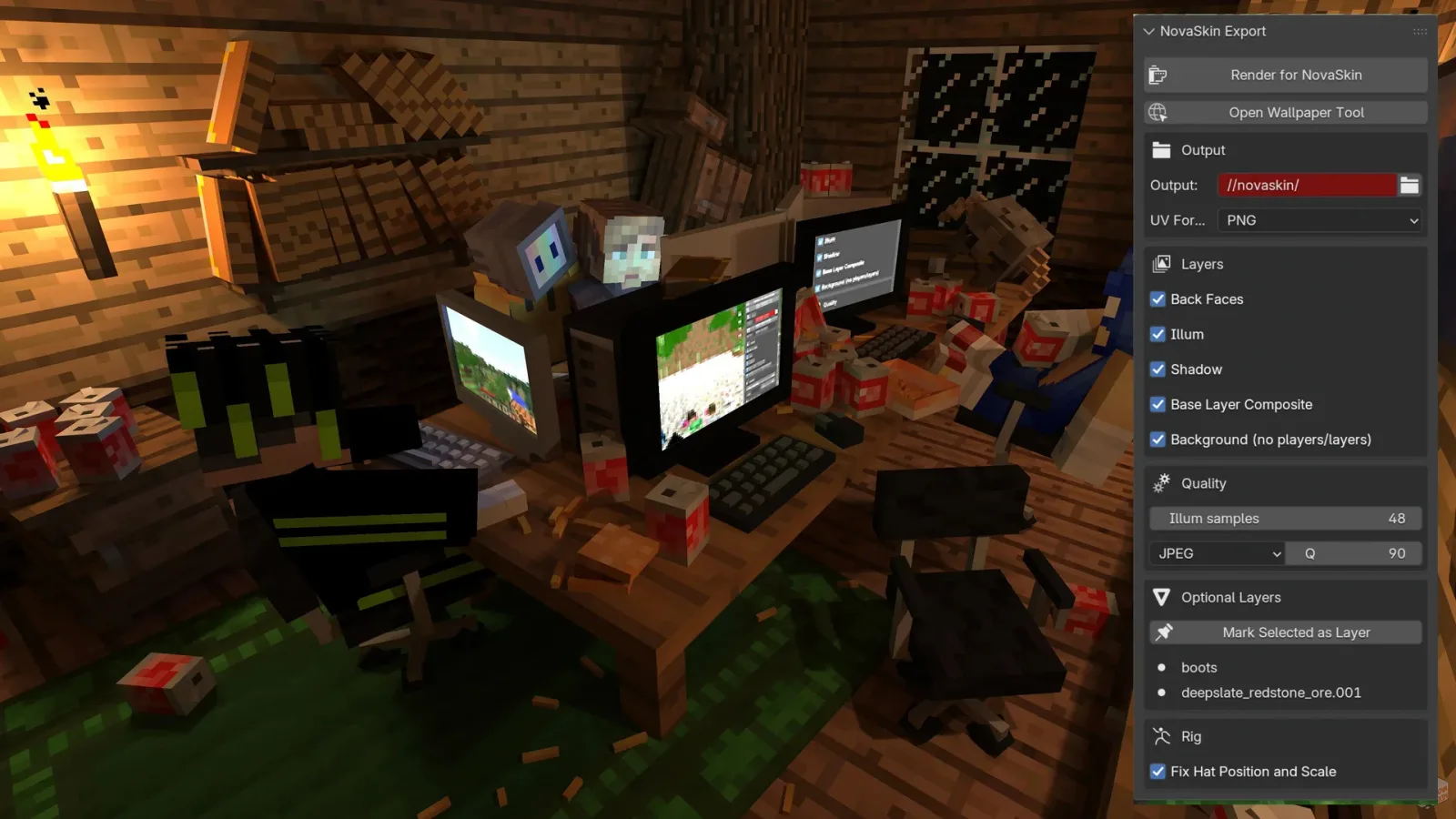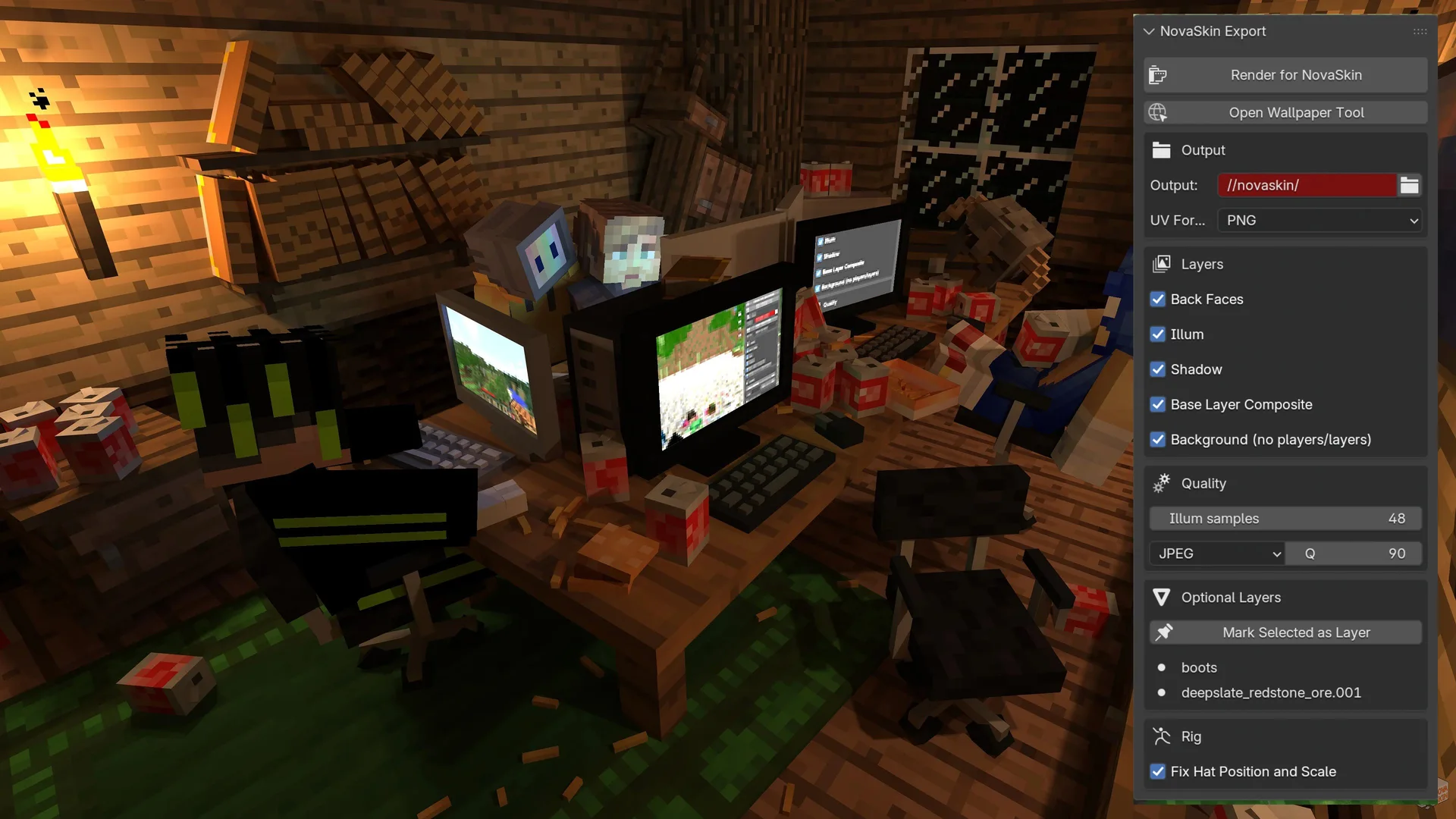
NovaSkin Export is a Blender add-on by Saviski for turning scenes built with the Thomas Rig Legacy Minecraft rig into re-skinnable wallpapers for the NovaSkin browser tool. The tool can apply a Minecraft skin to the exported scene without rendering it again. The add-on exports either a still interactive 3D scene or a looping animation.
What the still export includes
Each character is exported as a re-skinnable mesh with a baked light atlas. In the browser, users can apply a skin under the scene lighting, switch between classic and slim arms, and toggle overlays such as hats, jackets, sleeves, and pants.
The default Mesh export writes character geometry in mesh.bin and positions.bin, a light atlas for each character, shadow and foreground images, a background, and a manifest.json with draw order, depth, and bounding boxes. The manifest is resolution-independent. Scenery objects, rigs, or collections can also be marked as optional layers. The exporter writes those separately with their occlusion and cast shadows so the wallpaper tool can toggle them. A legacy Texture UV mode is also available in add-on preferences; it is off by default and exports flat per-part UV, occlusion-mask, light, and shadow images instead of a mesh.
Animated wallpapers
The Animation tab offers a Draft preview of the first few seconds or a full-quality looping export across the scene's full frame range. Its single composite.webm contains the scenery, lighting, and a character-versus-scenery occlusion matte in frame-locked bands. The scene's view transform is baked into a LUT. Full quality creates a per-frame light atlas for each character; Draft mode previews the first few seconds at half resolution and half frame rate with the base skin layer only. Animated exports require ffmpeg on the system PATH; still exports do not.
Requirements and workflow
- Blender 4.2 or newer, running with a GUI. The exporter reads renders through the compositor's Viewer node, so background mode is unsupported.
- The Thomas Rig Legacy rig, installed separately, with at least one player in the scene.
- A saved
.blendfile and an active camera. The export goes into anovaskin/folder beside the file.
In the viewport, open the sidebar with N, choose the NovaSkin tab, and check the detected players. Use Render for a still wallpaper or the Animation tab for an animated export. A progress bar tracks the steps; the export can be cancelled, and the scene is restored afterward. The Blender Extensions listing declares file access for writing exported UV, mask, and light files next to the .blend.
Version and source
The listed version is 1.4.3. Its release notes describe fixes for Mixamo FBX retargeting and animation export, including retaining a rig's placement during retargeting and allowing export when a rig is in Pose or Edit mode. See the Blender Extensions listing for requirements and version details, or the add-on repository for source, issues, and the output-format reference.