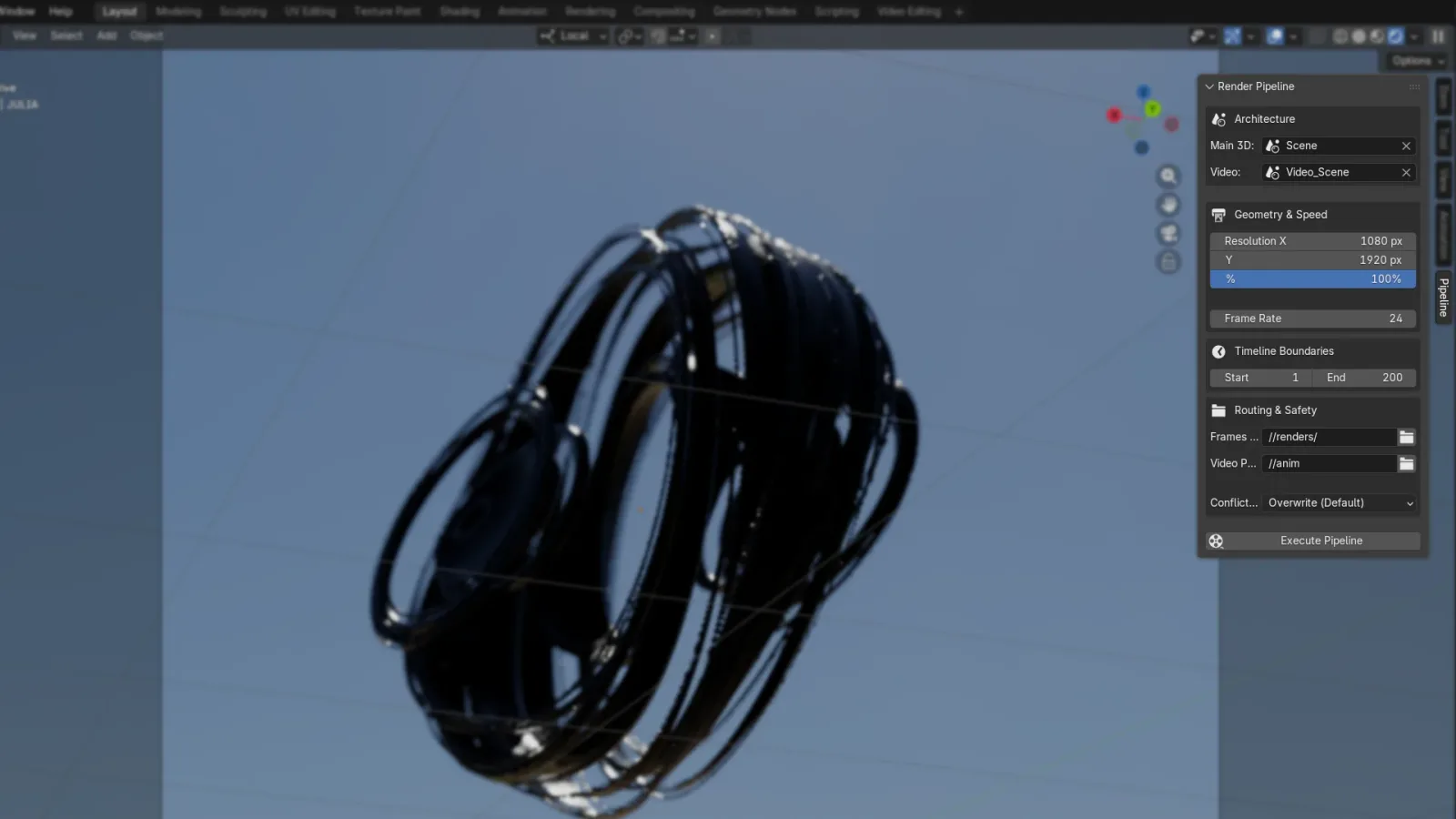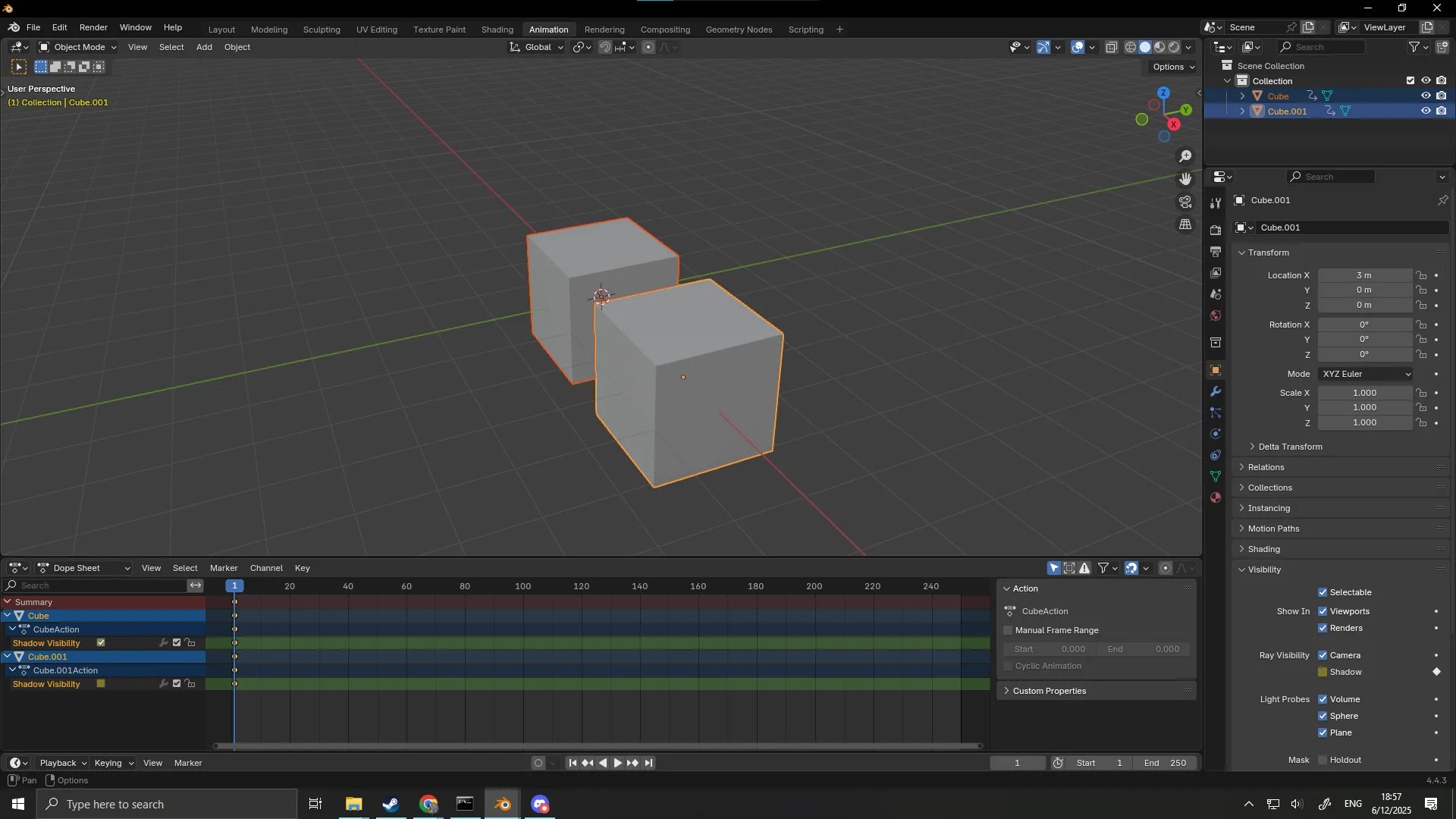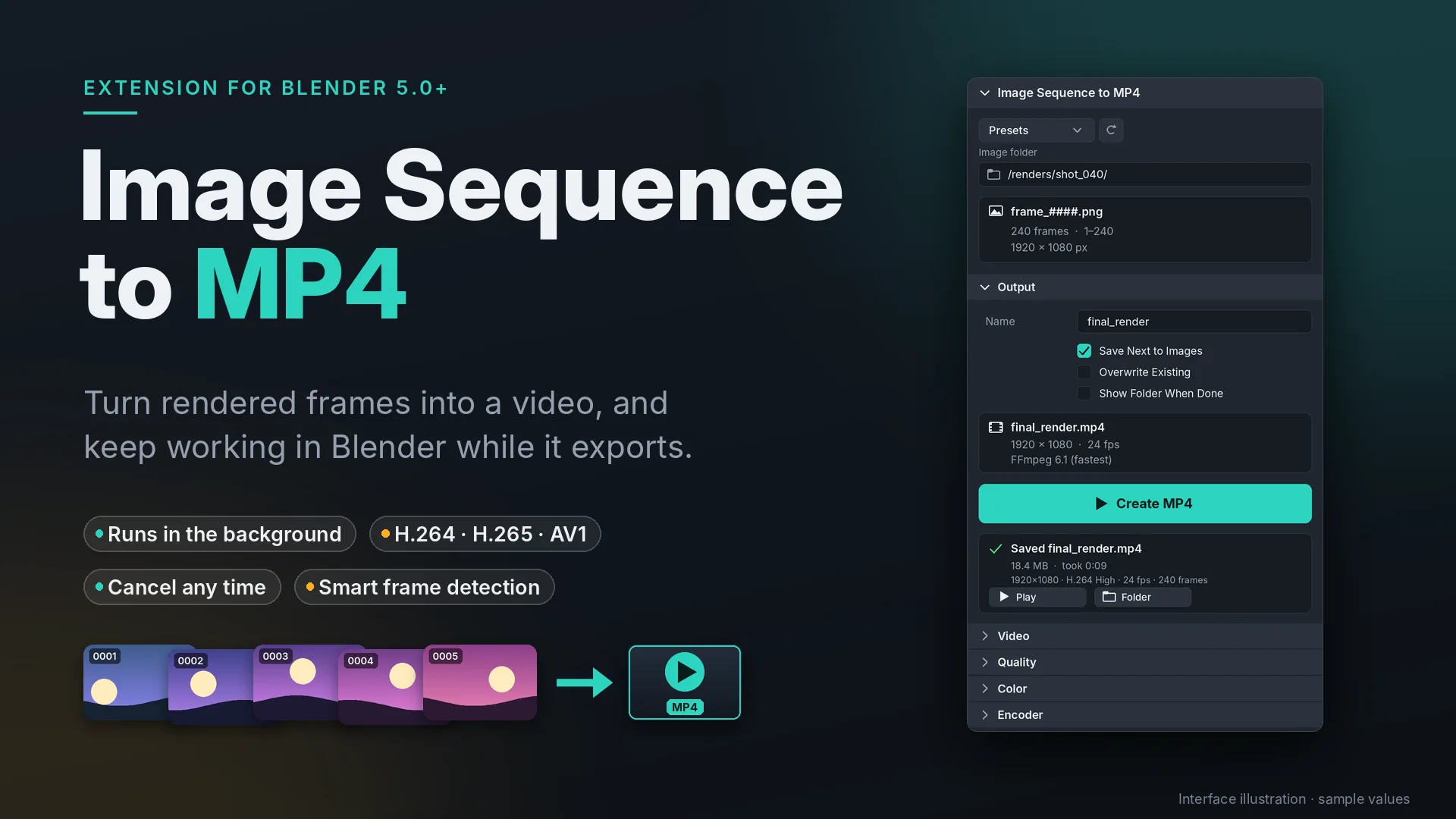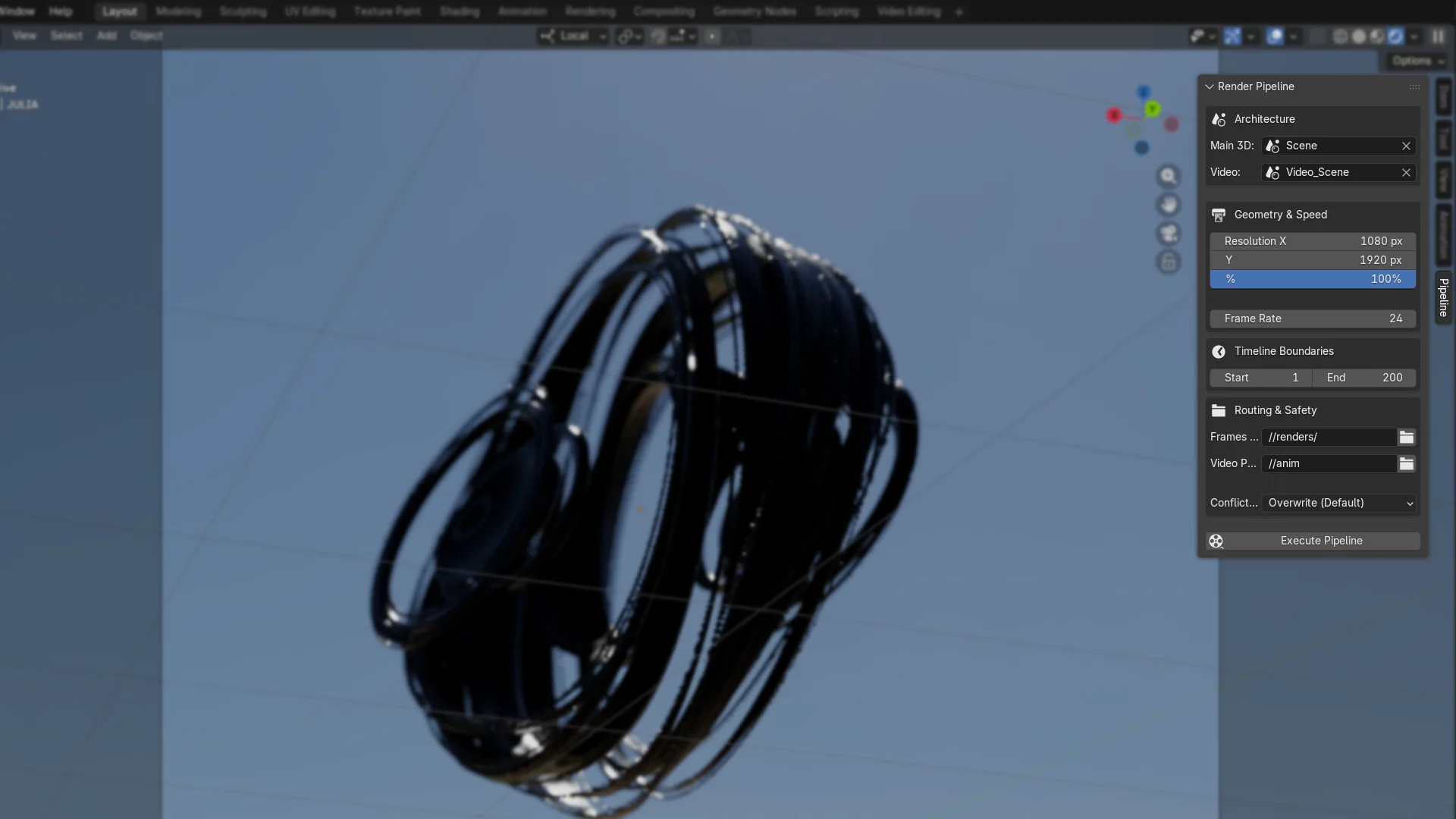
End-to-End Render Pipeline automates the path from rendering individual Blender frames to compiling them into a video. Its Pipeline sidebar groups resolution, frame rate, frame range, and output paths.
Set up a video scene
- In the 3D Viewport, press
Nto open the sidebar and select the Pipeline tab. - Select the Main scene, then click the plus icon. The add-on creates a headless Video Scene configured for its default H.264/MP4 compilation.
- Set the resolution, frame limits, and output folders in the panel.
- Click Execute Pipeline to render the frames and compile the video.
Audio and output protection
If the Main scene timeline contains audio strips, the add-on copies them to the final video scene and handles their offsets. This keeps audio in the same automated workflow as frame rendering and video compilation.
Before a render, choose how the add-on handles an existing output: overwrite it, create an auto-incremented version such as _v01 or _v02, or add a timestamp. Versioning and timestamps can help preserve earlier results when a render is repeated.
Compatibility and installation
The Blender Extensions listing specifies Blender 4.2 LTS and newer. The extension requests Files permission to read rendered frames and write compiled video files. Version 1.0.0 is listed as the initial public release, dated June 9, 2026, under the GNU GPL version 3.0 or later.
The listing provides the extension archive and links to Blender's Install from Disk instructions. Check the Blender Extensions listing for current release and compatibility details before installing.