Render Queue Manager is a Blender add-on for queuing scenes and rendering them in sequence. It is aimed at artists who work mainly with still images, and it appears under Blender’s Output properties. Queue controls and Blender version details are covered on the product page.
Queue scenes and cameras
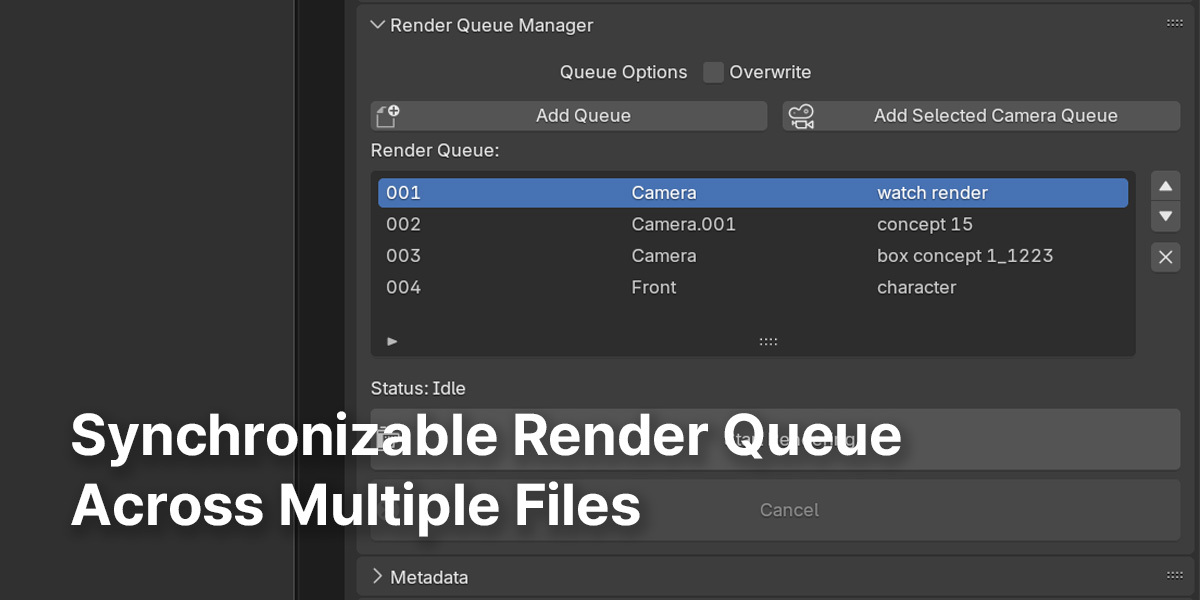
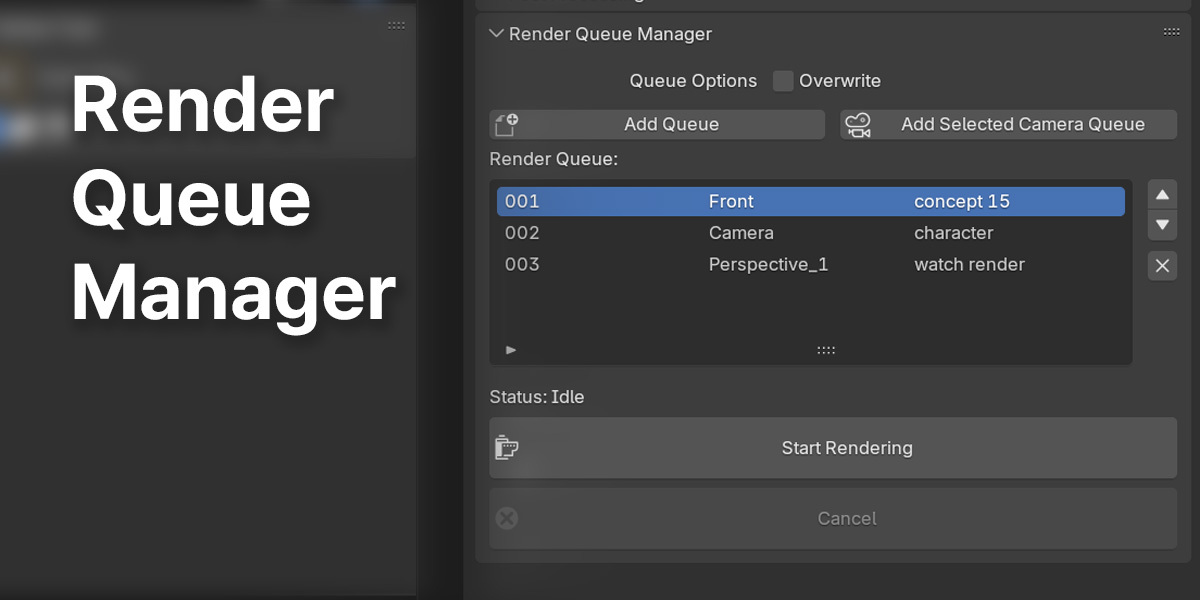
Click Add Queue to add the current scene. To add multiple cameras at once, use Add Selected Camera Queue. You can reorder queued entries or remove individual ones before starting the render.
Start Rendering processes the queued scenes sequentially in the background. Use Cancel Rendering to stop a render that is in progress.
Set output names and overwrite behavior
Rendered images are saved according to Blender’s Output settings. The file path can use the {camera}, {collection}, and {object} keywords to assign names dynamically.
The Overwrite option controls what happens when an output file already exists. When enabled, the add-on replaces the existing image. When disabled, it saves a numbered version.
Share a queue across Blender files
The queue list can be shared across different .blend files, which can help when a project has scenes in several files that need rendering.
Compatibility and troubleshooting
The listing names Blender 3.0 through 3.6 and Blender 4.0 through 4.3. The developer notes that the add-on has not been extensively tested across different environments. Some other add-ons may interfere with command-line rendering; if queue rendering fails, the developer suggests disabling unnecessary add-ons in the settings and trying again.