Render Switcher is a Blender add-on by Mr. Steve 3D that coordinates the viewport and saved render preferences around a render. Its product listing says it switches render engines and presets without touching project settings.
What changes around a render
- Before: It can remind you to save a file that has not been saved and apply your preferred render device and engine.
- During: It switches the 3D viewport to a solid color or optimized preview to reduce viewport memory drain.
- After: It restores your usual viewport, shading, and overlays when rendering finishes.
Render settings and engines
The add-on is intended to keep your render setup consistent across projects. It can switch to your saved GPU or CPU device and engine preferences before rendering. The listing names Cycles and Eevee as supported render engines.
Installation and compatibility
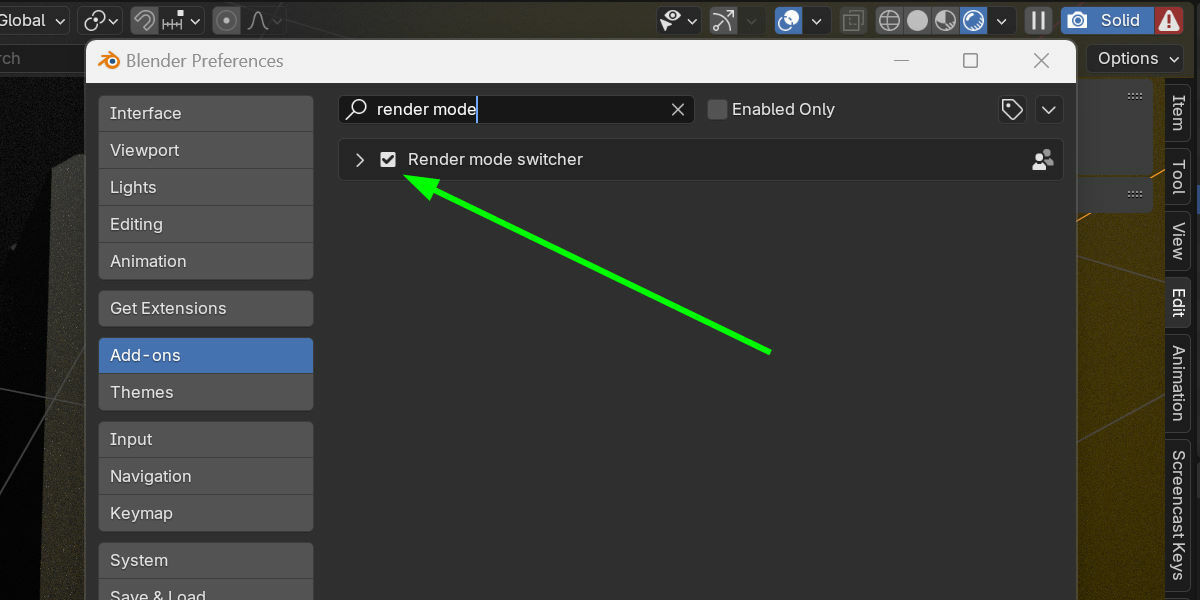
Version 1.1.1 is listed for Blender 3.6 through 4.5 on Windows, macOS, and Linux. To install it, open Blender's Edit menu, choose Preferences, then Extensions and Install from Zip. After installation, Render Switcher appears in the N-panel.
Who may find it useful
Render Switcher may suit Blender artists whose scenes use enough viewport memory that simplifying the display during a render is useful, or who want their device and engine preferences applied automatically. Its described protection comes from changing the viewport and managing the render handoff. The listing does not provide a crash-rate result or guarantee that every render crash will be prevented.