Replace multiple Blender objects with a template
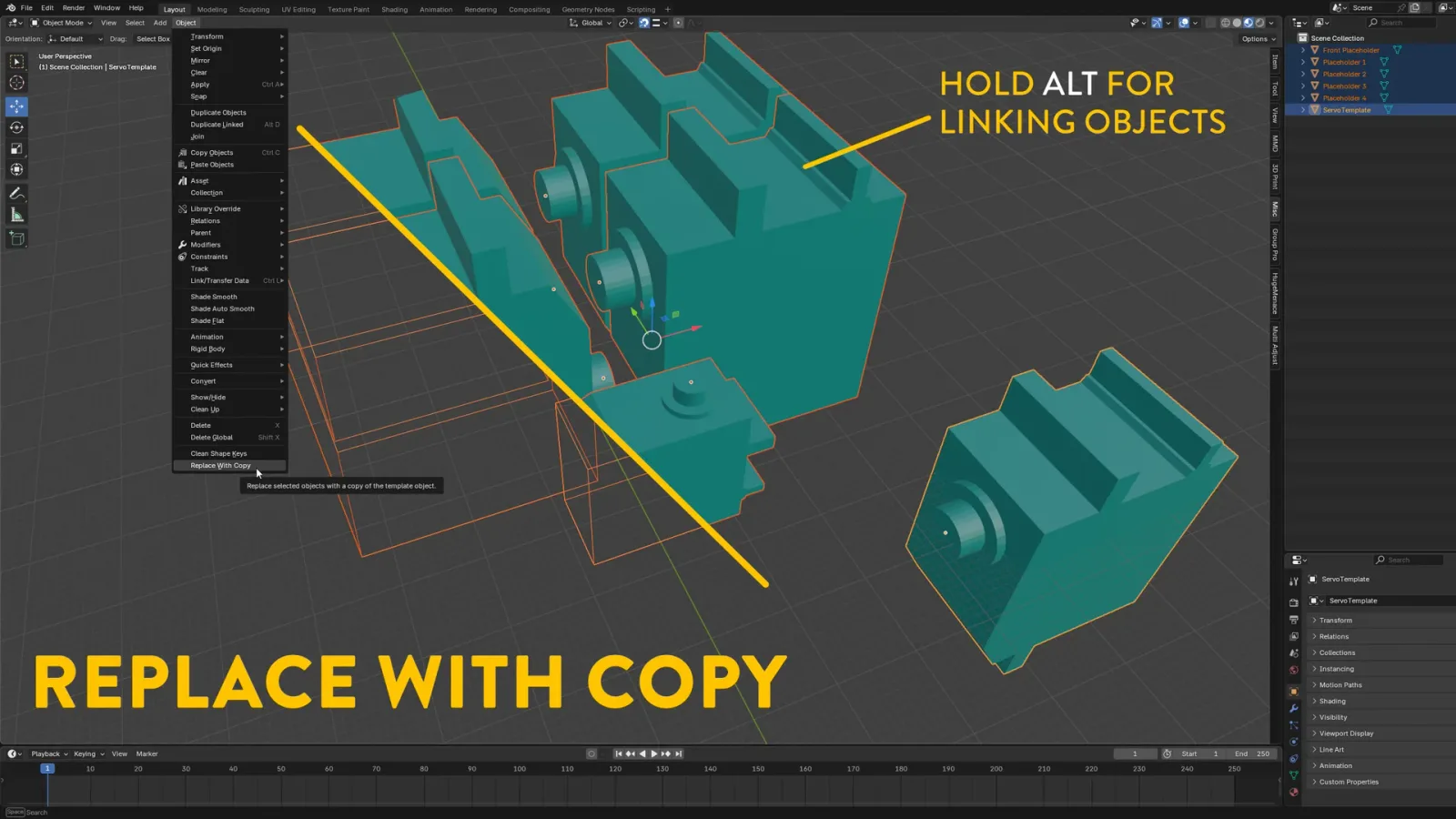
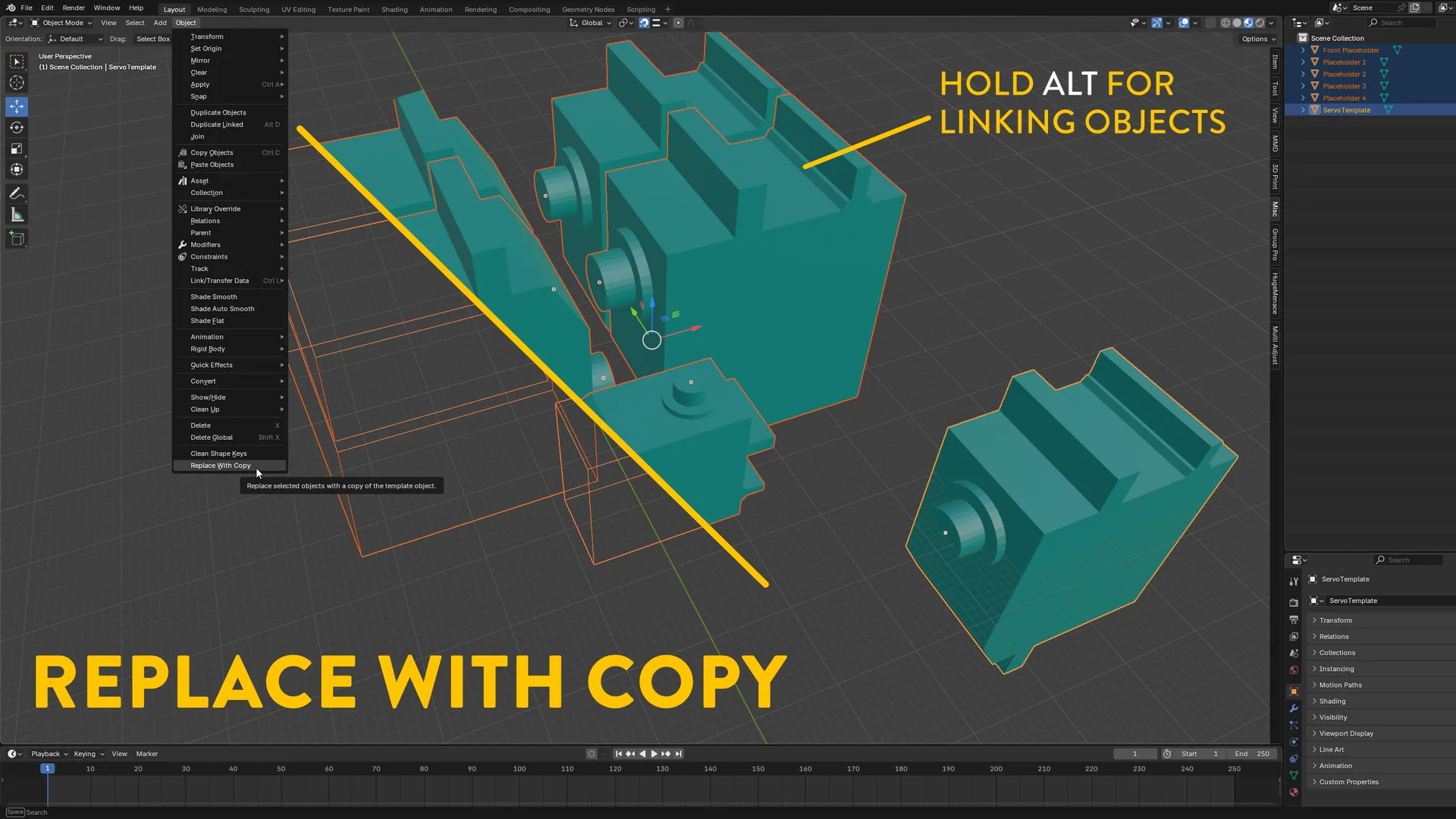
Replace With Copy is a Blender add-on by Brrainz for batch-replacing multiple objects with a template. The Blender Extensions listing and its catalog record list release 1.0.1, a minimum Blender version of 4.2.0, the Modeling category, and GNU GPL version 3.0 or later licensing.
Check which object becomes the template
The add-on's page says it uses the oldest object, meaning the first one created, as the template. Selection order and the active object do not change that choice. If the intended template is newer than the objects it should replace, selecting it first will not make it the template.
Use the documented workaround
The page describes a workaround for making the intended template the oldest object:
- Copy all the objects you want to replace.
- Delete those objects.
- Paste them back into the scene.
The add-on's page says this makes the template object the oldest one created.