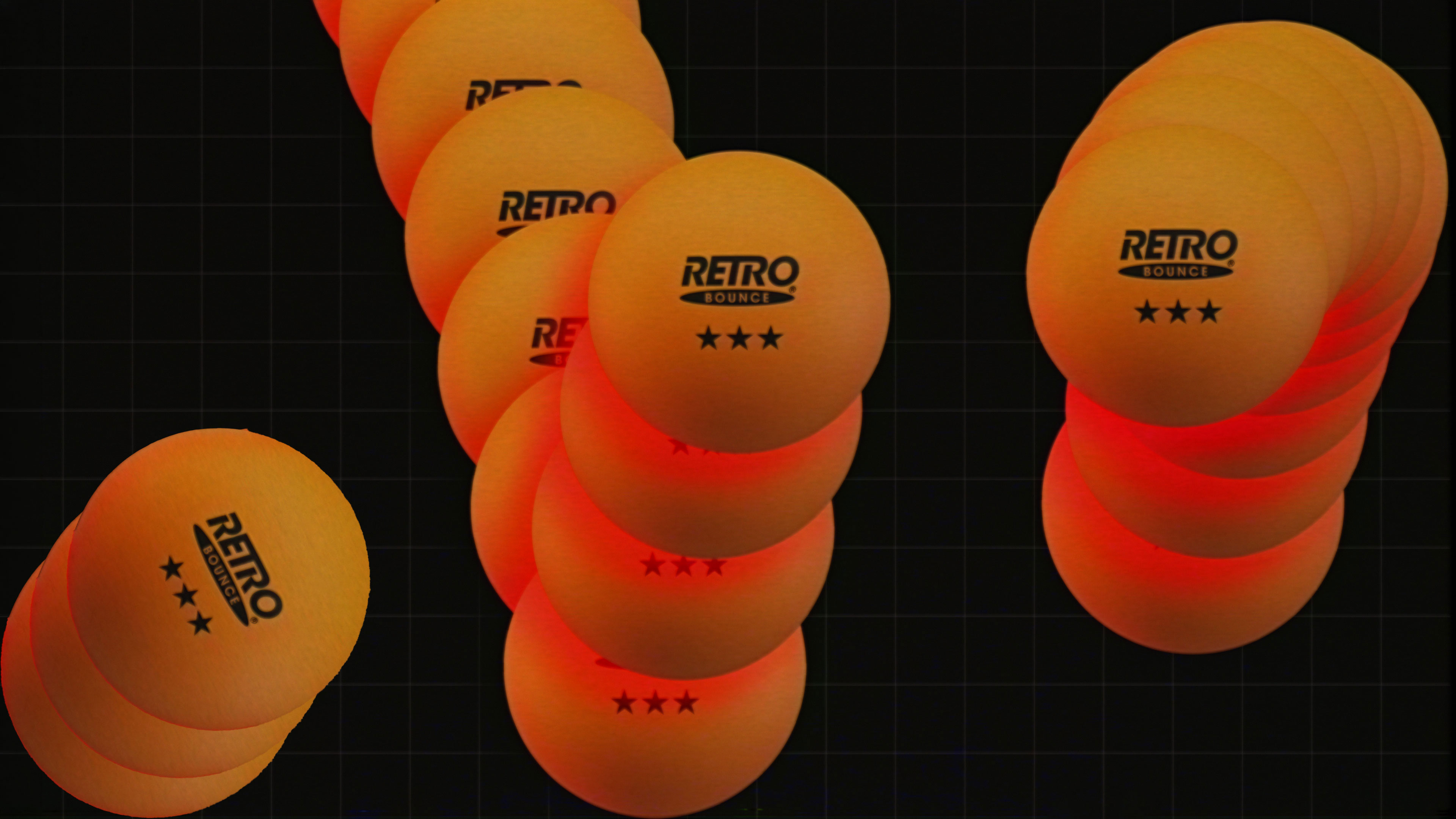
RetroBounce is an After Effects tool for making objects bounce across a composition or fall and rebound under simulated gravity. Its two modes cover the classic DVD screensaver motion and a Solitaire-style gravity cascade. Speed and color are adjustable; Gravity Mode adds controls for gravity and wall collisions.
Choose a motion mode
Bounce Mode creates a wall-bounce animation with an expression-driven loop. The expression-driven loop is seamless from frame one, with colors cycling through a custom palette at each hit. You can apply it to multiple layers at once, with a random direction for each.
Gravity Mode makes objects fall and bounce with elastic physics. Adjust gravity, speed and wall collisions, or apply gravity to multiple layers together. This gives the tool two distinct starting points for repeated motion: a contained wall bounce or a falling cascade.
Adjust the animation
RetroBounce applies After Effects expressions and exposes live-editable Slider Controls in the Effect Controls panel. Change speed, colors or gravity there without reapplying the effect. Echo Trail and Outline Mode provide additional treatments; the outline follows the animation.
Compatibility and release
The product page lists macOS and Windows support. Compatible After Effects versions are 2026, 2025, 2024, 2023, 2022, 2021, 2020 and CC 2019. Version 1.0.0 was released on July 9, 2026. The RetroBounce product page includes a chaptered demo covering both modes, the echo trail and outline options, and multi-object use; check it for current product details.