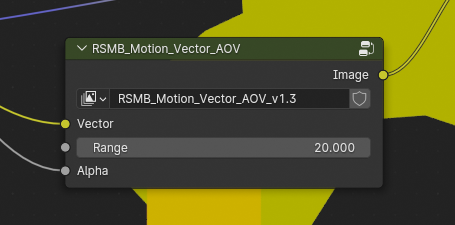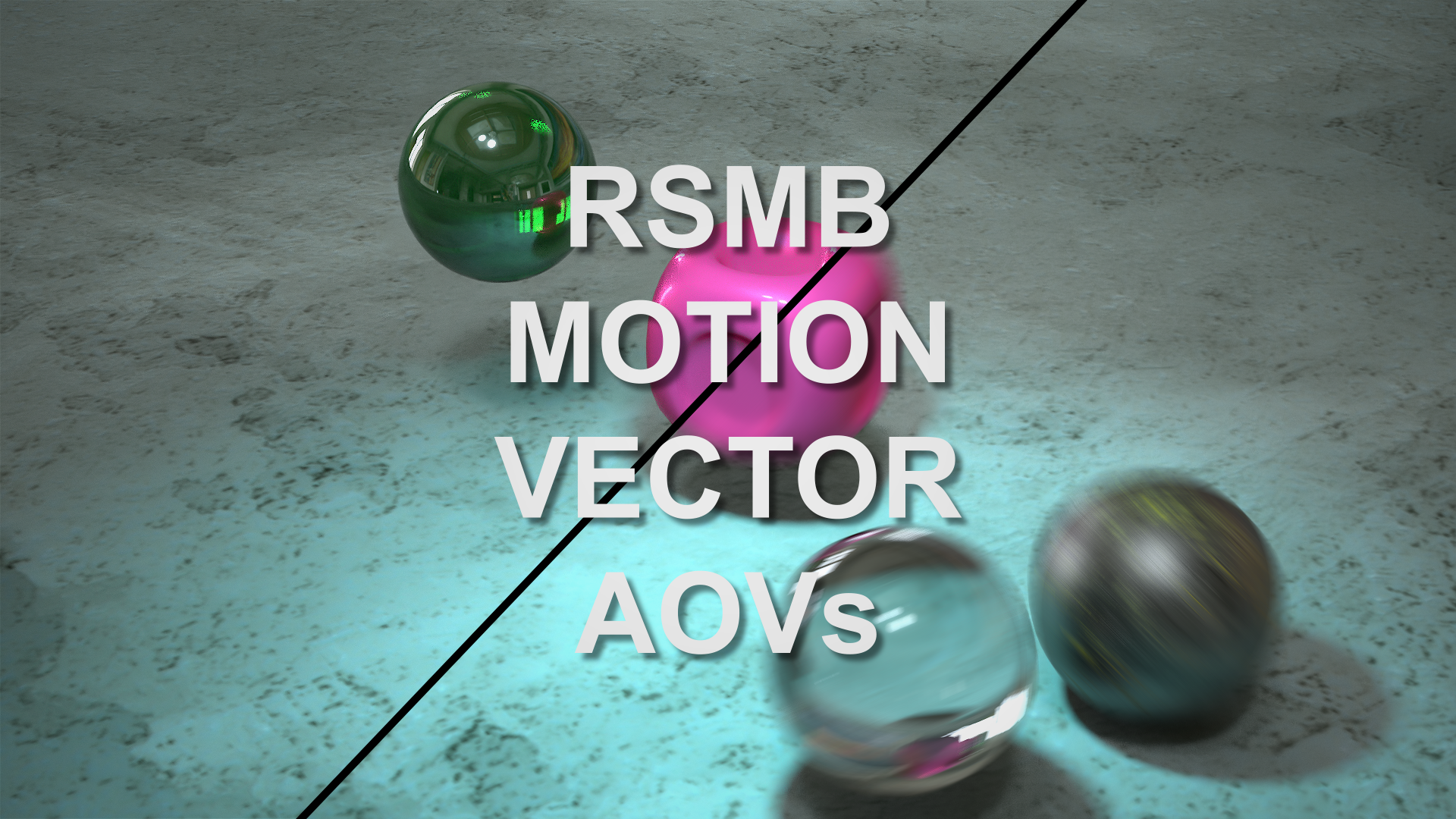
RSMB Motion Vector AOVs is a Blender node group that converts raw Cycles or EEVEE motion vector passes into a format Reel Smart Motion Blur can read. Export the converted AOV, then use it with RSMB in a compositing application such as After Effects, Nuke, or Blackmagic Fusion.
Set up the motion vector pass
Enable the Vector pass in Blender's View Layer Properties before rendering. You can add the node group from the supplied product file, or save its blend file in an asset library folder. The latter makes it available in the Asset Browser and in the Compositor context menu under Compositing > RSMB_Motion_Vector_AOVs.
Connect the matching vector and alpha inputs. The alpha input lets the group set the 0.5 value RSMB expects in the motion vectors' alpha channel. You can use alpha from a beauty pass or AOV, or use Blender's dedicated Alpha pass.
Choose a range and export
The range slider controls the values in the motion vector AOV. The product FAQ says the default value of 20 usually works for most scenes, while faster-moving objects may need a higher value. Inspect the pass in Blender's Compositor: it should show red and green tones without black pixels. An incorrect range can cause artifacts when RSMB processes the pass.
Render the data to a linear format such as EXR, ideally at full-float 32-bit color. JPEG and PNG are not suitable for preserving these motion vector values and can produce incorrect blur or other artifacts. If you use Cycles, keep its regular motion vector pass with the other passes and AOVs; the FAQ recommends this so you can adjust the converted output after rendering without rendering the sequence again.
Once exported, load the AOV in a compositor that supports Reel Smart Motion Blur and apply RSMB there. The node group prepares the motion data; the blur is added in the compositing application.
Fusion support and version details
Version 1.03, dated 23 April 2024, added an installable Blackmagic Fusion node for converting motion vectors in Fusion. It is included as a macro .settings file and an inspectable project file. The update also added logic to correct floating-point rounding errors that could leave non-zero pixel values on static geometry.
The marketplace listing names Blender versions 2.8 through 4.2. Its FAQ says the node group works with Cycles and EEVEE, and notes that EEVEE vector passes became available in Blender 4.0. Check the current product documentation for compatibility with later Blender releases. The listing identifies the license as GPL.
Limits to keep in mind
The product FAQ notes that full-frame 2D motion blur can produce hard edges on objects when the blur is heavy. For those shots, it suggests separating objects with render layers or Cryptomattes and applying blur to each layer individually, so you can adjust the composite by layer. See the product FAQ for these setup details and additional troubleshooting guidance.