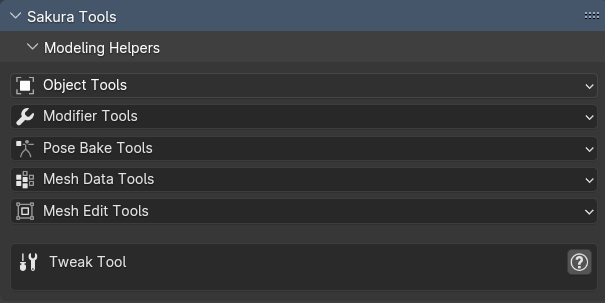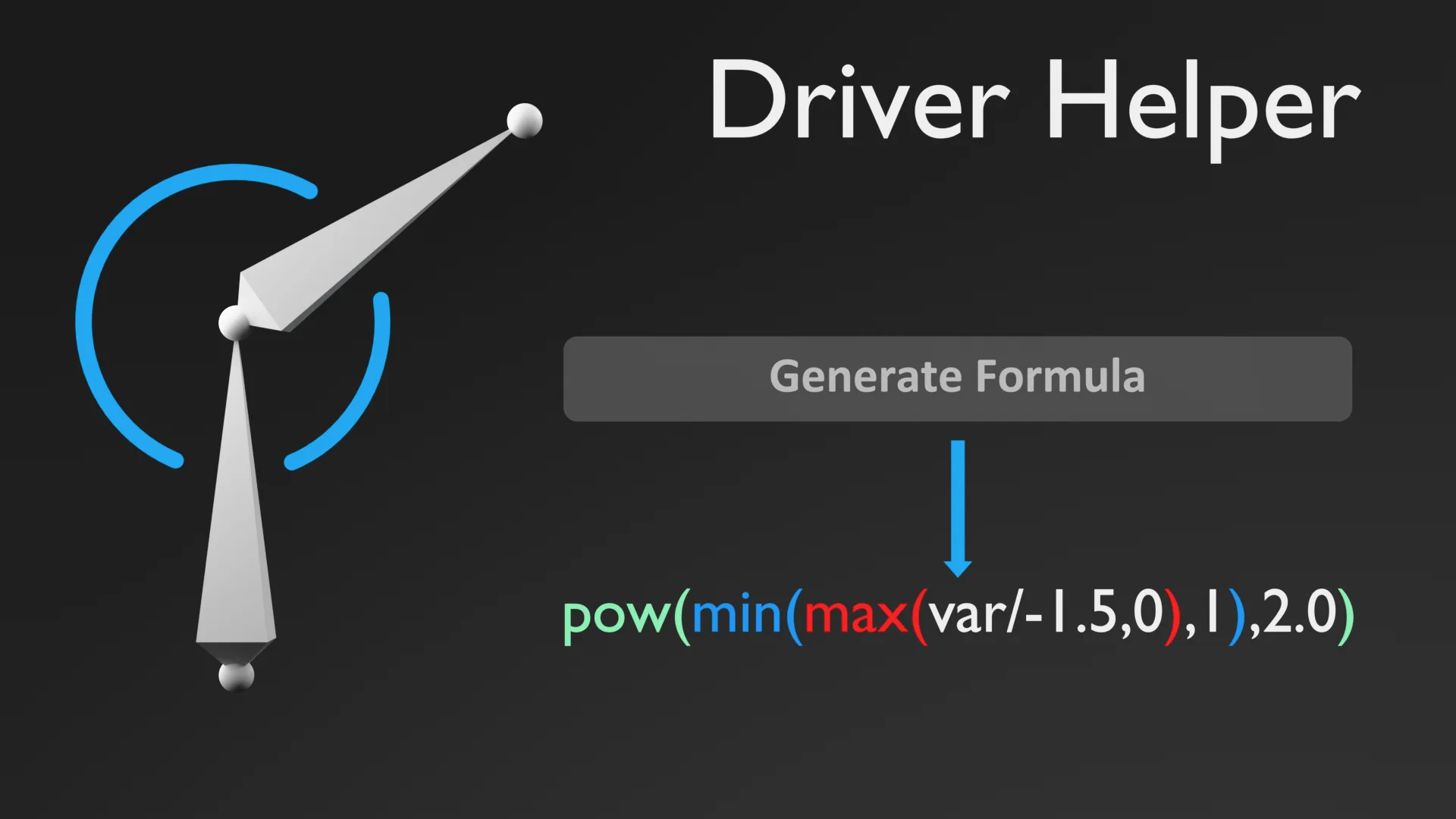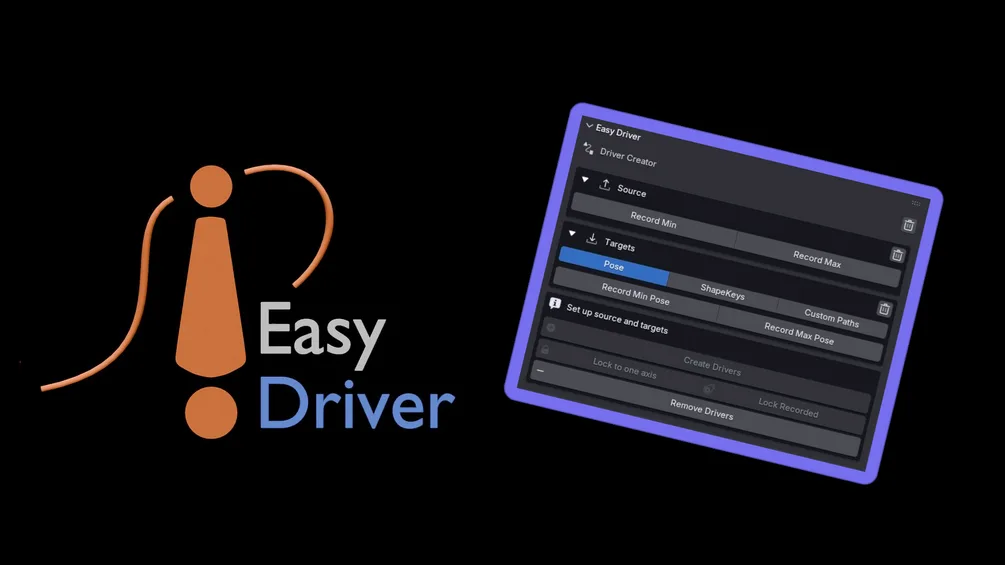
Sakura Tools is Kafuji’s Blender add-on for batch work on multi-object character models. Most of its functions can process several objects or an entire model, which the product documentation describes as an armature and its related objects. It brings modifier operations, mesh transfers, pose baking, rigging helpers, and model checks into one toolkit.
Batch work across objects
Batch Apply Modifiers can apply a full modifier stack or selected modifiers across objects. The add-on also includes tools to add and remove modifiers, rename objects or bones, and apply transforms recursively to selected objects and their child object trees. Its built-in help system explains what an operator will do before you run it.
Transfers for character meshes
Weight Transfer supports selected vertices and blending options for deform and non-deform weights. Normal Transfer copies normals from an active object to other objects, with an option to work on selected faces. Shape Key Transfer moves keys from an active object to selected targets. The developer notes that matching vertex correspondence gives the best results, though the tool can also handle targets with more vertices or different topology.
The product overview describes mesh-object operations as Shape Key compatible. The July 23, 2024 v1.0.18 release notes qualify that claim: when a non-Mirror modifier causes a Shape Key vertex-count mismatch, the affected data is lost, processing continues, and the key name receives the suffix _LOST. Check for that suffix after applying the modifier.
Model checks and rigging tools
Model Checker reviews hierarchy, transforms, modifier order, geometry, Shape Keys, materials, and weights. Its geometry checks include isolated vertices or edges, intersecting faces, n-gons, zero-length edges, and zero-area faces. Results appear in a dedicated panel where you can select an item and highlight the affected area in the 3D view.
Other tools cover pose baking, armature editing, bone creation, decal work, and workspace cleanup. Image and Material lists help inspect assets in a workspace, while Zombie Data cleaner removes unused data. The exact operators available depend on the task and editing context.
Language and Blender version details
The interface and built-in help texts are available in English and Japanese, and the product page links to documentation in both languages. Superhive lists the license as GPL. Its product details show Blender 3.0 through 5.0, while the July 18, 2026 changelog for version 1.5.3 says Geometry Nodes modifier access was updated for Blender 5.2 while maintaining compatibility with Blender 5.1 and earlier. Since those details do not state the same version range, check the developer’s English documentation for your Blender version before installing. The Superhive listing has the product details and changelog.