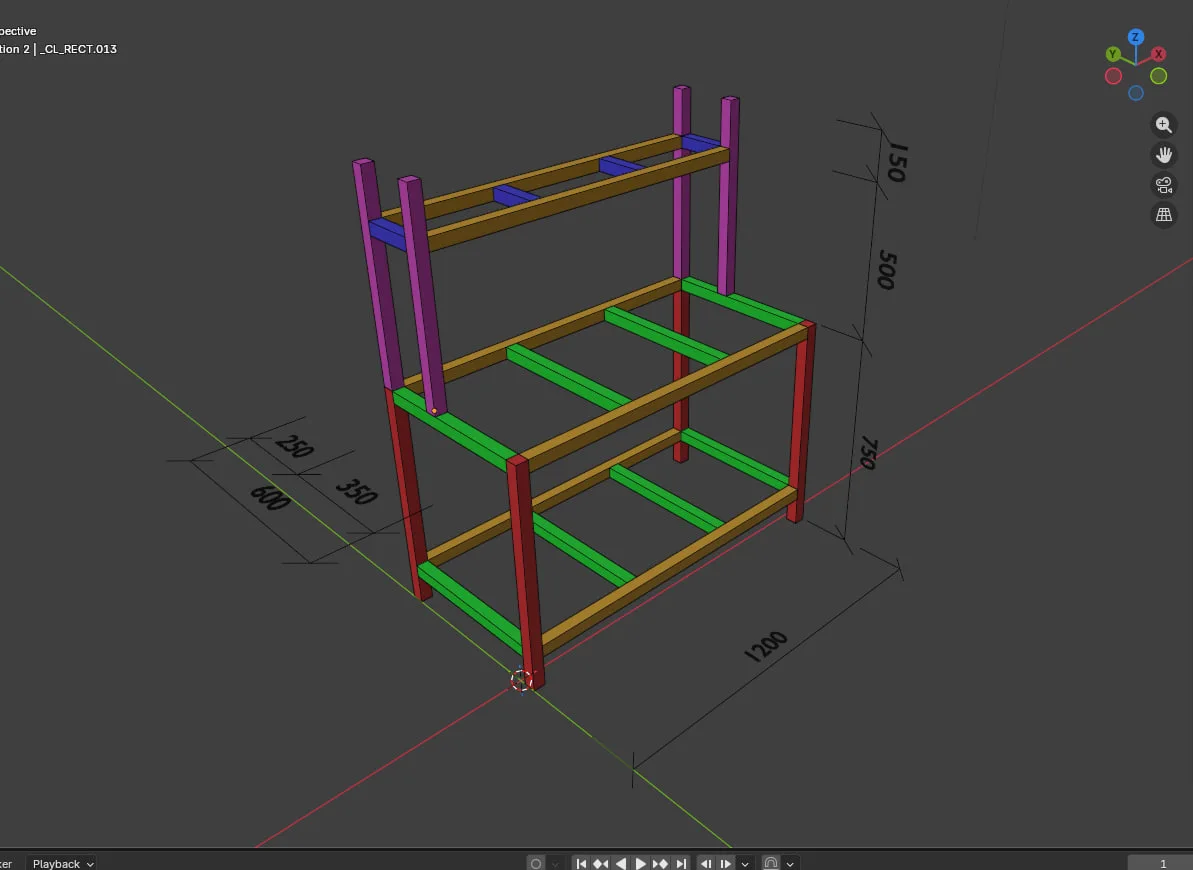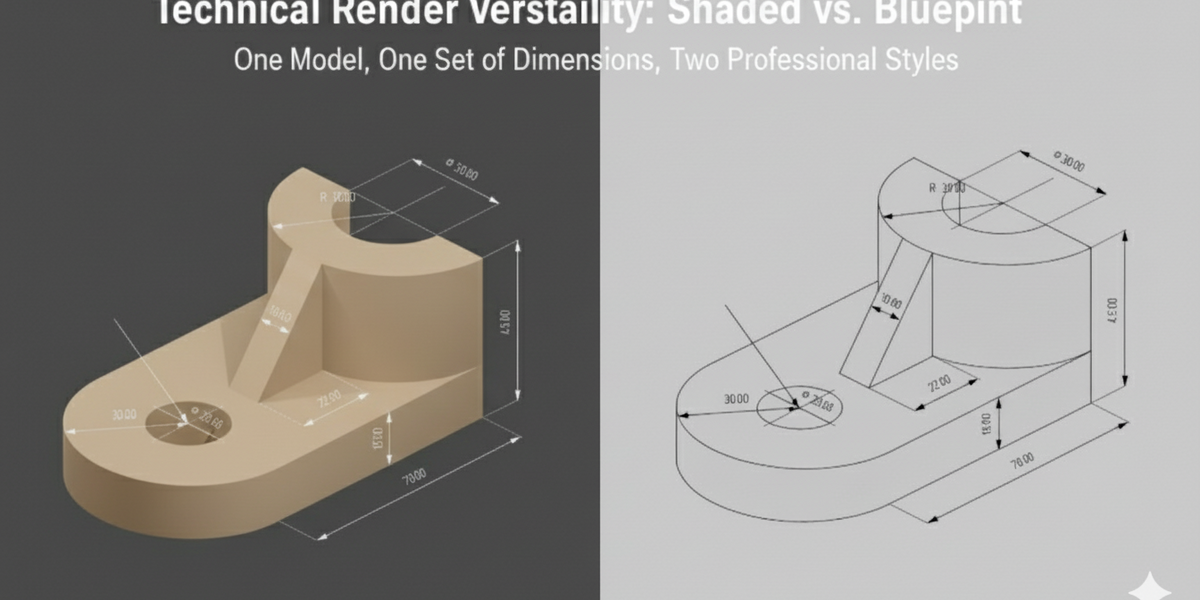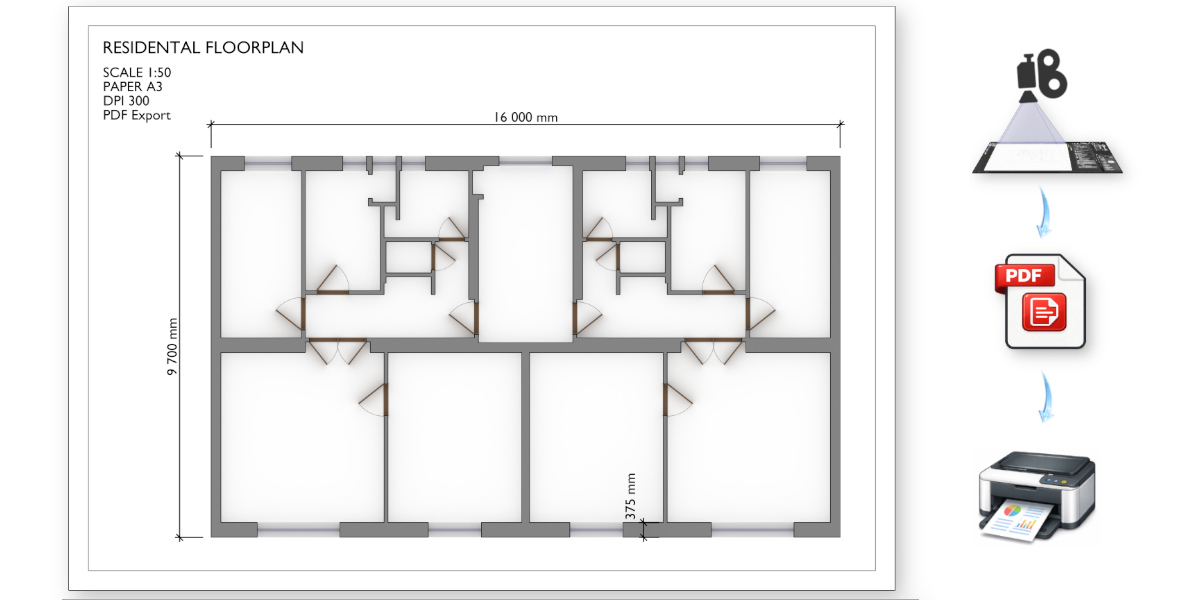
Scale Print Camera is a Blender add-on for creating technical views that print at a chosen drawing scale. It sets an orthographic camera to match a paper format, calculates render resolution from DPI, and exports a PDF sized for the selected sheet.
Set up an orthographic drawing view
The add-on can configure an existing camera, switch it to orthographic projection, set its visible area, and make it the active render camera. Its panel shows the calculated resolution and view area, and a View Camera control lets you check the framing. If you change the scale, apply the camera settings again. The product documentation describes these camera controls.
Choose paper size and DPI
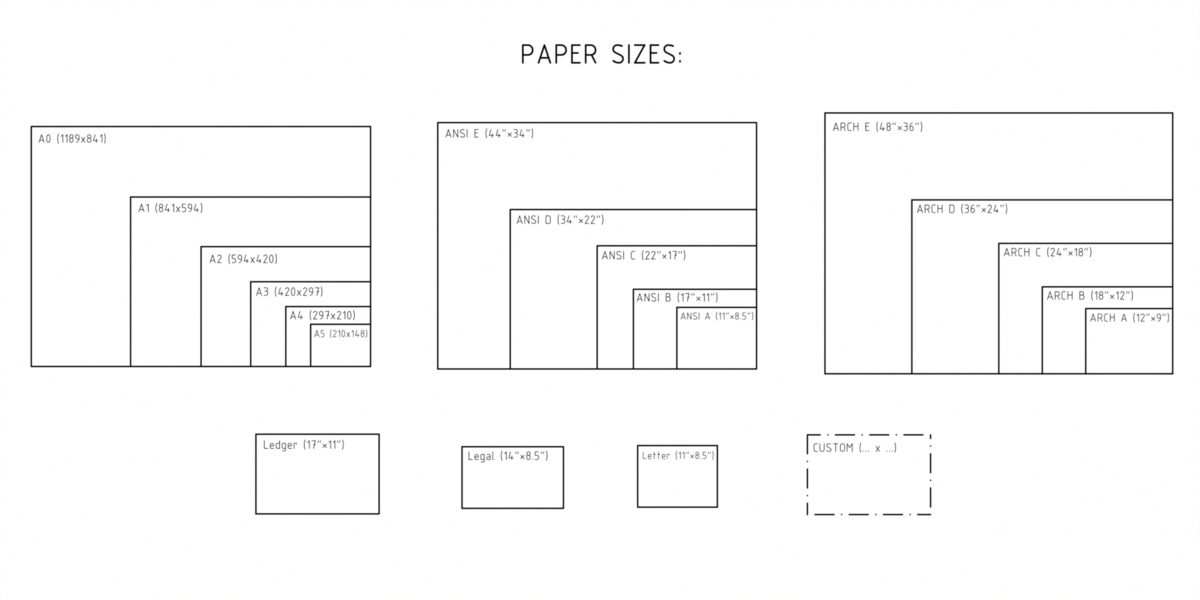
Scale Print Camera supports ISO A-series formats, US Letter, Legal and Ledger, ANSI and ARCH formats, plus custom paper dimensions in millimeters or inches. Standard formats can be set to portrait or landscape. Resolution is calculated from the selected paper dimensions and DPI, so larger sheets or higher DPI settings produce larger renders.
The product FAQ recommends 300 DPI for standard prints, 150 DPI for drafts and 600 DPI for higher quality. Treat these as the creator’s suggested starting points; choose a setting that suits the intended output. The product FAQ gives the resolution formula as paper size × DPI.
Export and print at actual size
The built-in exporter sets the PDF page to the selected paper dimensions. For the printed drawing to keep its scale, print at 100% or Actual Size and disable Fit to Page or other automatic scaling. Printer scaling can change the result even when the PDF page is set correctly.
Optional margins add white space for printers that cannot print edge to edge. Each edge can be configured separately, and an inner outline can show the margin boundary. Margins add white space by cropping rather than resizing the drawing. Large paper sizes and high DPI can make export take a few seconds; check the filename because export overwrites an existing PDF with the same name.
Use cases and requirements
The add-on is intended for technical and construction drawings, survey documentation, architectural plans and print-ready report views. It can be used on its own or alongside survey and annotation tools. Scale Print Camera requires Blender 5.0 or later and runs on Windows, macOS and Linux, according to the Superhive product listing.