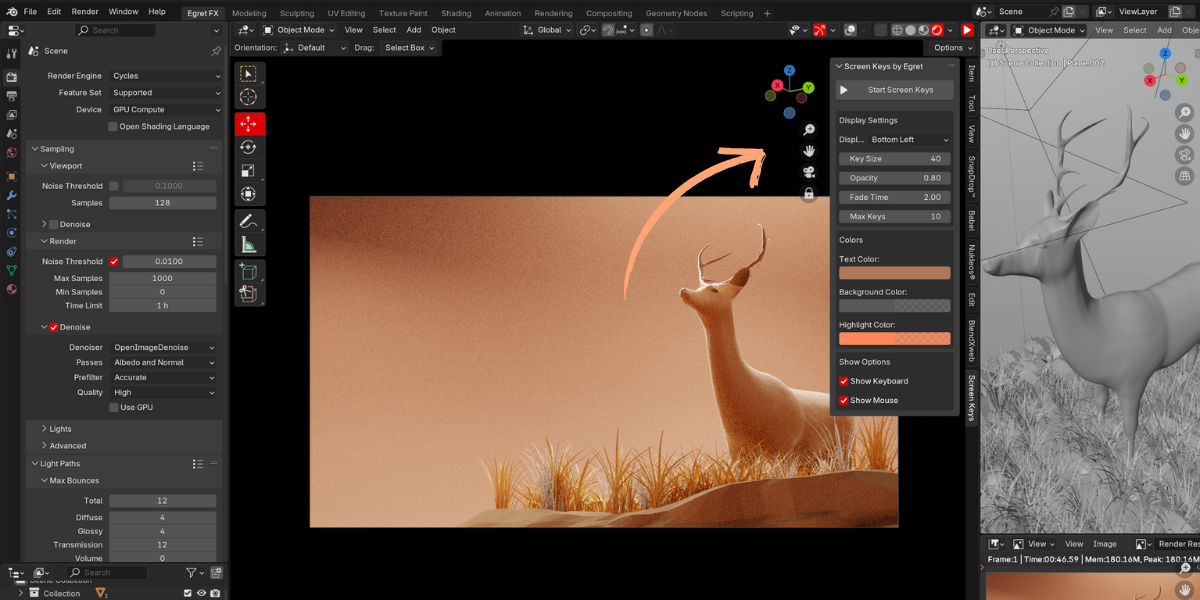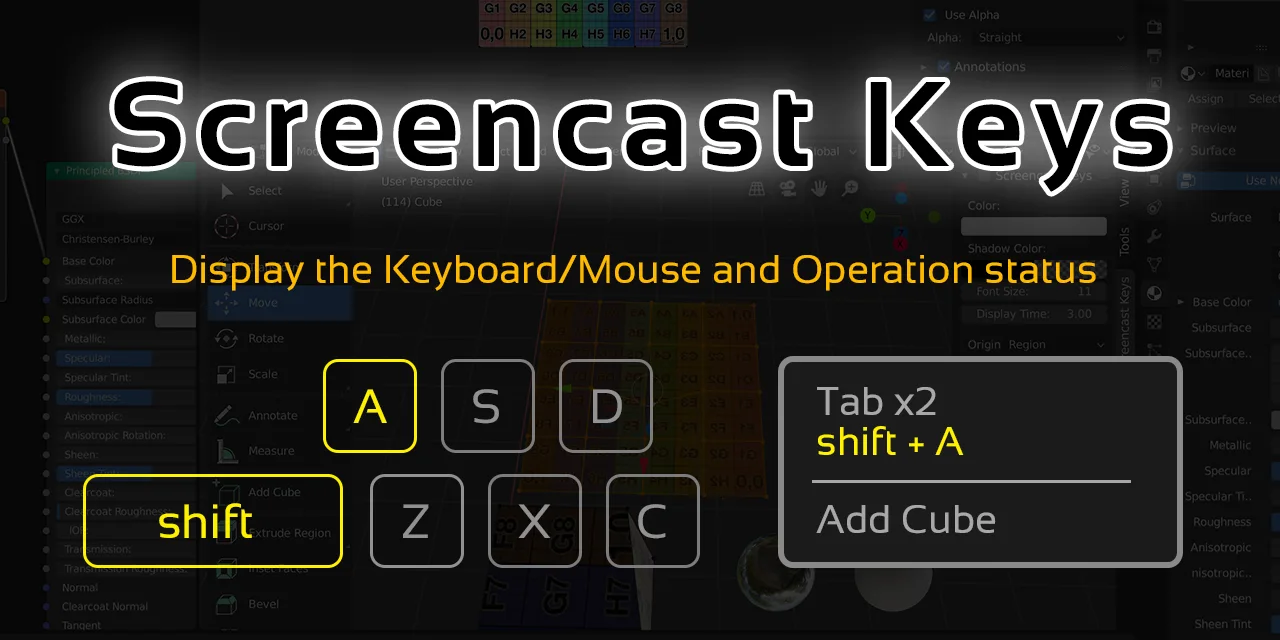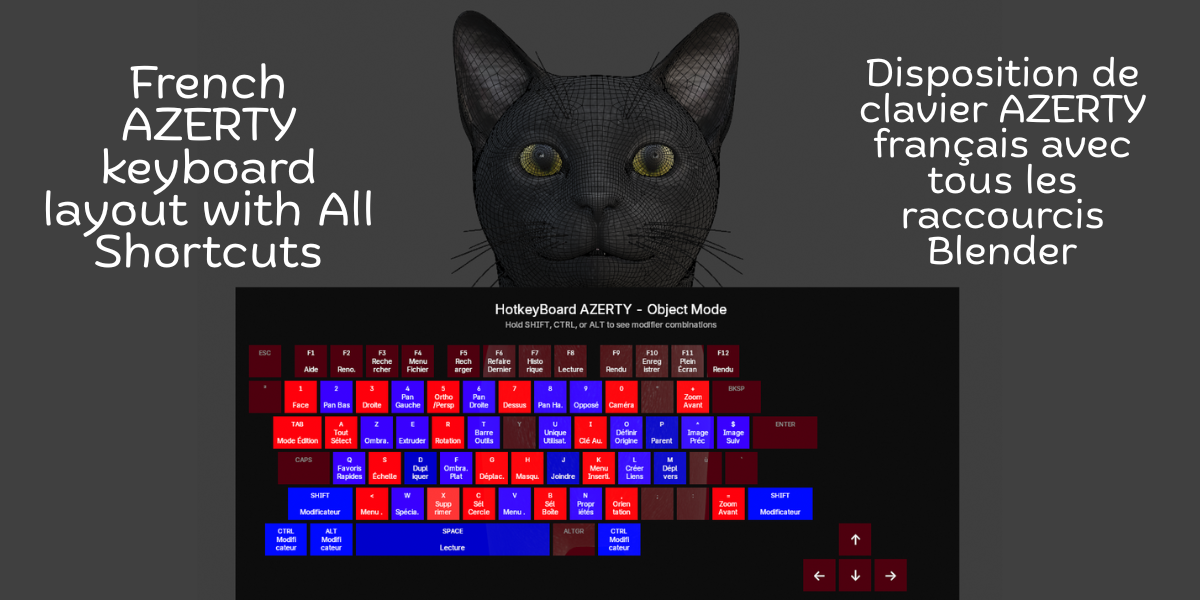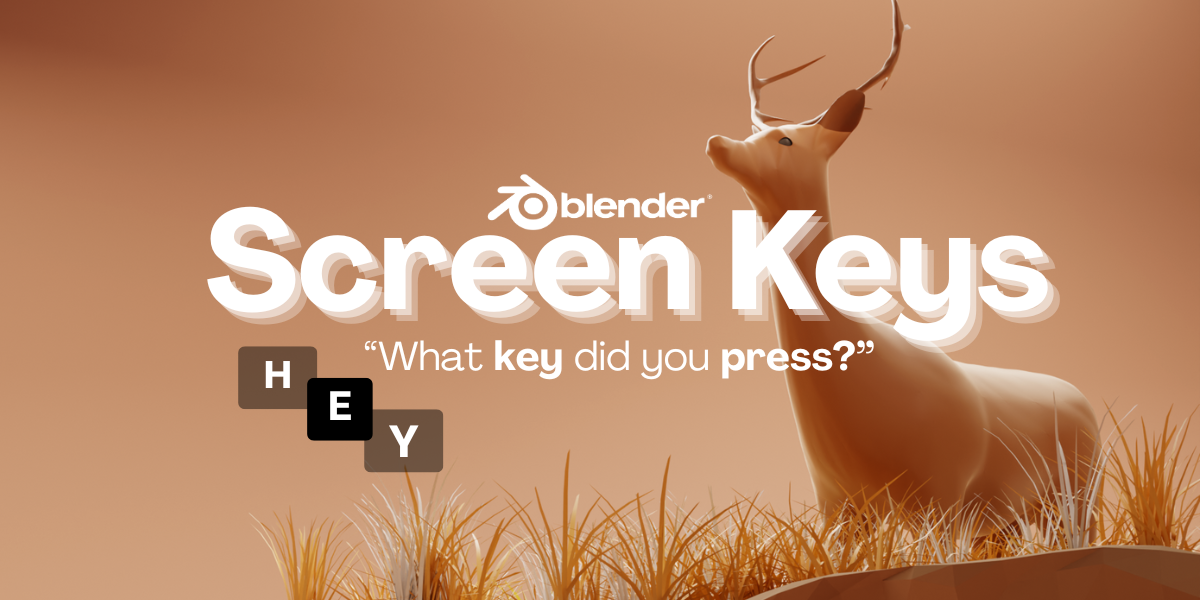
Screen Keys is a Blender add-on that displays keyboard and mouse activity in the viewport as you work. It is intended for tutorial recordings, teaching, live demonstrations and workflow reviews, where viewers need to follow the inputs behind each step.
Show keyboard and mouse activity
The overlay displays key presses, including modifier combinations such as Shift, Ctrl and Alt. It can also show mouse position, clicks and scroll wheel use in real time.
Adjust the overlay in Blender
Choose a screen corner, then adjust key size, opacity, fade-out timing and the colors used for text, backgrounds and highlights. You can set how many keys appear at once. The controls are in a Blender sidebar panel, where you can also toggle the display on or off.
Compatibility and license
The Superhive product listing identifies Egret Studios LLC as the developer, marks Screen Keys as Blender Extension compatible, and lists Blender versions 4.0 through 4.4 and an MIT license. Check the listing for current compatibility and download details.