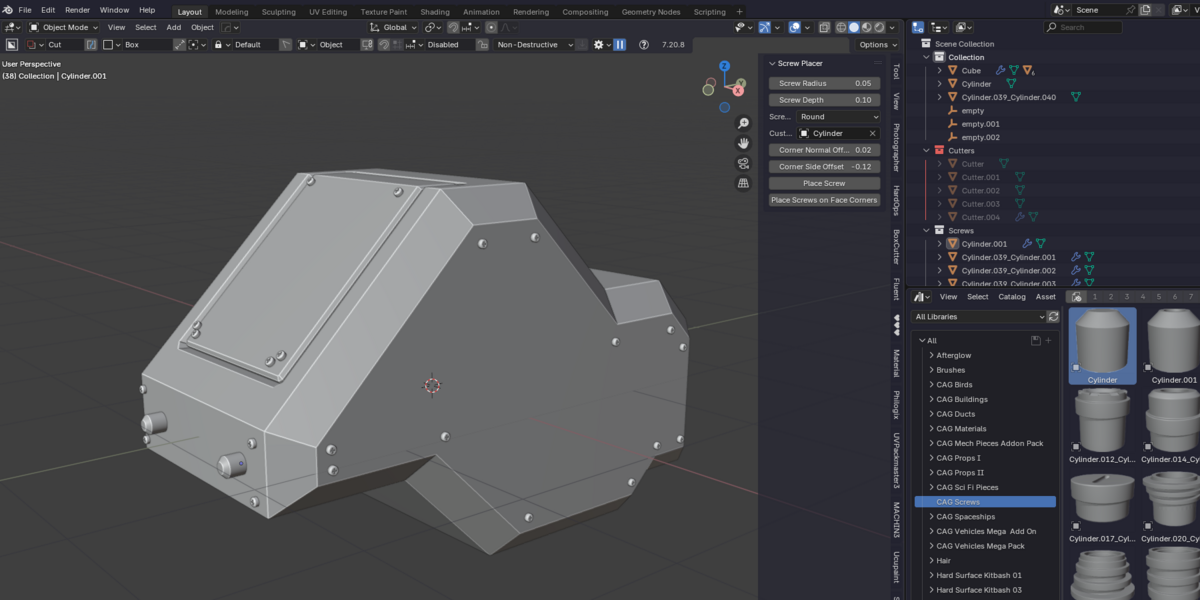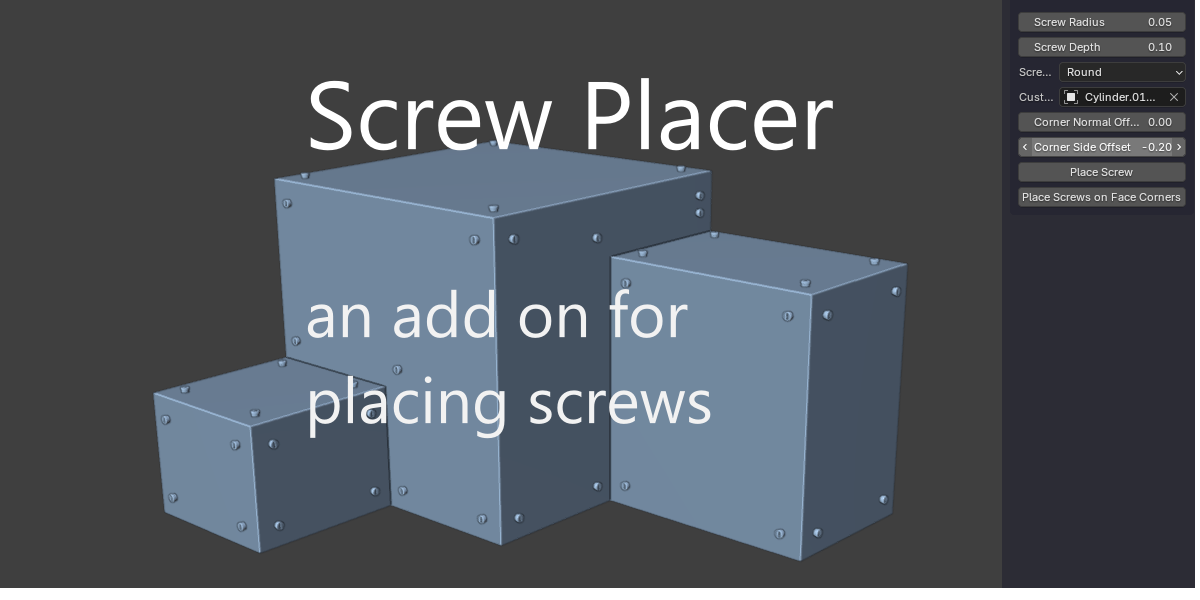
Screw Placer is a Blender add-on by Christopher Groff for placing screw models directly on mesh surfaces and face corners in the 3D View. Version 1.0 pairs the placement tool with a library of 18 screw assets marked for Blender's Asset Browser. The product listing identifies Blender 3.0 to 4.4 compatibility.
Place screws on surfaces or corners
Click-to-place lets you add a screw to a surface in the 3D View. Face Corner Placement puts one at a face corner with a single click, a workflow listed for panels, plates and kits. Normal Offset moves a screw into or out from the face. Side Offset shifts it diagonally from the face corner. You can change the default Shift+E hotkey, and placed screws are gathered into an automatically organized collection. The controls are in a compact N-Panel.
Use the included screw models
The separate library contains 18 custom screw models for drag-and-drop use through Blender's Asset Browser. The product information says the assets are marked for the browser and optimized for real-time or rendered scenes. It lists Cycles and Eevee as render engines used.
Listed use cases include game-ready hard-surface modeling, kitbashing, sci-fi detail panels, product visualization, industrial design and mechanical scenes. The tool may suit artists who place fasteners across these kinds of projects and want both a placement workflow and a reusable screw library.
Installation
For the add-on, download screw_placer_v1_0_public_release.zip. In Blender, open Edit > Preferences > Add-ons > Install, select the ZIP and enable Screw Placer. Then press Shift+E, or your custom hotkey, to start placing screws.
Set up the asset library separately. In Blender Preferences, open File Paths > Asset Libraries and add the folder containing screw_library.blend. Open the Asset Browser, select the library, then drag a screw into your project. The product documentation includes these installation steps.
Compatibility and license
the description says the add-on is optimized for and tested on Blender 4.4. The listing identifies the license as GPL. Check the product page for the developer's current version and compatibility information.