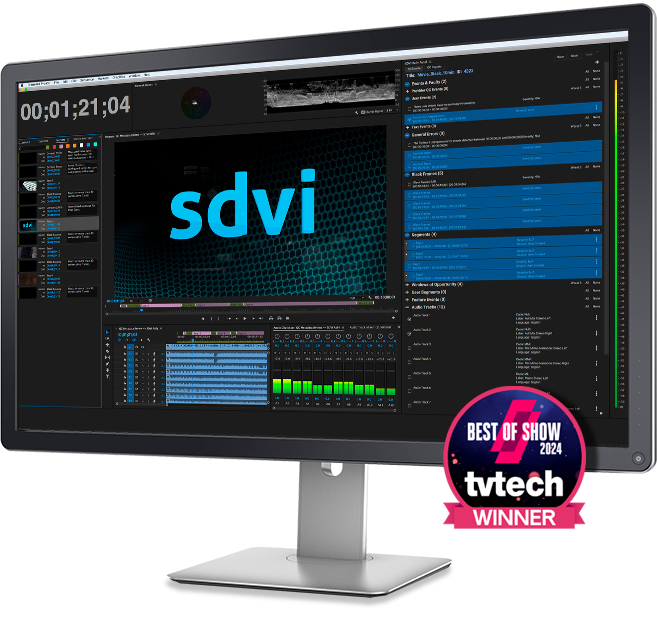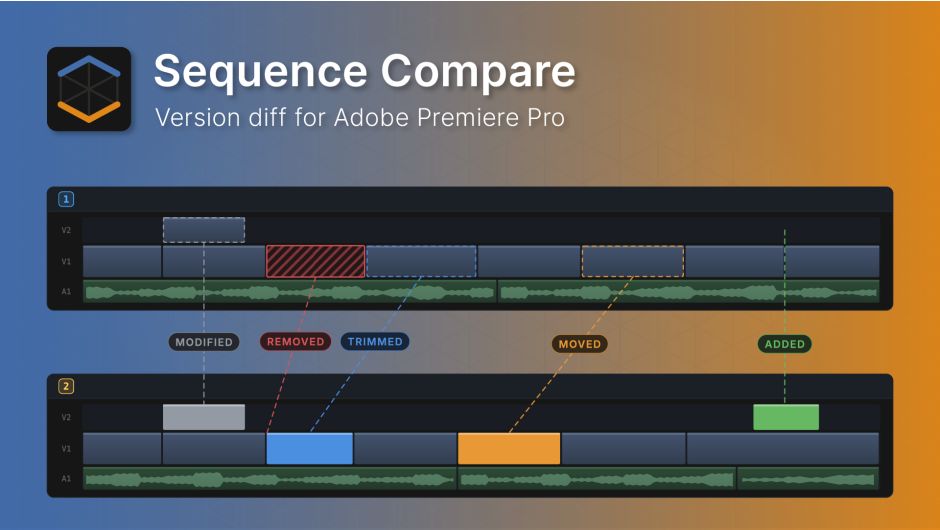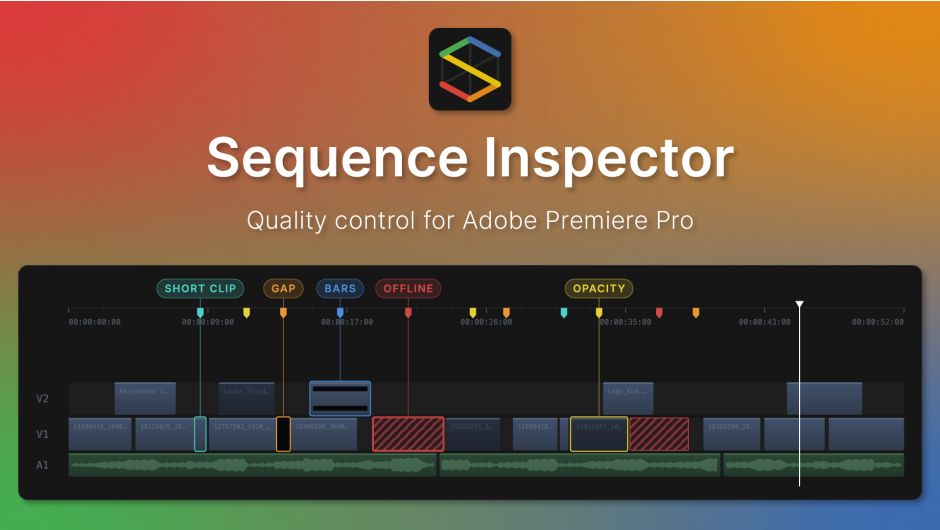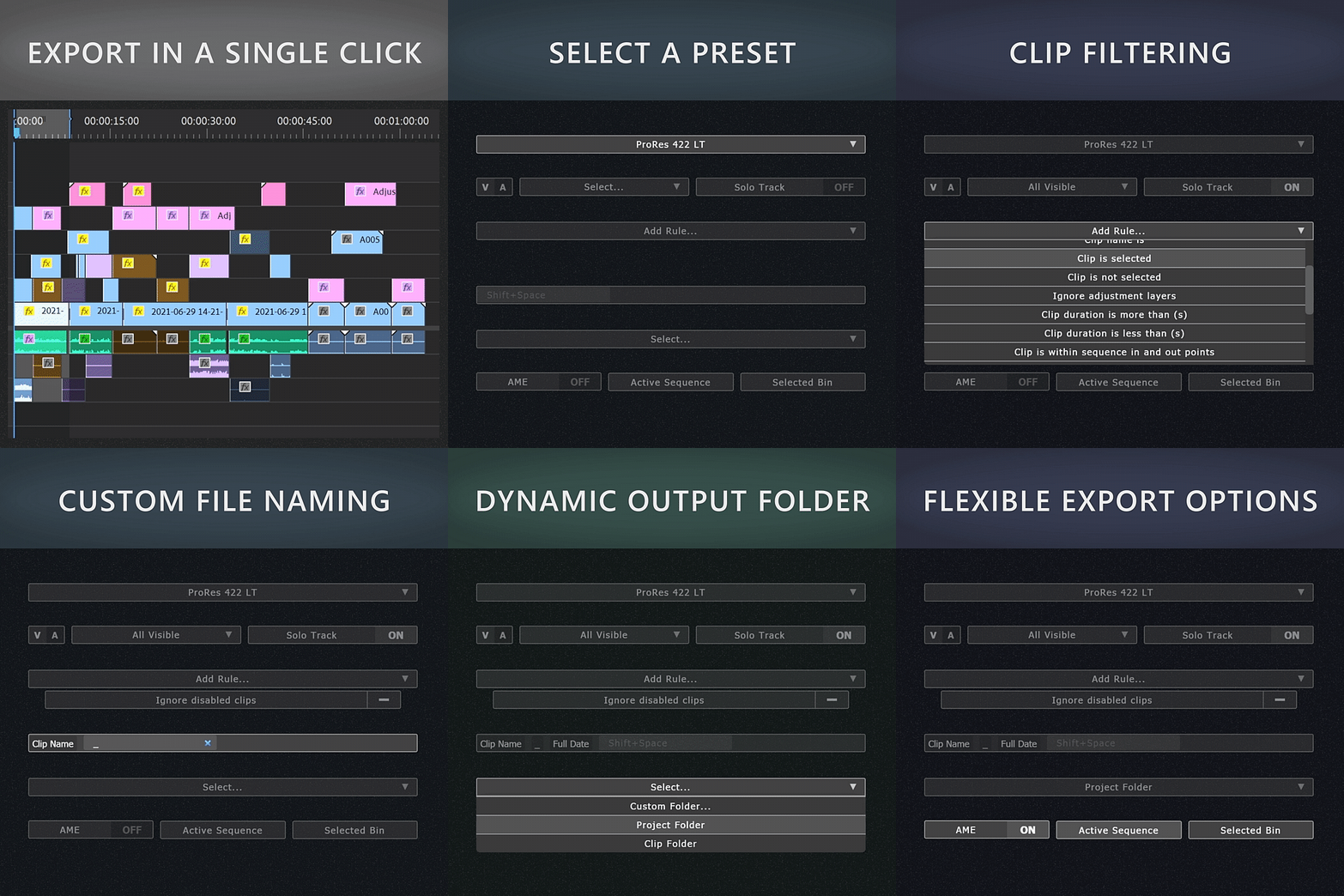
SDVI Rally Access is a panel for Adobe Premiere Pro that brings SDVI Rally workorders into the editor. Selecting a workorder gathers the media and metadata for that job and places them on the timeline, giving operators a direct route to the material that needs review. SDVI’s Rally Access overview.
Use workorders to focus manual review
SDVI describes Rally Access as a way to connect automated supply chain steps and their metadata with manual tasks. Time-based metadata from automated QC or AI/ML analysis can point operators to clips and locations that need attention. Administrators can define the job type and required metadata for a workorder, then assign its priority based on urgency.
The Premiere Pro panel supports manual QC, compliance review, compliance editing and craft edit sessions. Editors can work through those tasks in Premiere’s timeline, with the workorder and its associated media and metadata available in the same workflow.
Return edits and metadata to Rally
New metadata, edits and effects made in the panel sync back to Rally. SDVI also documents integration with Adobe Media Encoder, which can render a new version within the supply chain while retaining the original content and project metadata. Rally can then continue processing or conforming the returned work as part of the larger workflow. See
Panel and cloud workstation are separate options
The Premiere Pro panel makes Rally workorders available inside Premiere. SDVI describes Rally Access Workstation separately: it starts an editing session on virtualized cloud infrastructure and preloads the media and metadata for the selected workorder. The catalog entry here is for the panel, so confirm with SDVI whether a workstation service is available to your organization and what it includes.
Check compatibility before rollout
This entry lists Premiere Pro 22.0 and later. SDVI’s Q2 2022 update to the Rally platform records Adobe API support for subtitle track import in Premiere Pro 22.3 and later, while noting that full subtitle EDL support was still limited by the API at the time. That note concerns subtitle support; it does not establish the minimum version for every Rally Access workflow. Confirm the current panel requirements with Adobe Exchange or SDVI before deploying it across a team.