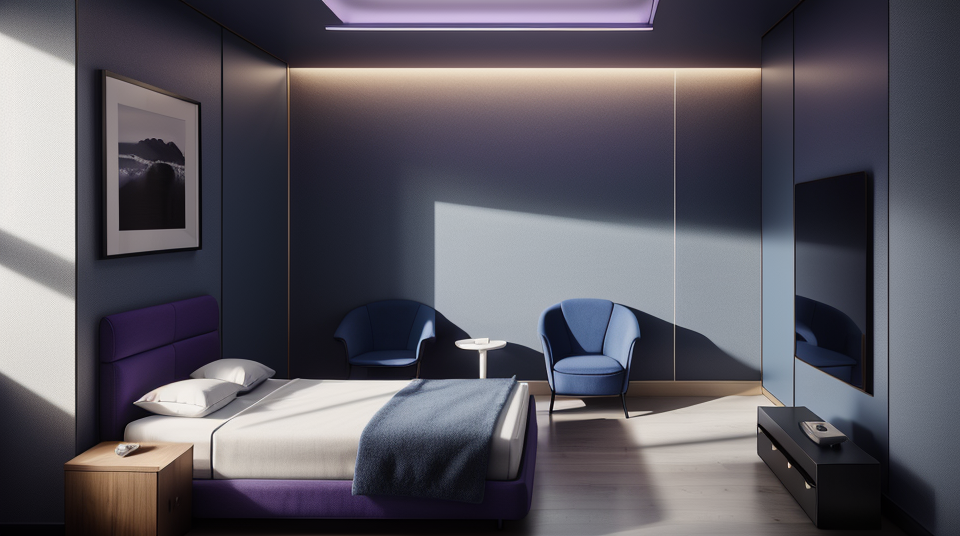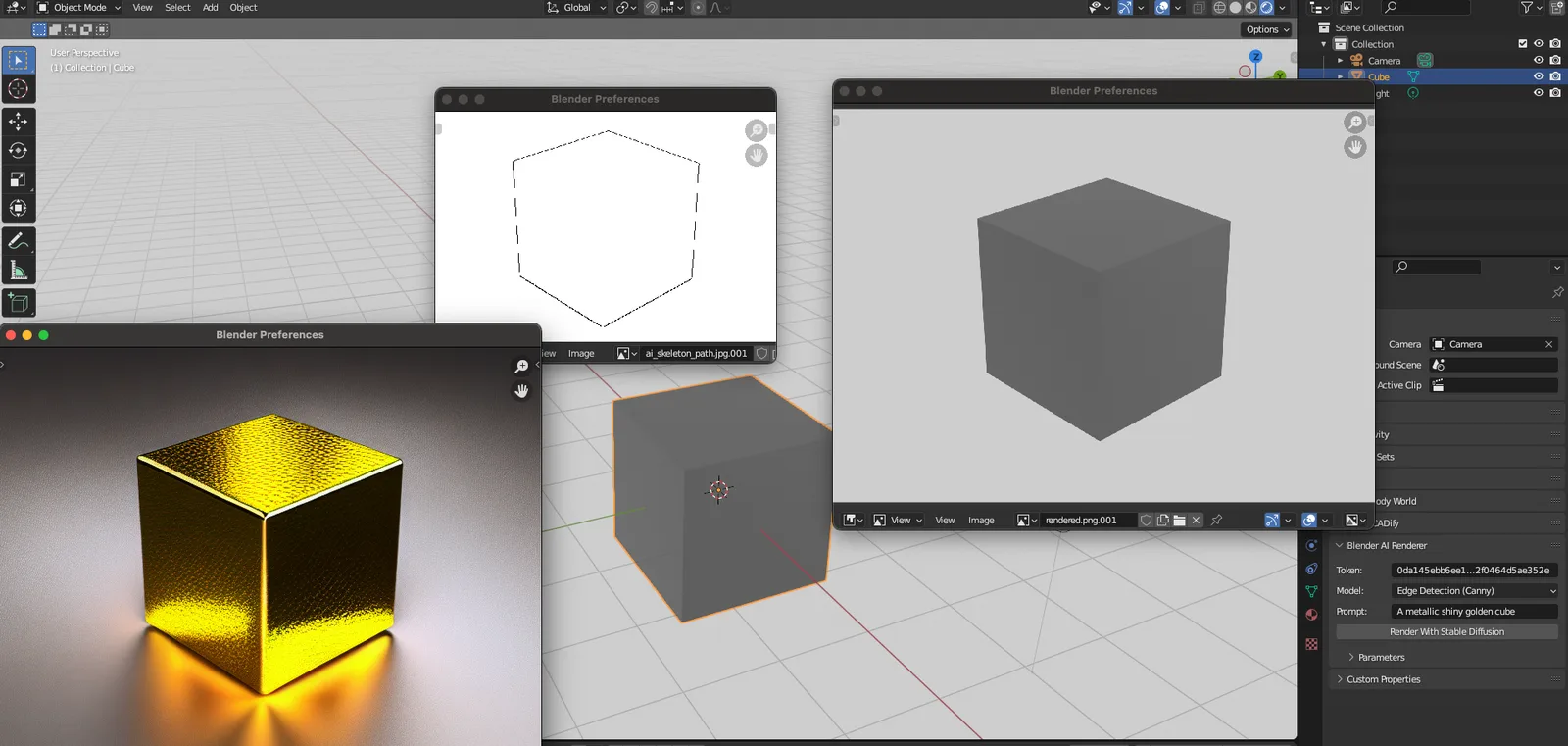
Sdwebuitools is a Blender add-on by Derek Wang that connects Blender to AUTOMATIC1111 Stable Diffusion WebUI. It brings text-to-image and image-to-image generation into Blender, including inpainting, and can use scene renders as ControlNet inputs. The listing identifies Blender 4.1 and says the add-on supports Windows; Linux, macOS and Chinese-language operating systems are not supported.
Image generation and editing tools
The add-on includes txt2img, img2img, Extras for image modification, and batch image-to-image and batch upscaling functions documented by the developer. Its controls include model checkpoints, prompts, samplers, sampling steps, output dimensions and seeds. The documentation notes that higher sampling-step values take longer, while larger batch sizes use more VRAM.
- Use CLIP or DeepBooru interrogation to create a text description from an image and place it in the prompt field.
- Add or remove LoRA models and adjust their weight.
- Use up to three ControlNet units.
- ADetailer is detected in the Blender add-on interface when it is installed in Stable Diffusion WebUI.
Guide image generation with a Blender scene
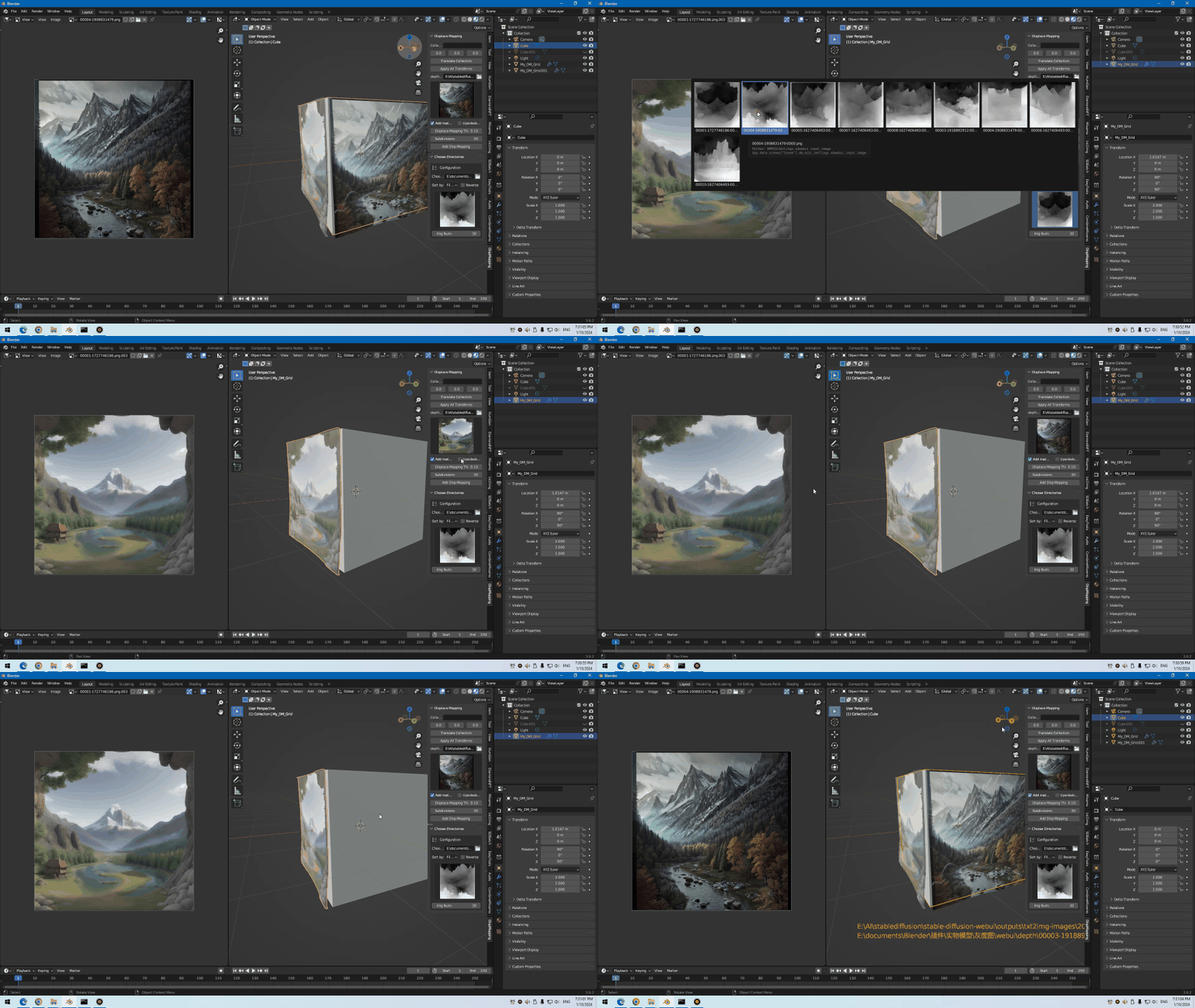
Sdwebuitools can prepare depth and canny inputs from a Blender scene. Its documented compositing step renders a depth image for ControlNet and uses the render result as the canny input. After generating an image, the Project from View workflow can link materials to objects and create UV maps based on a camera or viewport view. Material linking can target all objects, a selected collection, selected objects or a selected armature. The add-on also includes an option to add an image texture to selected objects.
Requirements and workflow files
Install AUTOMATIC1111 Stable Diffusion WebUI and ControlNet in that WebUI before using Sdwebuitools. These are separate dependencies. The developer’s documentation describes saving workflows to JSON, loading them and removing workflow files. It says saved workflows can be reused on different PCs.
The product listing identifies Blender 4.1. That is the Blender version stated on the listing; it does not establish a separate add-on release number or support for other Blender versions.