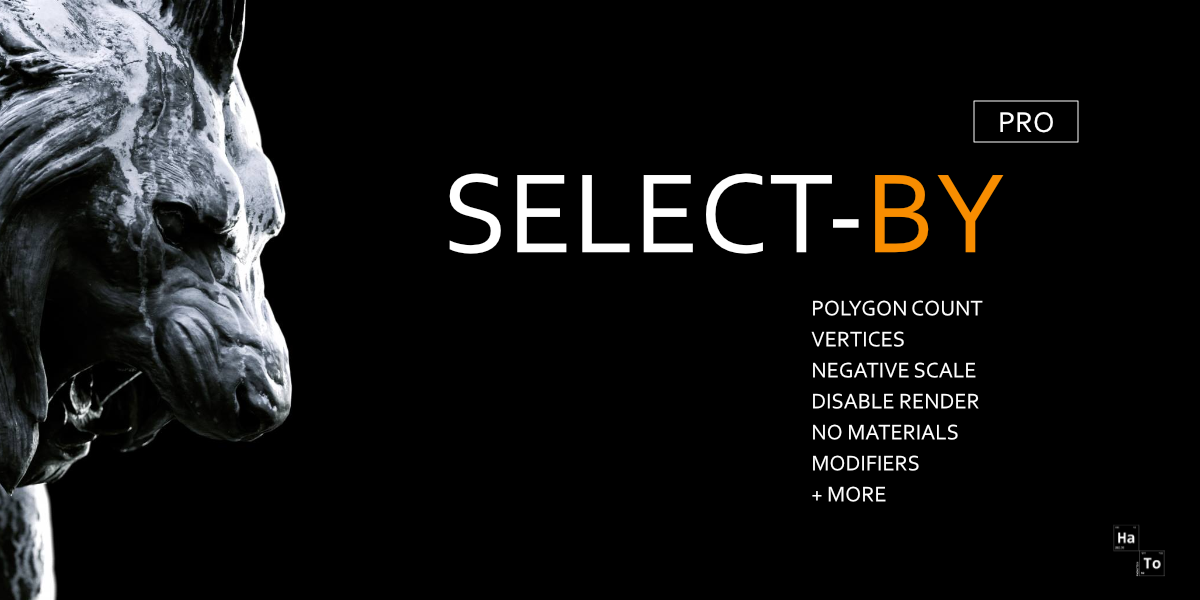
Select By is a Blender add-on by Online Render that adds object and mesh selection options to a dedicated menu. You can store a selection and restore it later, or use Find Copy to select scene items with the same name as an object picked in the viewport. The product listing identifies version 1.0.2 and Blender 2.8, 2.9, and 3.0. See the Select By listing for compatibility and license details.
Select objects by mesh counts and transforms
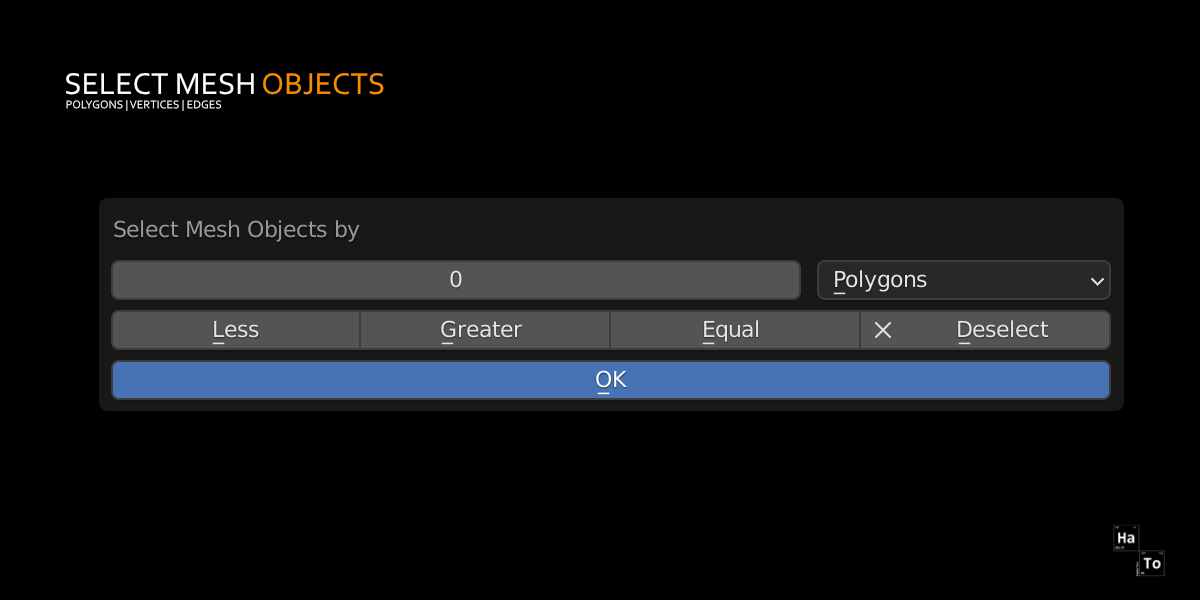
Select Mesh Objects By filters mesh objects using polygon, vertex, or edge counts. Its comparison options include thresholds such as fewer than a specified number of vertices or greater than or equal to a count. Same PolyCount uses the active object’s polygon count as its reference, which can help when you know a mesh’s count and need to find matching objects in a busy scene.
Other selection options find objects with a scale larger than 1, a negative scale on any X, Y, or Z axis, or a negative location on one of those axes.
Manage selections, materials, and render state
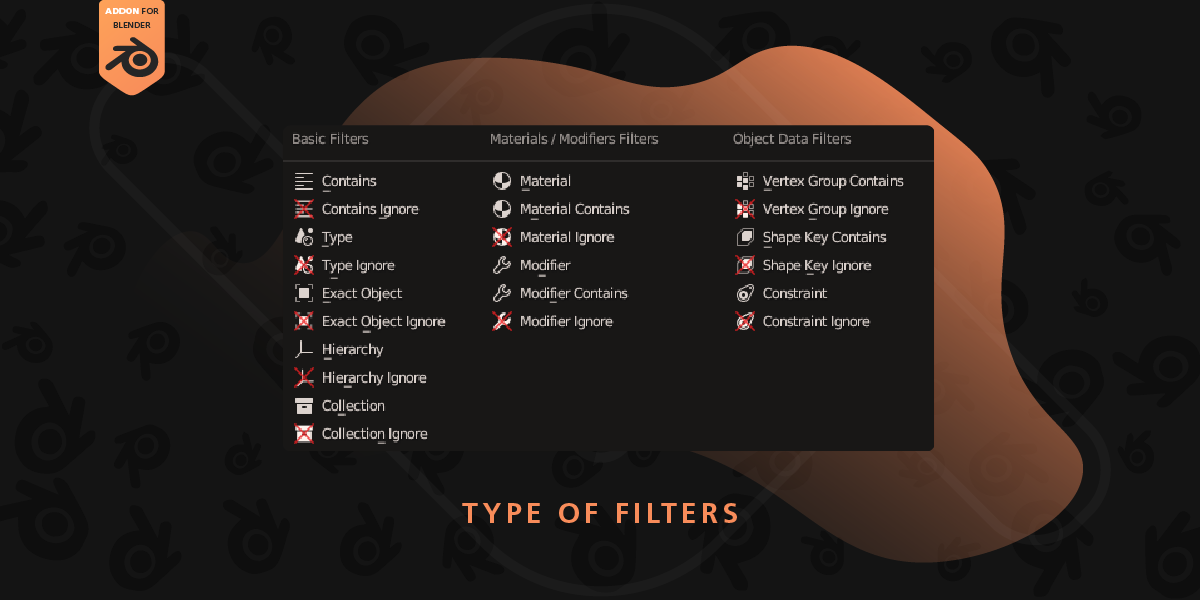
Store Selection saves the currently selected objects for Restore Selection. Find Copy selects items in the scene that share the picked object’s name. Material filters find objects with no material slots or with materials applied; another option selects objects with enabled modifiers.
From the same toolset, you can enable or disable selected objects in the render engine and lock or unlock their Location, Rotation, and Scale. Print Mesh Data outputs polygon, vertex, and edge counts for objects in the blend file, including deleted data blocks that remain in the file.
Compatibility and listing details
The product listing names Blender 2.8, 2.9, and 3.0. It identifies the license as Creative Commons; check the listing for its terms before reuse or redistribution. AnyPlugins lists the add-on as free, while availability and terms can change.