Select Flow by NoiseBee is a Blender add-on for object selection, origin placement, and scene organization. Its tools cover selection by shared object properties, quick access to common object types, filters for object and mesh characteristics, and saved selections.
Set object origins
The Origin Grid system places an object's origin on a minimum or maximum face of its bounding box along X, Y, or Z. It also offers the geometric center and center of mass. These options give you several defined origin positions to choose from while arranging objects in a scene.
Select objects by shared properties
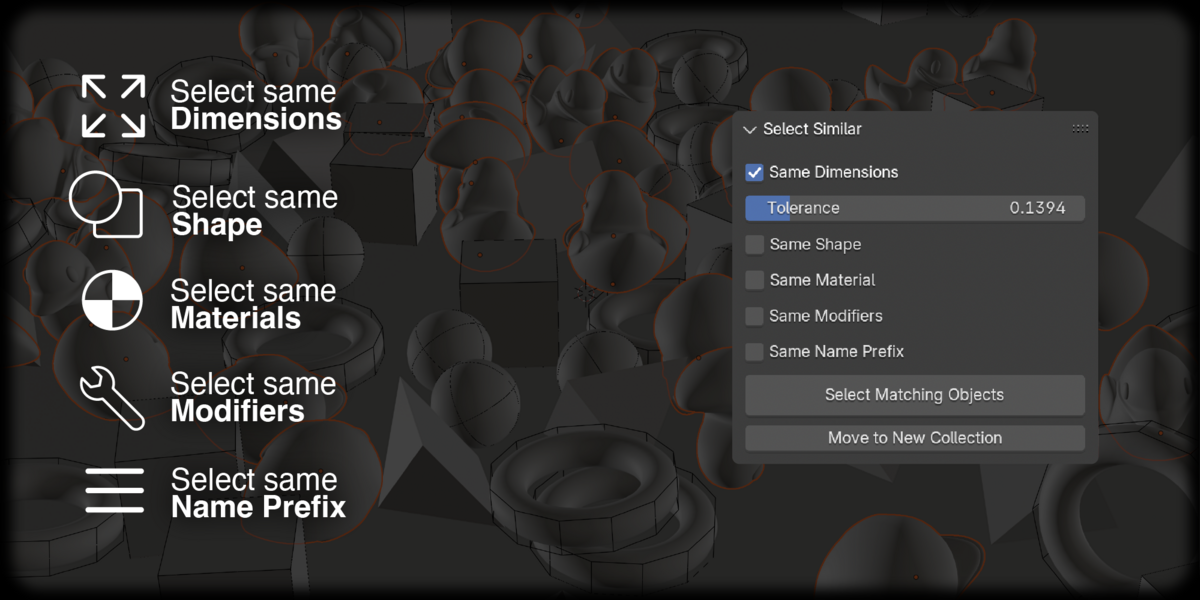
The Smart Selection Engine can select objects that share materials, collections, or modifiers, as well as objects with geometric similarity. This is useful when you need to gather related objects by a scene attribute instead of selecting each one individually.
Filter and inspect a scene
Quick Select provides direct selection for lights, cameras, curves, and empties. Other filters narrow objects by size, using Small, Medium, and Large groups, or by polygon density, using Low and High Poly groups.
Mesh Diagnostics selects N-gons, triangles, and non-manifold geometry. The listing describes these as selection and diagnostic tools; it does not say that Select Flow repairs the selected geometry.
Recall saved selections
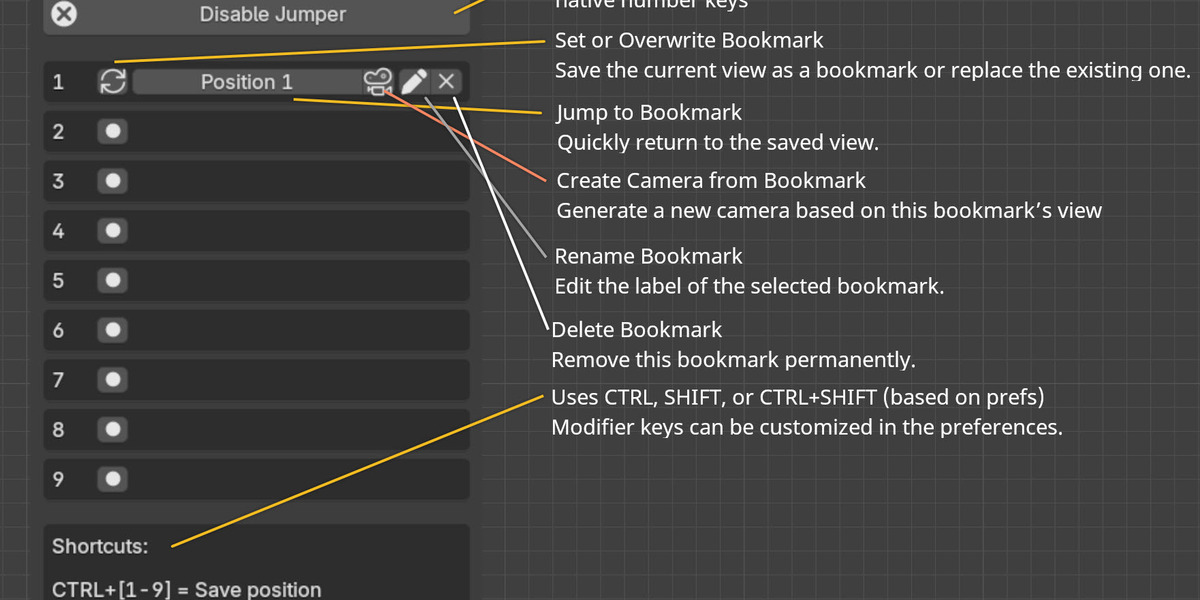
Selection Memory stores object selections so you can recall them during later work. This can help when the same set of objects needs attention again as you move through a scene.
Version and compatibility details
The AnyPlugins listing records version 2.0, free availability, GPL licensing, and Blender 4.5 through 5.0 compatibility. It gives an update date of July 15, 2026. The linked Superhive page redirected to the marketplace homepage in the retrieved source, so confirm the current version, compatibility, and license with NoiseBee before installing.