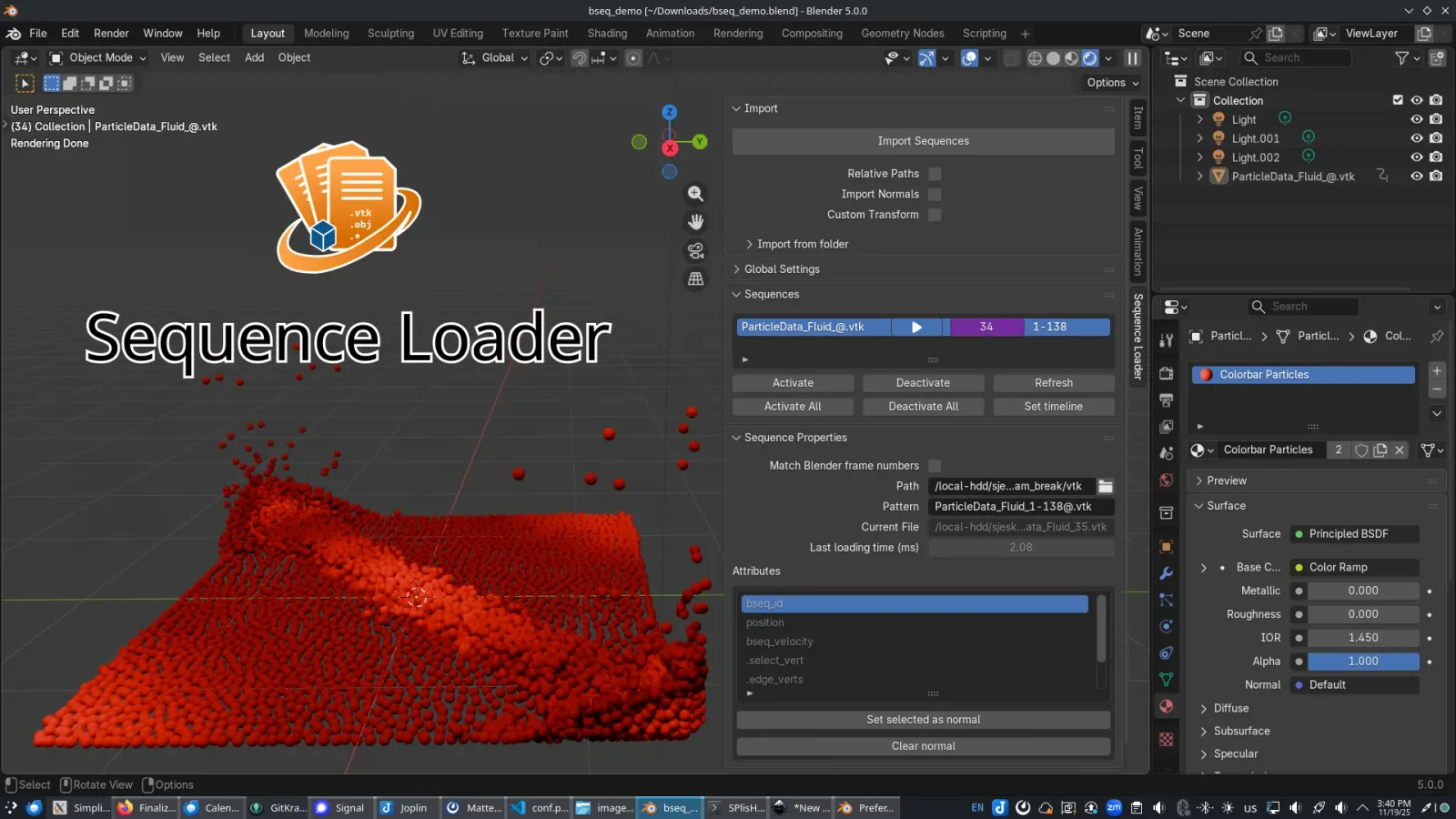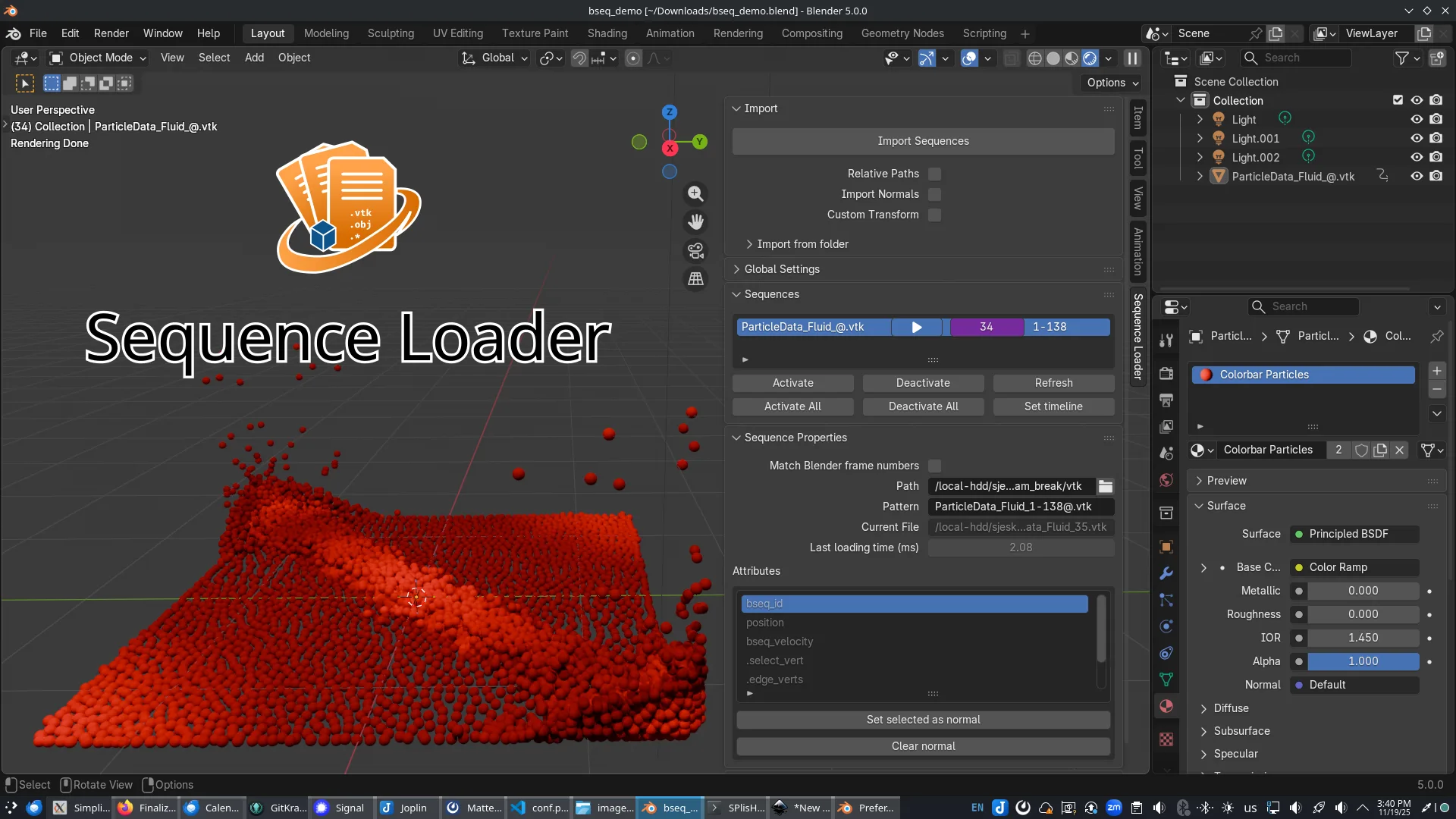
Sequence Loader imports mesh file sequences into Blender and updates their data as the current frame changes. The project also describes animation of particle and point-cloud sequences. This just-in-time loading is designed to avoid excessive memory use across a sequence, which can be useful when reviewing or rendering time-varying meshes. The Blender Extensions record identifies version 0.4.0, sets the minimum Blender version at 4.2.0, names Stefan-Jeske as maintainer, and specifies a GPL-3.0-or-later license. See the Blender Extensions listing for the current package details.
Load sequence data as the timeline changes
The add-on is built for mesh sequences rather than a single static import. Its project documentation describes selecting one or more sequences with the Import Sequences control, then confirming the selection to add them to the scene. Sequence properties include controls for the path, filename pattern, and matching Blender frame numbers. The current frame determines which sequence data is loaded.
For rendering, the project documentation recommends enabling Blender's Lock Interface option to help prevent artifacts, especially if someone continues using the interface during a render. The project README and usage documentation describe the import controls and sequence settings.
Mesh elements and attributes
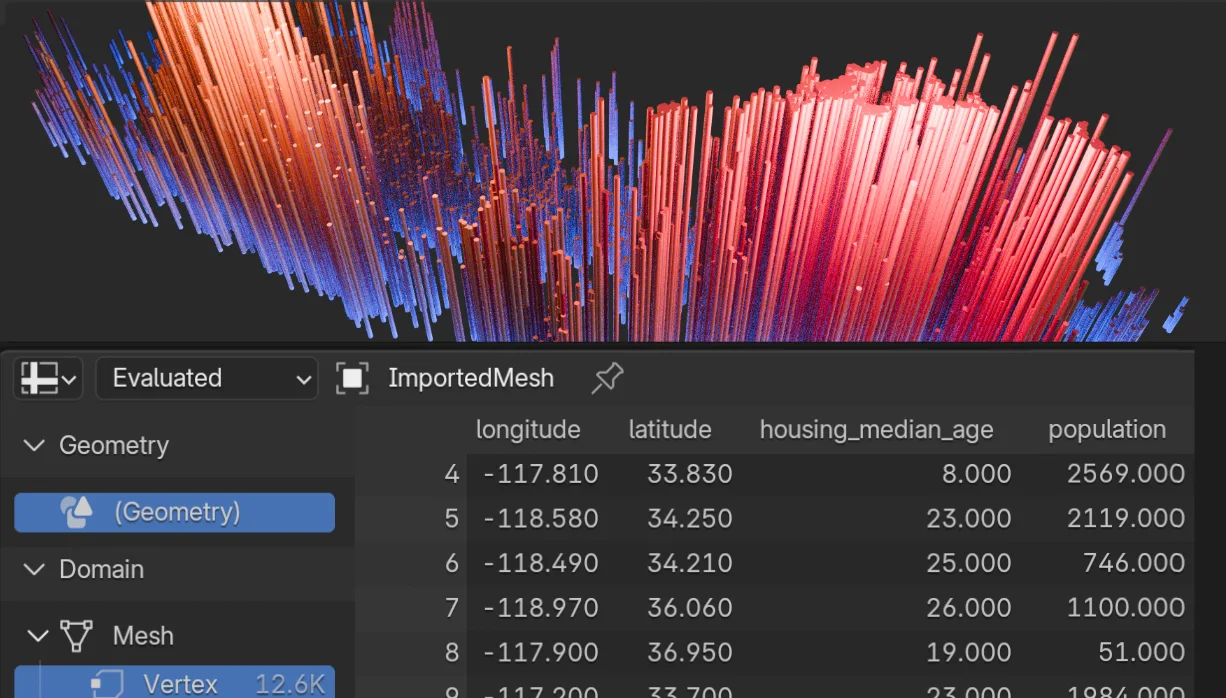
By default, Sequence Loader handles vertices, lines, triangles, and quads. It can extract triangle or quad surface meshes from tetrahedral and hexahedral volume meshes. The extracted result is the surface mesh. Scalar and vector attributes on vertices can be imported for visualization, while other supported data can be loaded as Geometry Nodes attributes for shading.
Formats and compatibility
The project confirms support for OBJ, PLY, and VTK data, including points, triangles, and quads. For VTK tetrahedral and hexahedral meshes, it extracts the surface automatically. Sequence Loader bundles meshio to handle geometric data from multiple file formats, but the project notes that not every meshio format has been tested and some may have issues. Check the specific files you plan to use before relying on an unlisted format.
The current Blender Extensions record sets Blender 4.2.0 as the minimum version. The project README says older Blender versions may work, but they have not been extensively tested. It also notes that the add-on is under development and breaking changes may occur.
Paths and installation
Sequence paths are absolute by default. To use relative paths, save the Blender project first and enable the Relative Path option before importing. If you later move the .blend file and sequence data together while keeping their relative locations the same, the project can continue to find the files.
The project documentation describes installing Sequence Loader from Blender's Preferences under Get Extensions: search for its name and choose Install. The Blender Extensions listing identifies the package license as GPL-3.0-or-later.