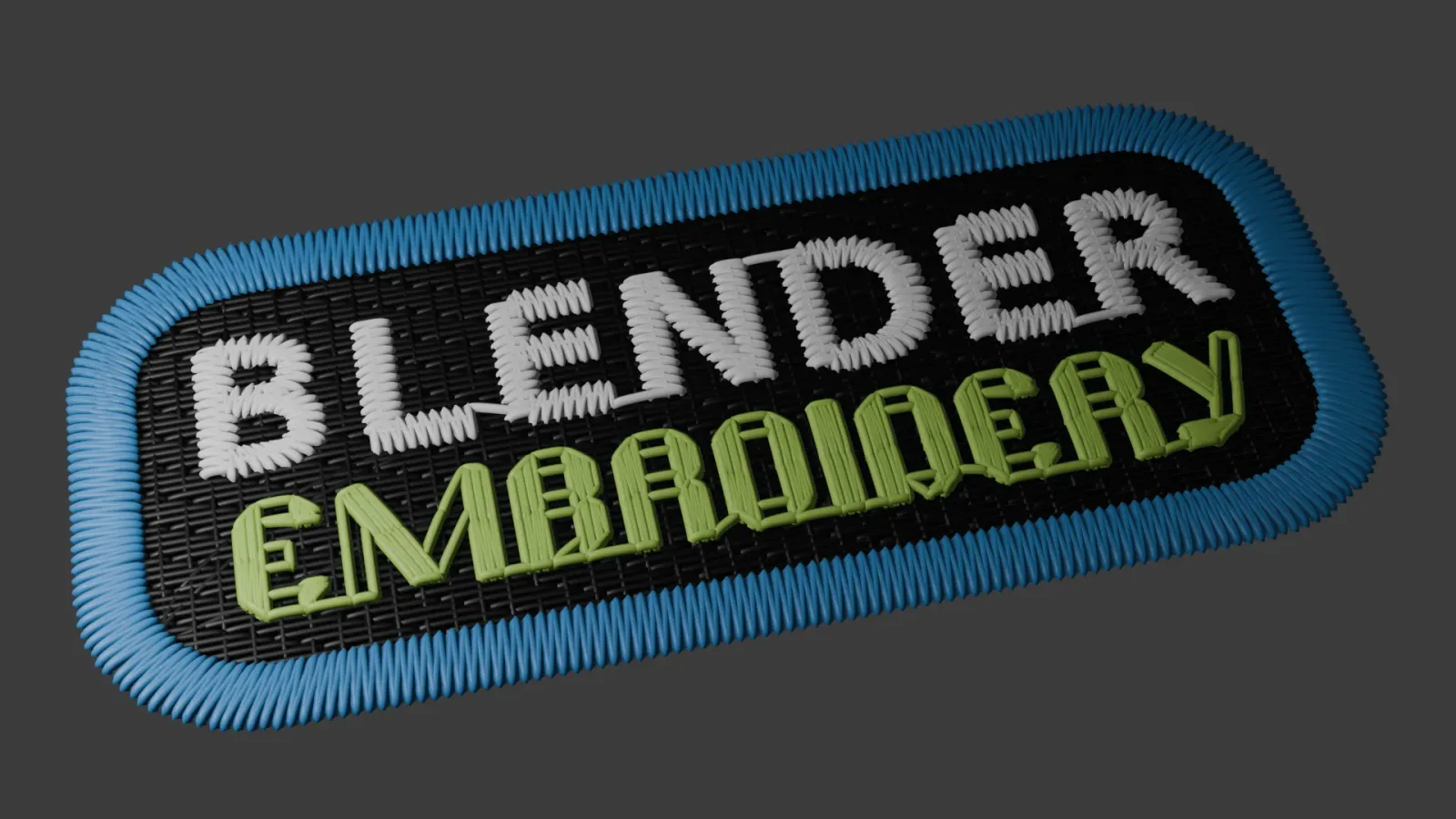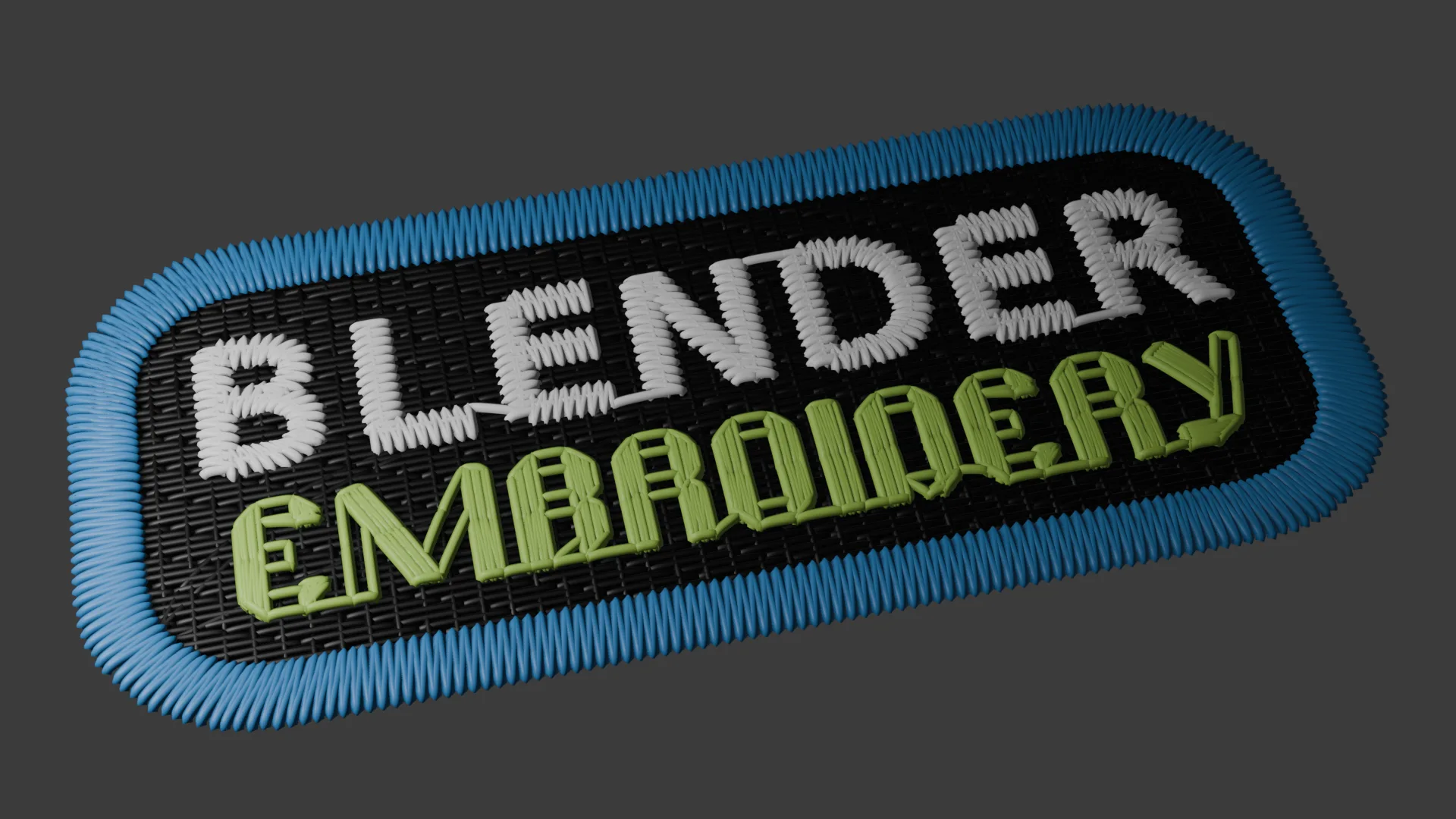
Embroidery Importer brings machine embroidery patterns into Blender as curves. It can read thread color data, create a node-based material from those colors, and add thickness through curve bevels or Geometry Nodes. This is useful when you need to inspect or work with embroidery paths inside a Blender scene.
What appears in the scene
Each imported shape becomes a curve. When material creation is enabled, a generated node material uses the thread color data, and each curve's thread_index attribute maps to a Color Ramp. You can group the generated curves in one collection, which can help keep a pattern with many shapes organized in the scene.
Choose geometry and import details
The import dialog lets you control jump wires, material creation, collection grouping, thickness type, and thread thickness. Jump wires are the lines an embroidery machine traces while moving between parts of a pattern. Include them when those travel paths matter to your result, or turn them off for a cleaner display.
For geometry, choose curves without added thickness, a Geometry Nodes setup using Curve to Mesh with a Curve Circle profile, or the curve's bevel property. The thread thickness setting controls the appearance when a thickness option is active.
Formats and Blender version
The product listing says file-format support should follow pyembroidery. Check its supported formats for the file you have before relying on a less common format. The project repository also includes a PES example file.
The Blender Extensions record lists version 0.9.6, Blender 4.2.0 as the minimum version, and the GNU GPL-3.0-or-later license. Check the listing for current release details before installing.
Installation and license
Blender Extensions lists permission to read embroidery files from disk. For installation, follow Blender's Install from Disk instructions. Review the license terms before redistributing the add-on or a modified version.