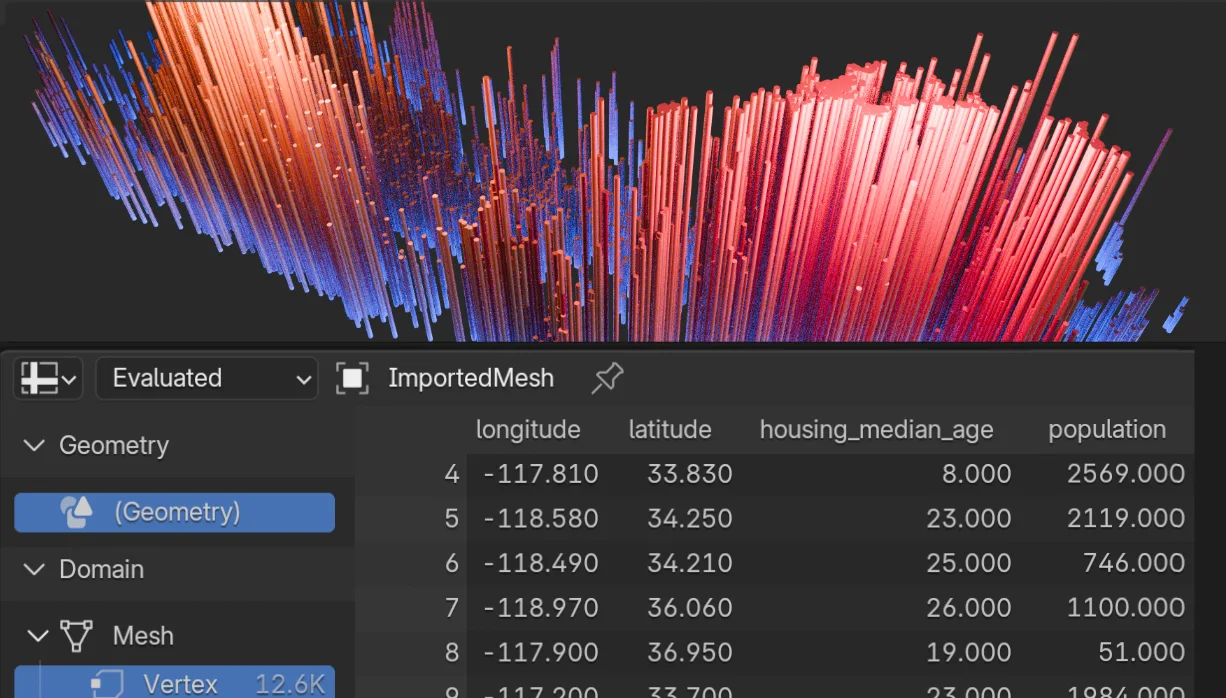
CSV Importer brings CSV data into Blender as mesh attributes for inspection and use in Geometry Nodes. The Blender Extensions record lists version 0.2.10 and a minimum Blender version of 5.3.0. It provides separate packages for Windows x64, macOS Apple Silicon, and Linux x64. See the official extension listing for the current release details.
Importing a CSV file
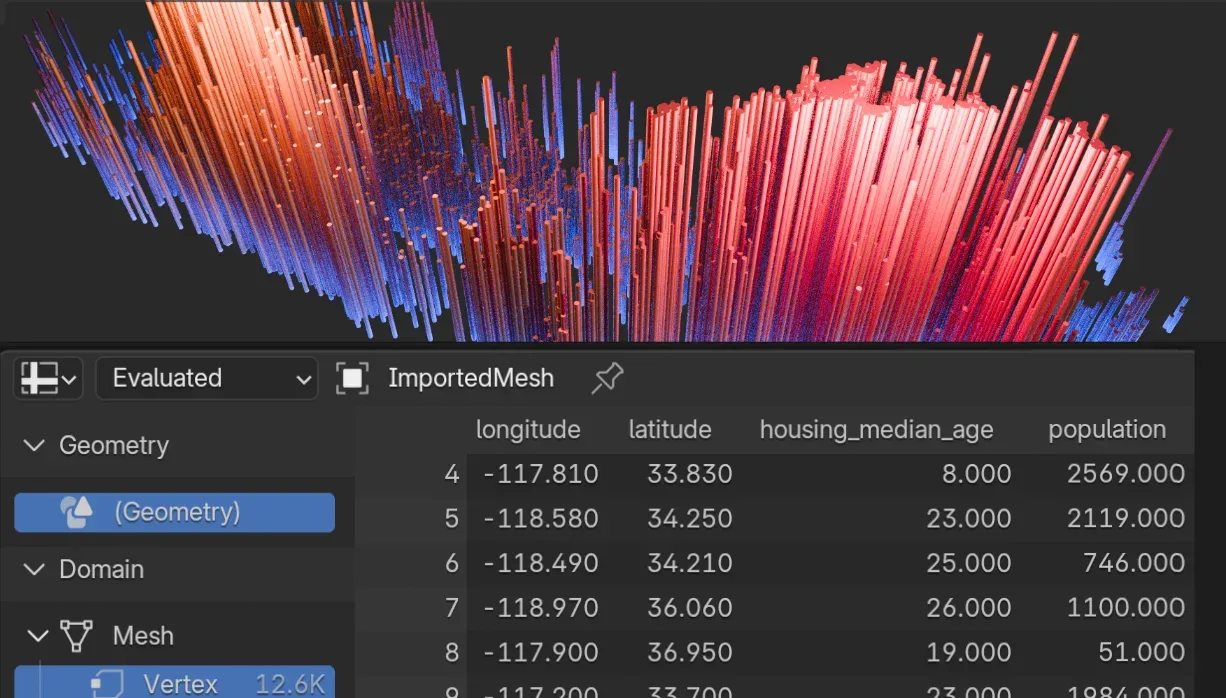
You can drag a CSV file into Blender’s viewport or choose File > Import > CSV. The add-on reads the file into a mesh made up of vertices, without faces or edges. The vertices begin at the origin, and the CSV data is stored as attributes on them.
After import, inspect the columns in Blender’s Spreadsheet Editor. For a procedural setup, use the Geometry Nodes Named Attribute node to read a column and use its values to set vertex positions. The importer also supports string columns and 3D vectors, according to the upstream project documentation.
What happens to the source file?
The extension page’s developer response says that data dragged into the viewport is embedded in the mesh, so the imported mesh is not a live link to the original CSV. If the source data changes, import the updated file to bring those changes into Blender.
The project README records that version 0.1.5 introduced an import API and described it as not yet stable. Check the current project documentation before relying on it for automation.
Compatibility and permissions
The current Blender Extensions record lists Blender 5.3.0 as the minimum version and GNU GPL v3.0 or later as the license. It lists file access permission for importing data files from disk. Check the extension listing for the latest compatibility and package information.