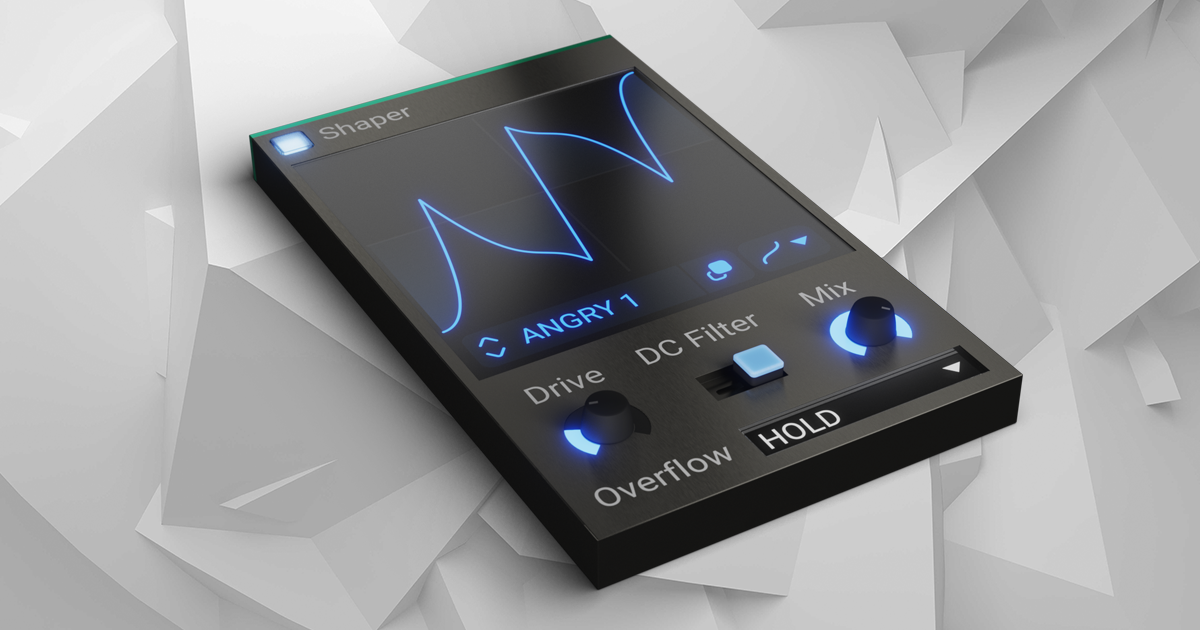
Shaper Table is a distortion effect that remaps incoming audio through frames in a data table, such as a wavetable. Producers and sound designers can use it to create distortion that changes as the selected frame moves, or build their own tables for custom waveshaping.
Work with wavetable frames
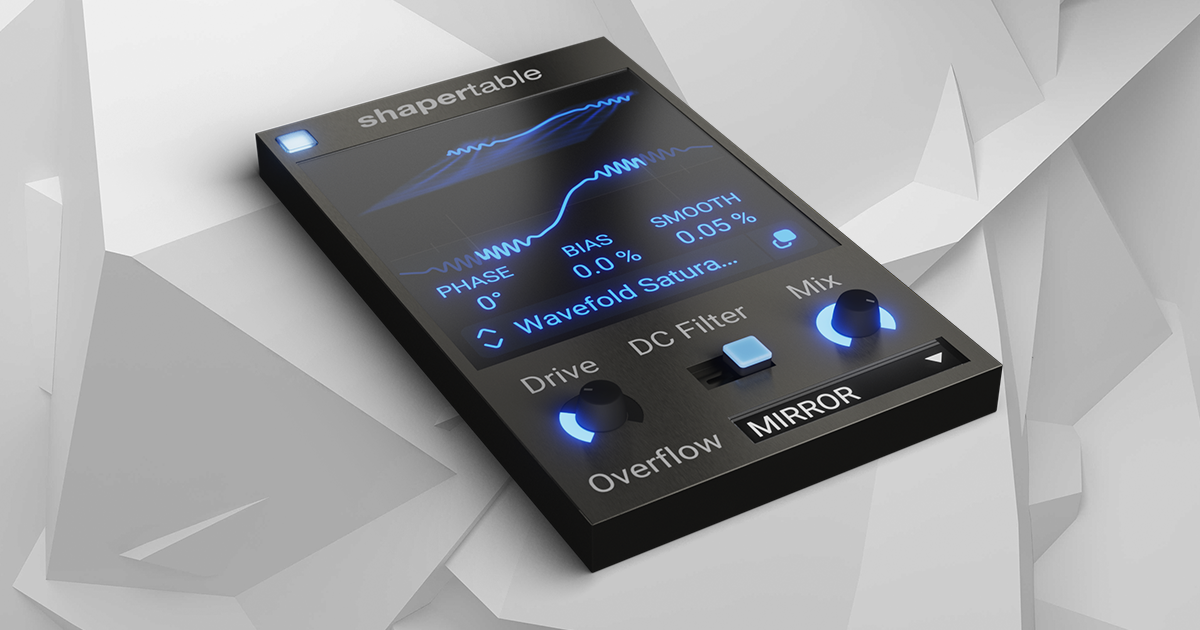
Choose a supplied table from the Table browser, or open the table editor from the table selector to make your own. The 3D graph shows the available frames; click and drag to select one. For movement through the table, route modulation to the Frame parameter. The 2D graph shows the selected frame with the other settings applied.
Shape the distortion
- Drive boosts the input signal for heavier distortion.
- Smooth filters the wave shape to make the distortion less harsh.
- Bias adds a DC offset before distortion, shifting the wave shape.
- Overflow sets what happens beyond the wavetable edges: repeat, hold the edge value, or repeat with mirroring.
- DC Filter corrects DC offset introduced by the distortion, while Mix blends the processed sound with the dry signal.
Compatibility and licensing
Use Shaper Table in a DAW that supports VST2, VST3, AAX, or Audio Unit. The minimum recommended CPU is an x86 64-bit processor with SSE3 support; on macOS, Kilohearts also supports Apple M processors. Kilohearts cannot support operating system versions their manufacturers no longer support; it recommends trying the 10-day trial on an older system before purchasing. Shaper Table is included in Kilohearts Subscription. The Kilohearts version requires no licensing hardware, while versions installed through Slate Digital use iLok and require a valid Slate Digital license.