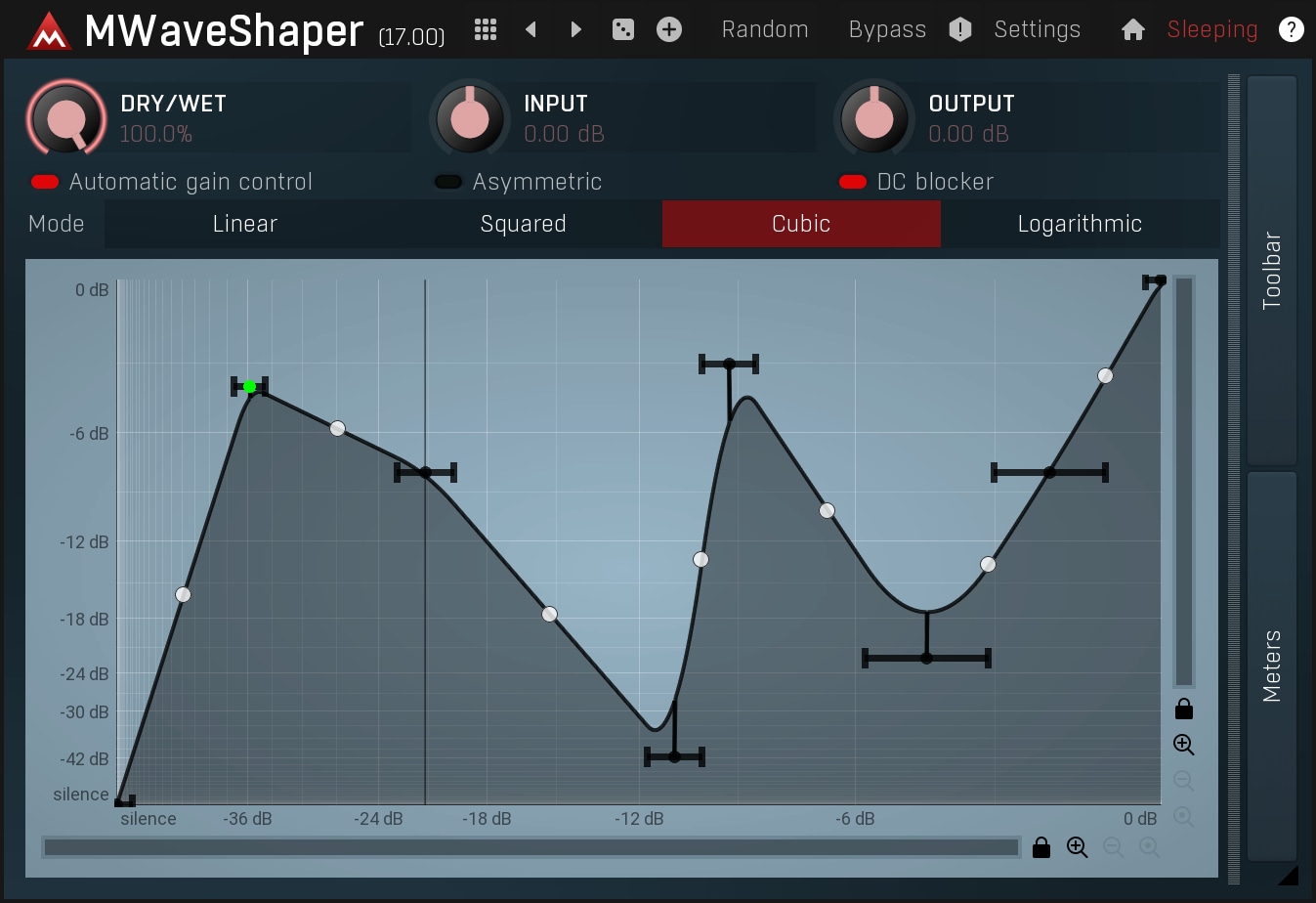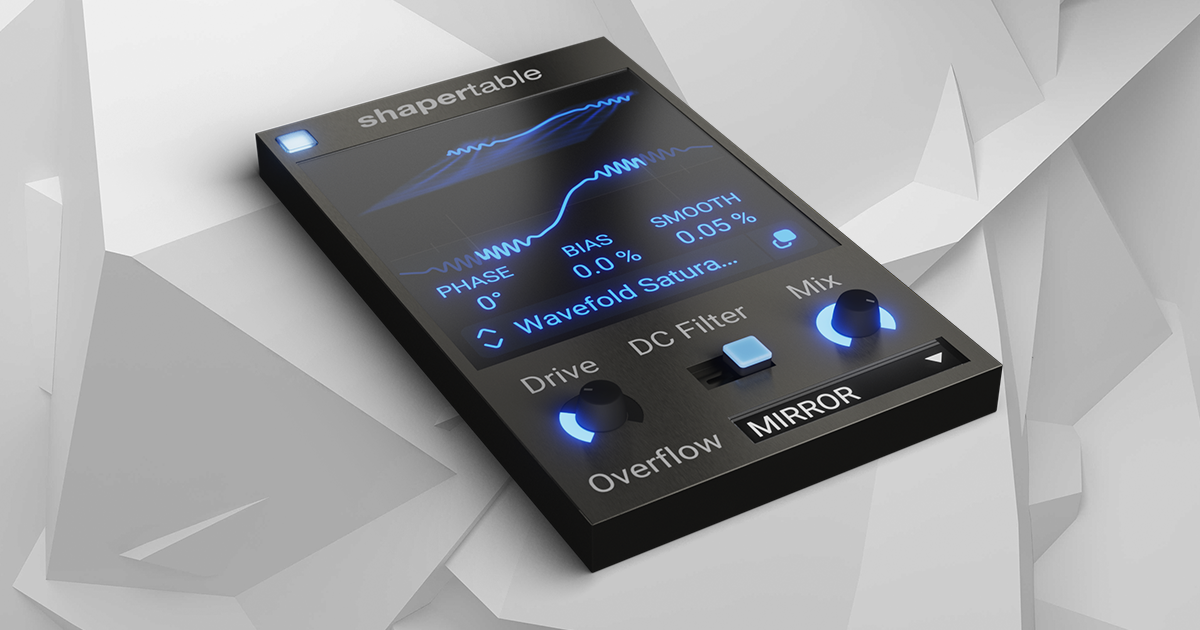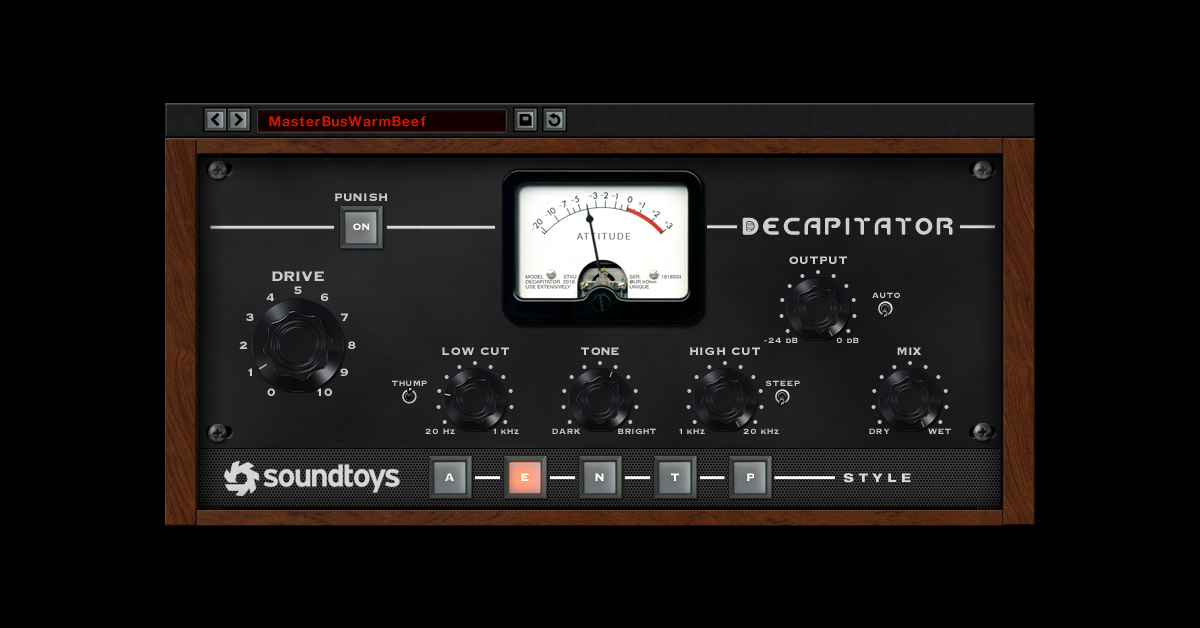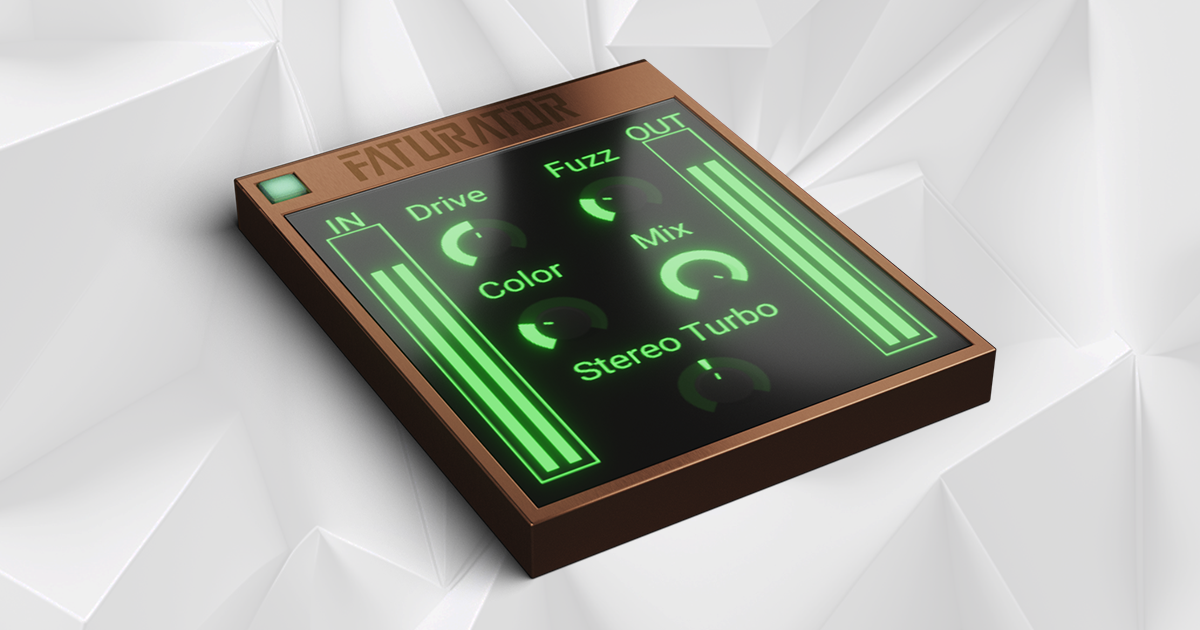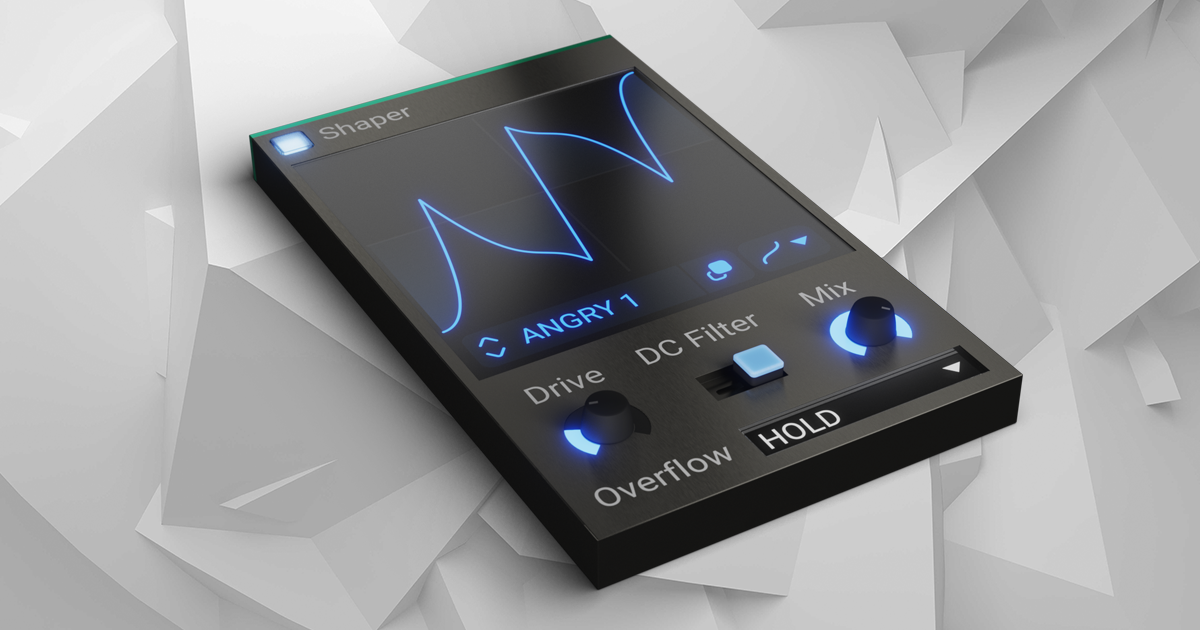
Kilohearts Shaper maps incoming audio levels through a customizable graph to create a distortion curve. The Remap selector opens a browser for choosing a shape, and the larger editor lets you work on the curve. You can also start with a shape from the factory library.
Shaper suits producers who want to design a distortion response directly on a graph, with controls for input drive, signal blend, and behavior outside the curve.
Shape and blend the effect
Drive boosts the input signal, increasing the distortion as you raise it. Mix blends the processed sound with the dry input. The DC Filter can correct DC offset introduced by the distortion.
Overflow determines what happens when the signal goes beyond the edges of the graph: the curve can repeat, hold its edge value, or repeat with mirroring.
Hosts and requirements
Shaper is free with a Kilohearts account and is included in Kilohearts Essentials. It can run as a regular plug-in or as a Snapin inside Phase Plant, Multipass, or Snap Heap, where it can be combined with other effects and modulated. The Shaper manual describes its controls.
Kilohearts lists VST2, VST3, AAX, and Audio Unit as supported plug-in formats for its products. Its general requirements specify an x86 64-bit processor with SSE3 or, on macOS, an Apple M processor, plus a DAW that supports one of those formats. Kilohearts recommends an operating system that is still supported by its manufacturer; see the system requirements for details.