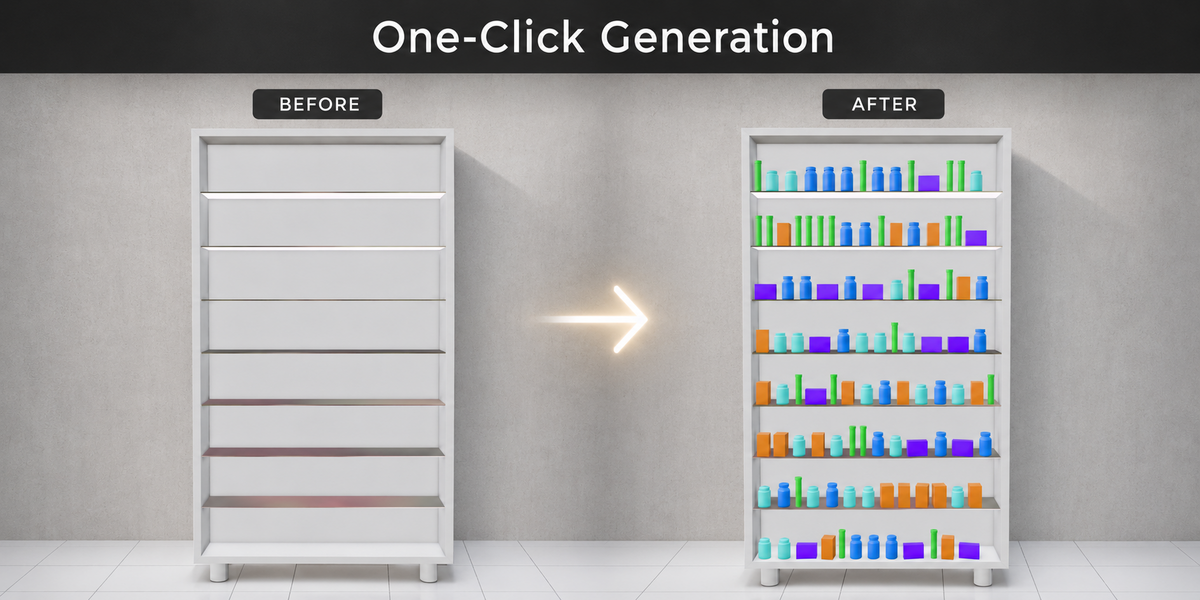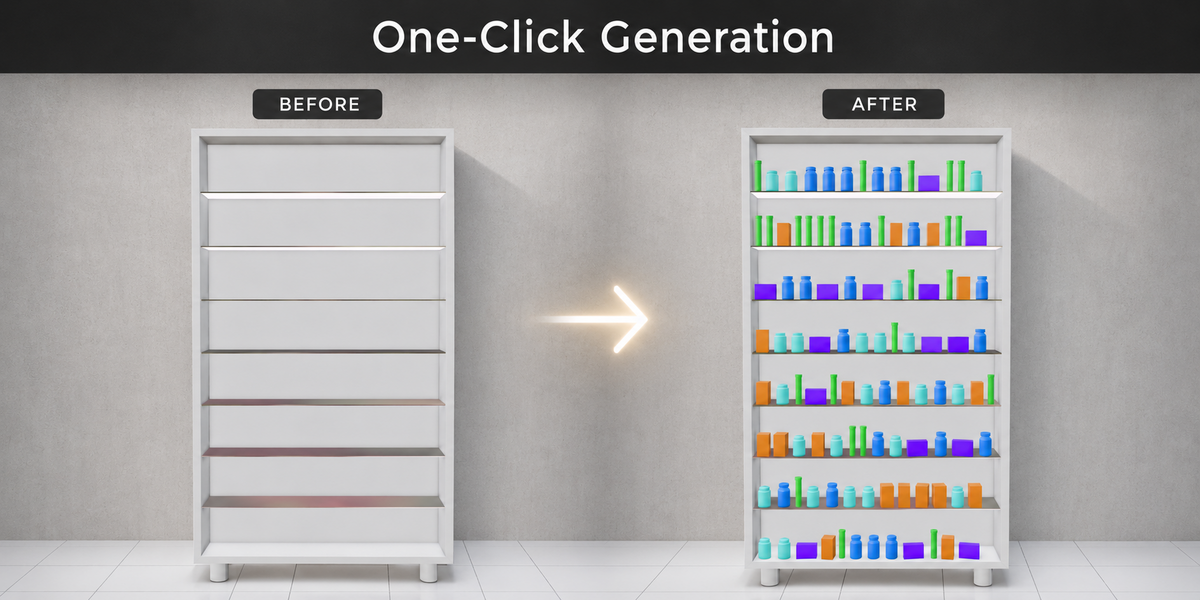
Shelf Filler 4.0 Pro is a Blender add-on that generates retail shelf layouts from your own product objects and shelf geometry. It is intended for product visualization, retail design, merchandising and FMCG scenes where product placement is part of the work. Choose a source collection and shelf, set the layout options, then generate an arrangement to refine in Blender. See the developer's product listing for product details.
Build a shelf layout
- Put your product objects in a collection.
- Select that collection and a shelf object in the add-on panel.
- Adjust shelf fill, spacing, facing mode and alignment.
- Click Generate, then refine the result with locking, regeneration or replacement tools.
The documentation describes this workflow and the installation steps.
Control product placement
Set the fill percentage for each shelf, then choose facing modes for single-product facings or grouped product blocks. Alignment options place products to the left, center or right, or distribute them using justify alignment. A deterministic random seed system controls placement, and the add-on supports multi-level shelves.
Lock selected products to keep them in place while regenerating the rest of a layout. Regeneration can preserve locked products and manual adjustments. Product replacement lets you swap a selected generated item for another object from the source collection. If you change the facing mode substantially, the documentation advises that locked products keep their current positions.
Compatibility and installation
The product listing specifies Blender 4.0 through 5.0, while the documentation describes the add-on as designed for Blender 4.0 and newer. Check the developer's listing for compatibility details if you use a version beyond the listed range. The listing lists Cycles and Eevee under Render Engine Used.
To install, download the product ZIP, open Blender's Edit and Preferences menus, then go to Add-ons and choose Install. Select shelf_filler_4_0_pro.py and enable the add-on. In the 3D Viewport, press N to open the side panel and select the Shelf tab.
Prepare your own product objects
The add-on does not include product models. Use your own mesh objects in a product collection; the developer notes that non-mesh objects may be ignored. For best results, prepare clean objects with applied scale and consistent origins, and use shelf objects with clean horizontal surfaces. Example objects in the product preview demonstrate the workflow.
Included materials and usage
The package includes the add-on, a Quick Start Guide, documentation, an FAQ and support information. The marketplace listing identifies the add-on as GPL. Its product FAQ says generated scenes, layouts and renders may be used in personal and commercial projects.