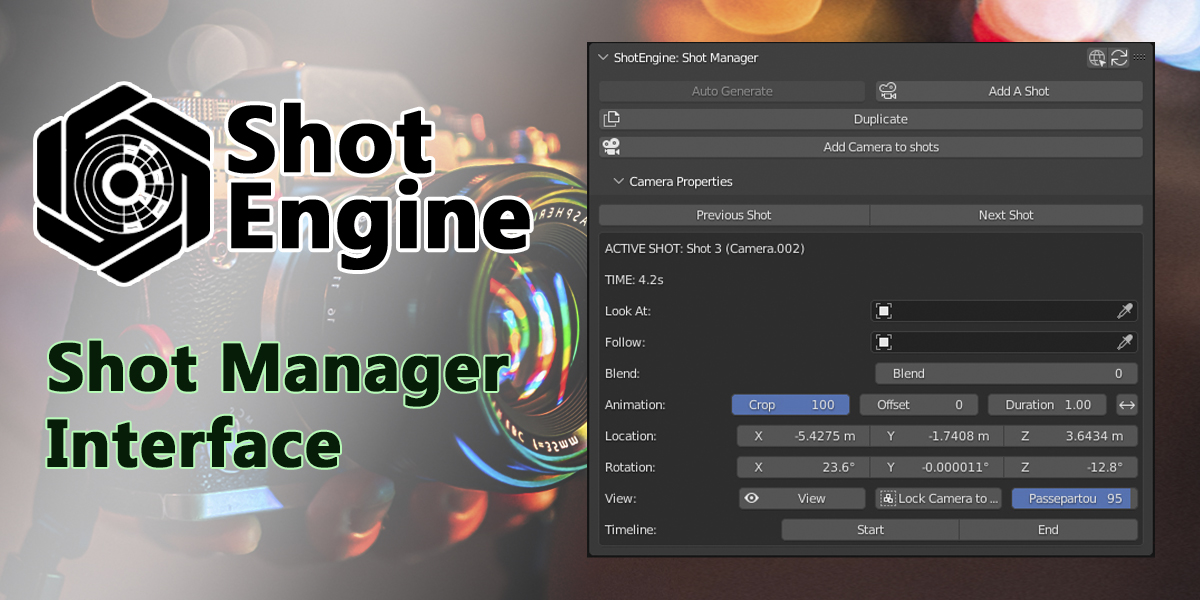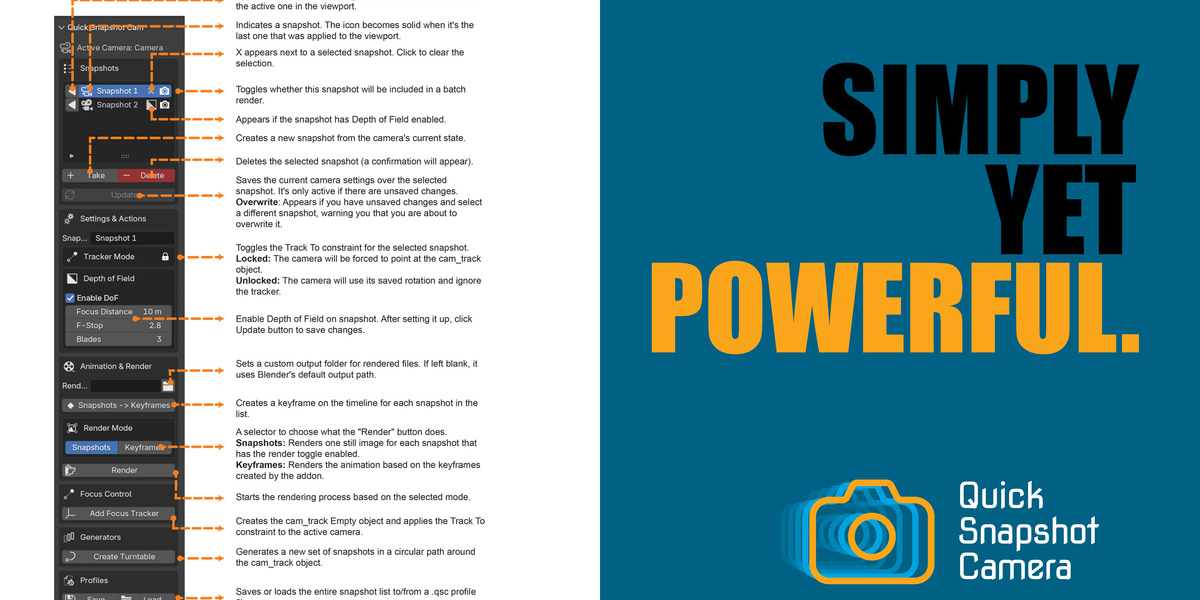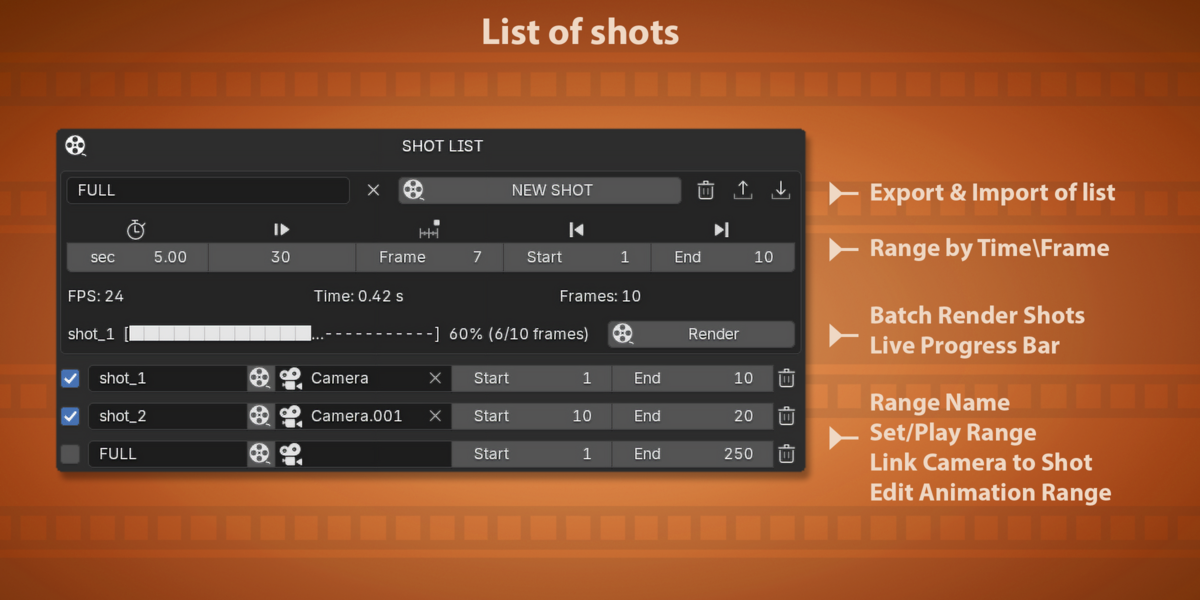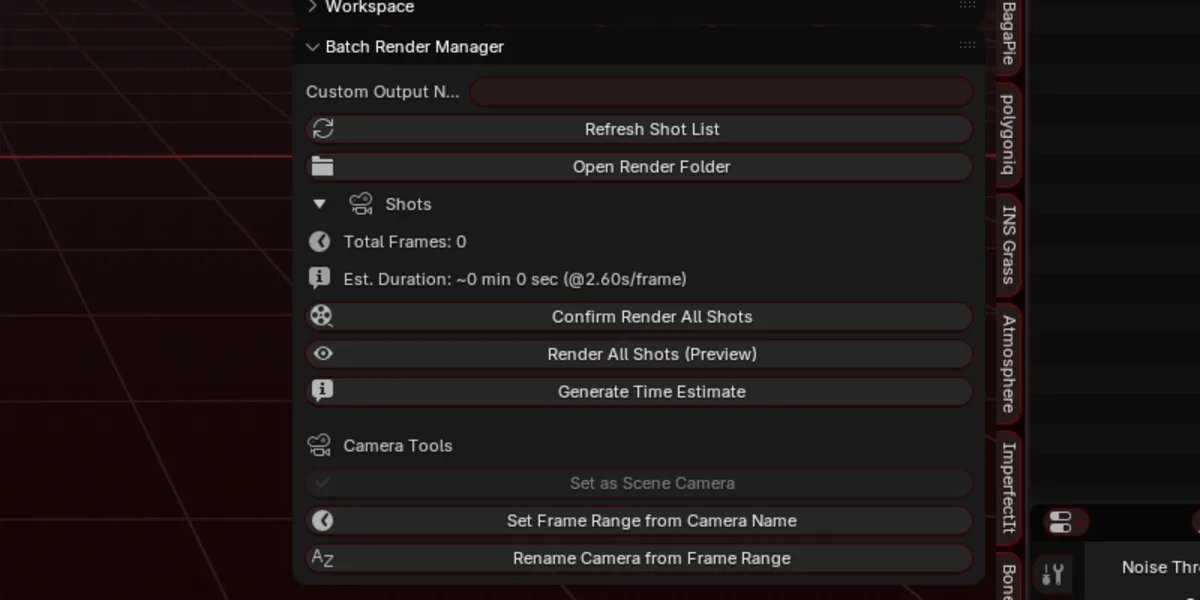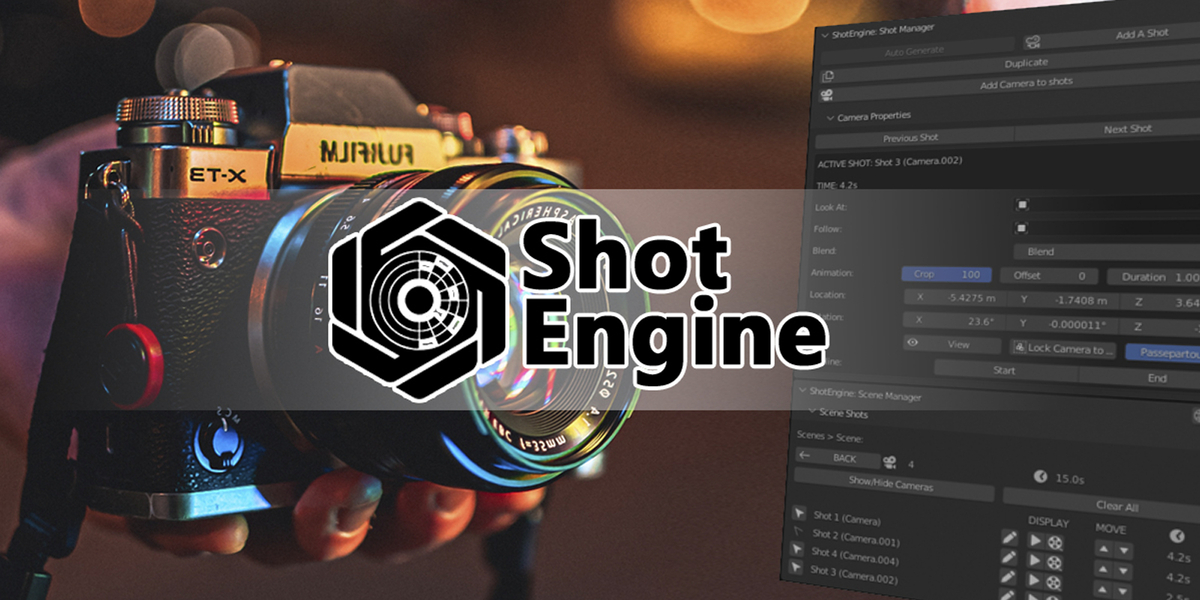
Shot Engine is a Blender add-on for managing multiple shots and cameras in a scene. It brings shot organization, camera-animation controls, previews and rendering together for artists, animators and filmmakers working on sequences for animation, film or commercials.
Organize shots and cameras
Create shots and assign custom cameras, or generate shots from cameras already in the scene. You can rename, duplicate, reorder, hide or unhide, and delete shots as a sequence changes.
Adjust camera animation between shots
Shot Engine can change a shot's speed and duration, then crop, reverse or offset its camera animation. You can also set an object for the camera to follow or track to. To build transitions, the add-on blends between multiple shots. Its update notes describe exposed focal length controls for shot cameras and Ease and Linear camera motion types; they also describe improvements that let the camera rotate around a followed object or while tracking an object.
Preview and render a sequence
Preview all shots together or inspect an individual shot. When the sequence is ready, render a single shot or batch-render all shots in the scene. These options suit projects where you need to review camera coverage and produce several shots from one Blender scene.
Who Shot Engine suits
The add-on is aimed at Blender users managing multiple cameras and animated shots. If you are evaluating it for a project, check the developer's documentation and demo video to see the workflow.
Version and compatibility
The Superhive listing shows Shot Engine version 1.5 and a GPL license, and names Blender releases from 2.80 through 4.2, including 2.93, 3.0 to 3.6, and 4.0 to 4.2. Check the developer's listing for current compatibility before installing into a newer Blender release. AnyPlugins lists the add-on as free; confirm the current download terms on the listing.