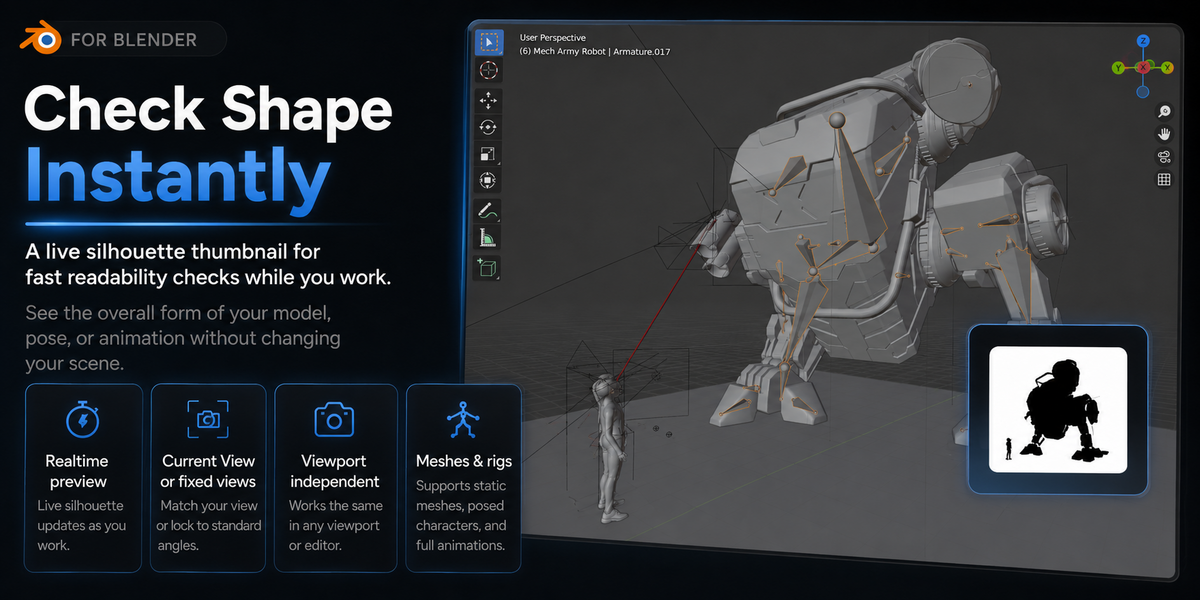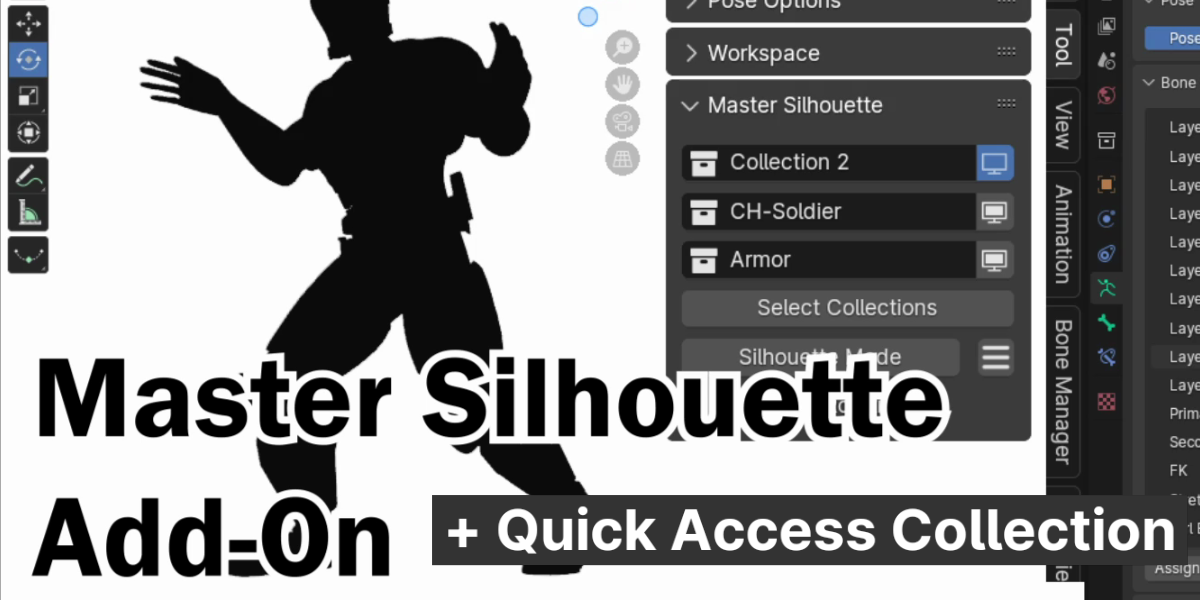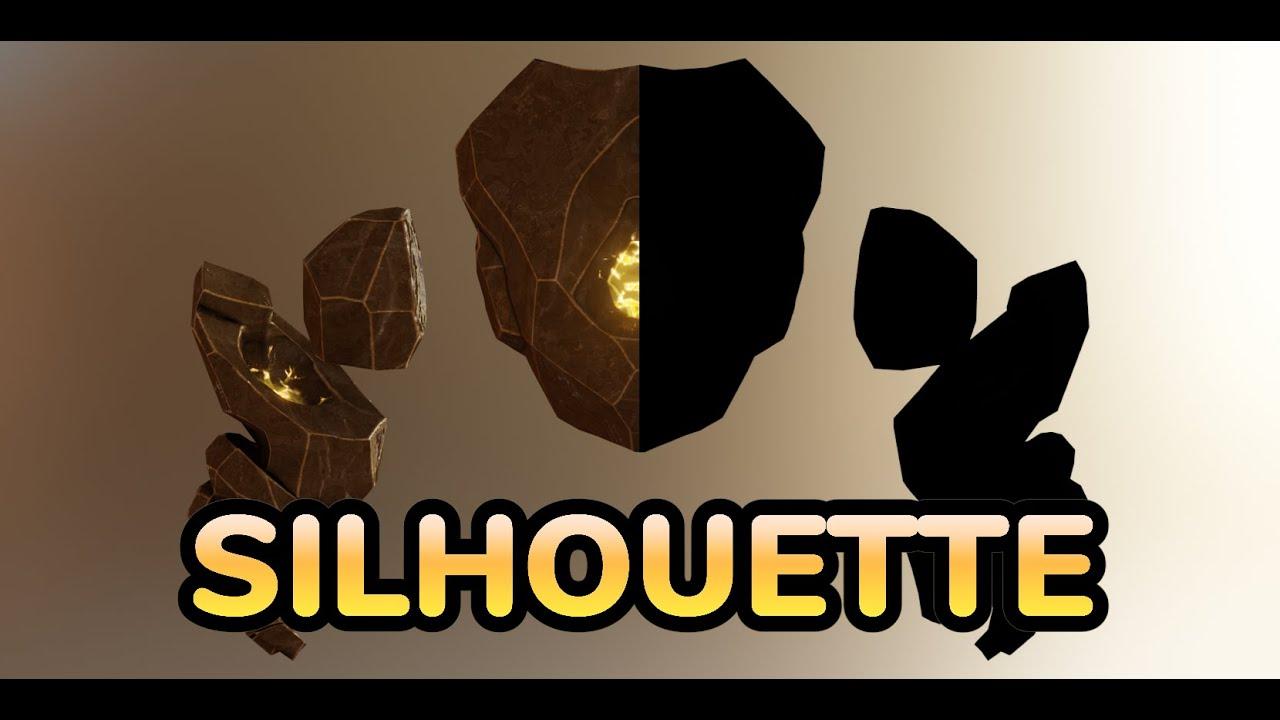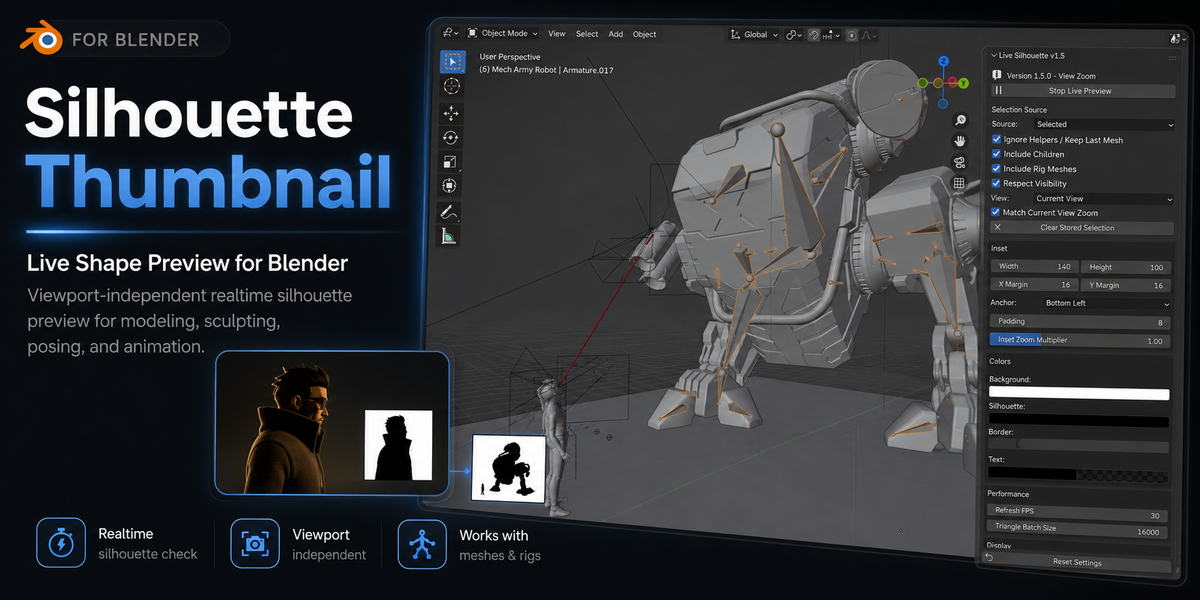
Silhouette Thumbnail - Live Shape Preview adds a small, live black-and-white preview to Blender’s 3D View. It helps you check whether a character, prop, creature, or pose reads clearly while you model, sculpt, pose, or animate.
The preview is a separate viewport overlay. It leaves the camera, render settings, materials, lighting, object transforms, and viewport shading unchanged. The add-on supports mesh objects and armature-driven characters, and, when Ignore Helpers / Keep Last Mesh is enabled, can keep the last valid mesh or rig visible when you select a camera, light, or empty.
Choose a view and tune the thumbnail
Current View follows the active viewport angle, with an option to match its zoom and pan. Fixed views keep the preview pointed Front, Back, Left, Right, Top, or Bottom while you move the main viewport.
Controls let you adjust the thumbnail’s width, height, position, padding, margins, and zoom. You can set silhouette and background colors, add a border, and adjust refresh FPS and triangle batch size. These options help fit the preview to a character, a busy interface, or a heavier scene.
For full character rigs, enable Include Children and Include Rig Meshes. If the silhouette looks cropped with Match Current View Zoom enabled, zoom out in the viewport or lower the Inset Zoom Multiplier.
Install and start the preview
Download the ZIP, then in Blender open Edit > Preferences > Add-ons and choose Install from Disk. Select the ZIP and enable the add-on. In the 3D View, open the sidebar with N, select a mesh or character armature, then open the Silhouette Thumbnail tab and click Start Silhouette Thumbnail.
The product is designed for Blender 5 and later; the listing specifies Blender versions 5.0 through 5.2. It is released under the GNU General Public License v3.0. Check the Superhive product listing for current compatibility details, and see the Silhouette Thumbnail documentation for installation and control details.