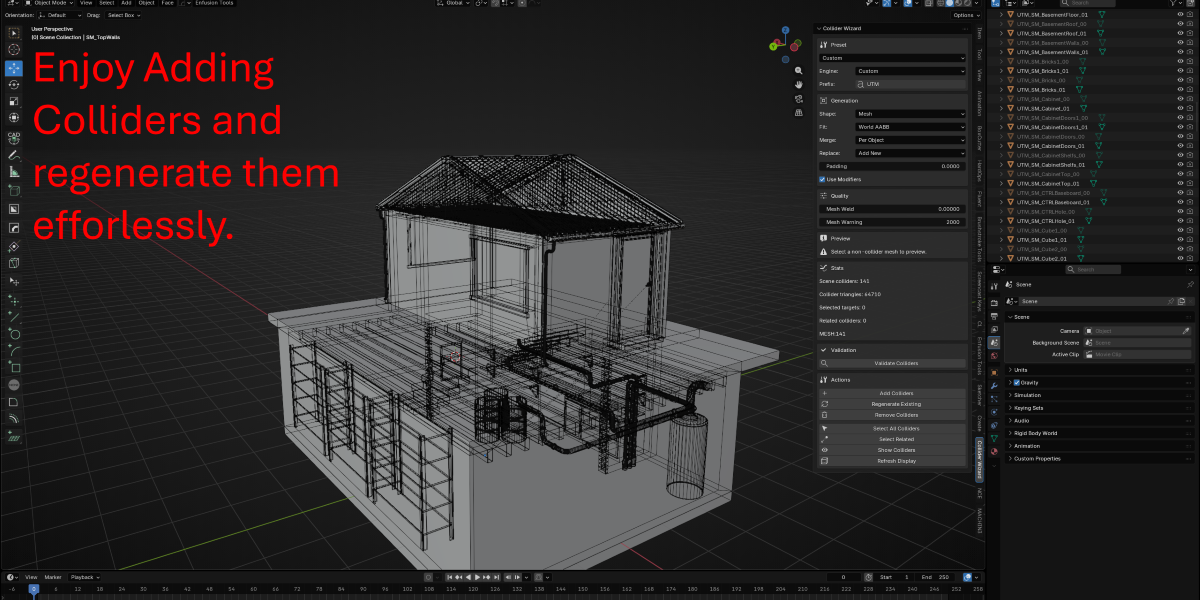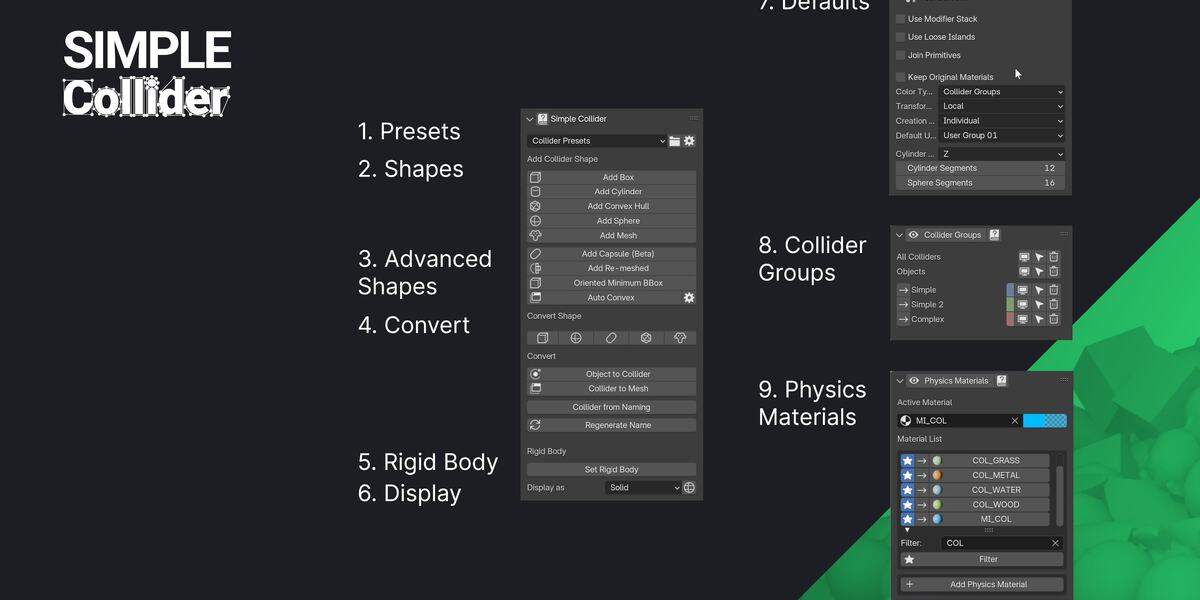
Simple Collider is a Blender add-on by Matthias Patscheider for authoring physics colliders for game assets. It creates Box, Sphere, Capsule, Convex, Convex Cylinder, K-DOP, Re-Meshed and Mesh shapes, with Oriented Minimum Bounding Box generation and V-HACD-based auto convex decomposition. The listing reports Blender 4.2 to 5.1 compatibility and a GPL license; check it for current details.
Create colliders from object or edit selections
Simple Collider works in Object mode, Edit mode and multi-object Edit mode. You can make colliders for each object, around an entire selection or from loose parts. In Edit mode, the add-on can use only the selected geometry. Choose Local or Global creation space, and use pre-modifier or post-modifier mesh data. Settings can be adjusted in the 3D Viewport while generating colliders.
Choose a collider shape for the asset
- Box and Oriented Minimum Bounding Box: A regular box is a simple option. The oriented minimum box rotates to find a low-volume fit; calculation can take longer on meshes with many vertices.
- Sphere and Capsule: These are efficient choices for rounded objects and characters. A sphere may be represented by an engine as a location and radius. The add-on's sphere mesh is a visual representation, and importing it as a convex or mesh shape can cost more.
- Convex, Convex Cylinder and K-DOP: Convex shapes can approximate many objects, including for engines without triangle-mesh collision support. Convex Cylinder helps create a clean cylindrical convex shape. K-DOP offers 14-DOP and 18-DOP options for a closer fit than a box without using a full convex hull.
- Mesh and Re-Meshed: Mesh colliders retain more geometry, so the product guidance recommends minimizing triangles and using them for static objects. Re-Meshed colliders voxelate the target before creating the collider, which can remove interior faces in complex meshes with intersecting parts.
- Auto Convex: For complex shapes such as rocks, statues, rubble and debris, V-HACD decomposition can generate convex colliders. The developer notes that it is a helpful tool, not a one-click solution for every asset. The library is available on Windows, Linux and macOS, including Apple Silicon and ARM64.
Prepare names and organize colliders for an engine
Naming presets help match engine conventions for Unreal Engine 4 and 5, Unity and Godot. The add-on includes UE-default and Unity presets, and supports custom presets that can be saved as Python files, exchanged and pinned to load at startup. For Godot, its naming support includes the -colonly and -convcolonly suffixes. Colliders can also be grouped for visibility, selection and deletion, and assigned materials for use as physics materials.
You can convert meshes to colliders, colliders back to meshes, or collider meshes to Blender Empty objects with primitive display types. Simple Collider handles collision authoring on the Blender side; it does not include special importers for third-party game engines. Check the target engine's import requirements and the product listing before choosing a workflow.