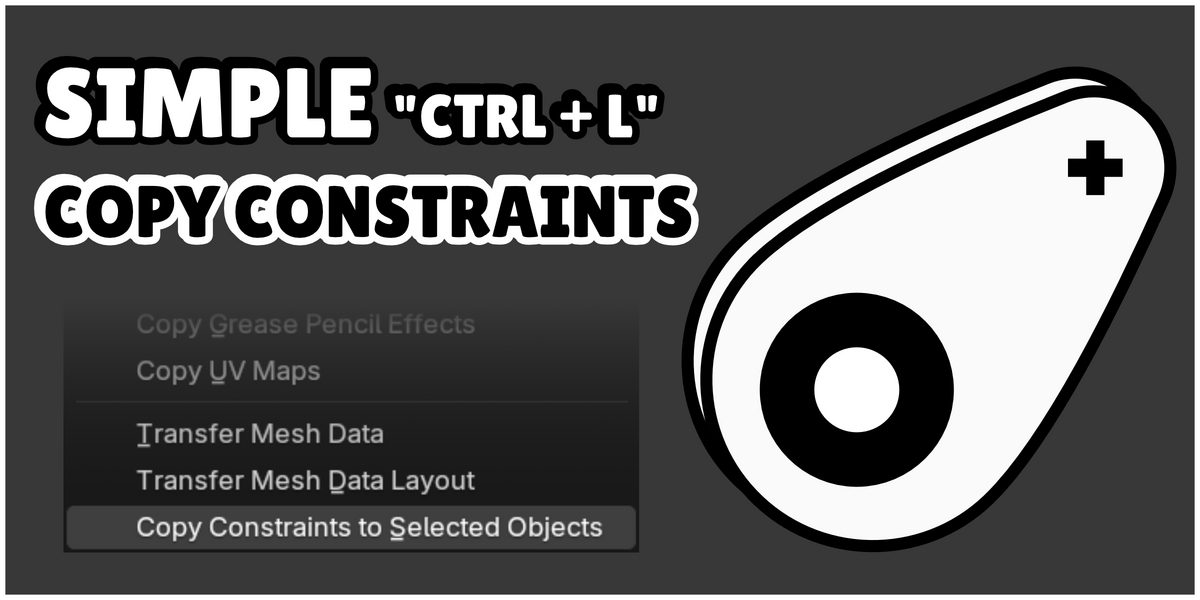
Simple "Ctrl + L" Copy Constraints is Mantaframe's Blender extension for copying constraints between objects. It adds a Copy Constraints command to Blender's Link/Transfer Data menu, opened with Ctrl + L.
What the add-on changes
The product listing describes the usual route through the Object tab and Constraints options to reach Copy Constraints to Selected Objects. This extension places that command in the Link/Transfer Data menu and requires no separate panel or settings.
Copy constraints to selected objects
- Select the object that has the constraints you want to copy.
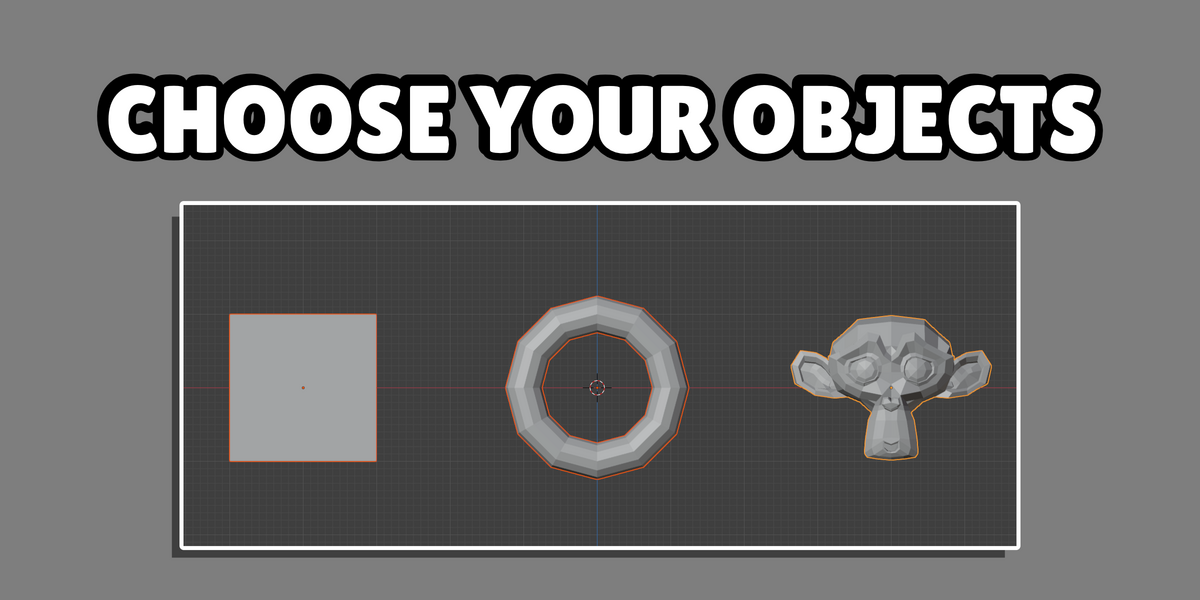
- Mark the objects that should receive those constraints.
- Press Ctrl + L to open the Link/Transfer Data menu.
- Choose Copy Constraints.
The add-on copies one object's constraints to multiple selected objects in one operation.
The Superhive product listing identifies Mantaframe as the creator and names Blender 4.2 as the Blender version. If you use another release, check the current listing for compatibility details.