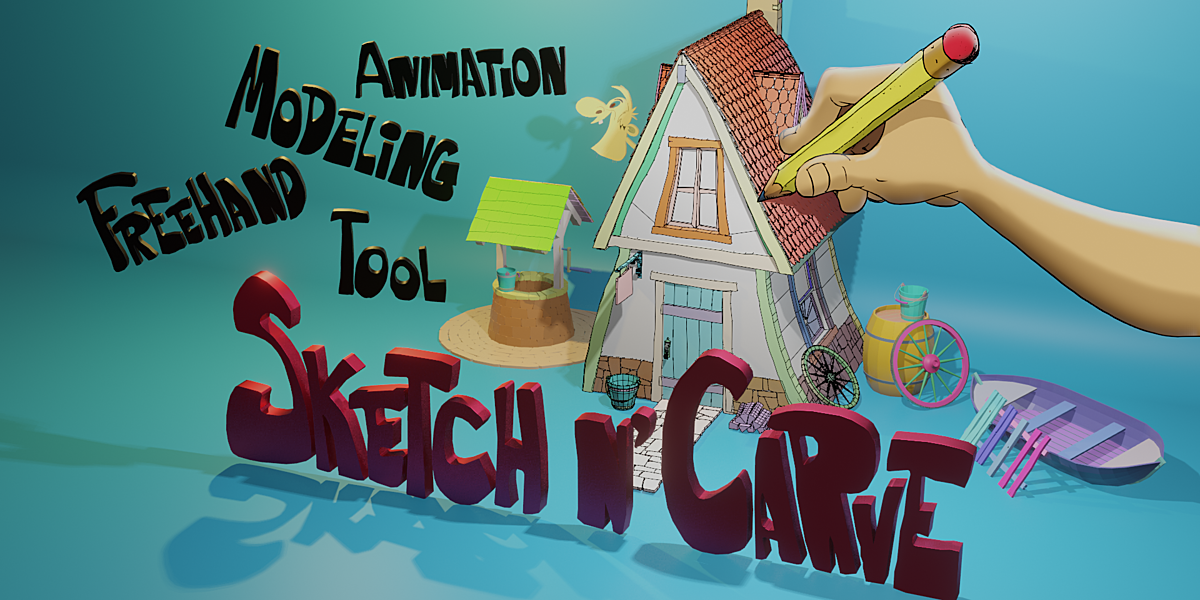
Sketchn'carve (Sketch N' Carve) is a Blender add-on by Sahin Ersoz built around Grease Pencil. It turns a drawing into 3D geometry with one click, so a drawn form can be the starting point instead of direct vertex editing. The Superhive listing describes tools for mesh and curve modeling, surface work, animation and simulation.
Sketch-based modeling in Blender
The main operation converts a Grease Pencil drawing into geometry. Boolean options include Add (Union), Remove (Difference), Intersect and Slice. Sketch N' Carve supports both destructive and non-destructive workflows, letting the user choose whether to apply a carve directly or keep it non-destructive.
The toolset also includes Sketch, Extrude with Subdivide, Randomize, Twist and Scale. Drawing styles include Join Strokes, Join Sketchy, Join Shapes and Concentric Shapes. The creator describes the approach as artist-friendly and says 2D artists may find it intuitive.
Surface, curve and mesh tools
For work on existing forms, the add-on lists Draw on Surface, Project Strokes to Surface and Shrink Wrap. Other tools shape or transform geometry in several ways:
- Mirror, Spin, Array, and Array and Spin.
- Curve Deform with a custom curve, profiles and tapers, plus options for stroke style and randomized extrusion length.
- Knife Tool, Self Trim, Poke, Dice, and Tilt (Curve Deform).
- Subdivision Surfaces and Crease, a Cage (Mesh) Modifier, and 2D and 3D Smooth for rounding objects without increasing poly count.
Animation, editions and Blender versions
Shape Animation is included in the feature list, along with Slice, Slash and Simulate. Sketch N' Simulate is also listed separately as a companion tool.
Superhive lists Blender compatibility from 3.1 to 5.3. Its current listing identifies Sketch N' Carve build 4.4.3r for Blender 4.3 and later, and 4.2.1w for Blender 4.2 and earlier. It lists separate CORE builds, 4.4.2qx and 4.1.0d, for those corresponding branches. The version on this catalog record is 4.4.2c, which differs from the current main-edition build listed by Superhive. Check the current product page before choosing a download.
Documentation and license
Superhive identifies the product as a GPL add-on and marks it as Blender Extension Compatible. The creator documentation provides further product guidance. The listing also links to tutorials, including one for making a coffee mug, cookie, spoon and table.