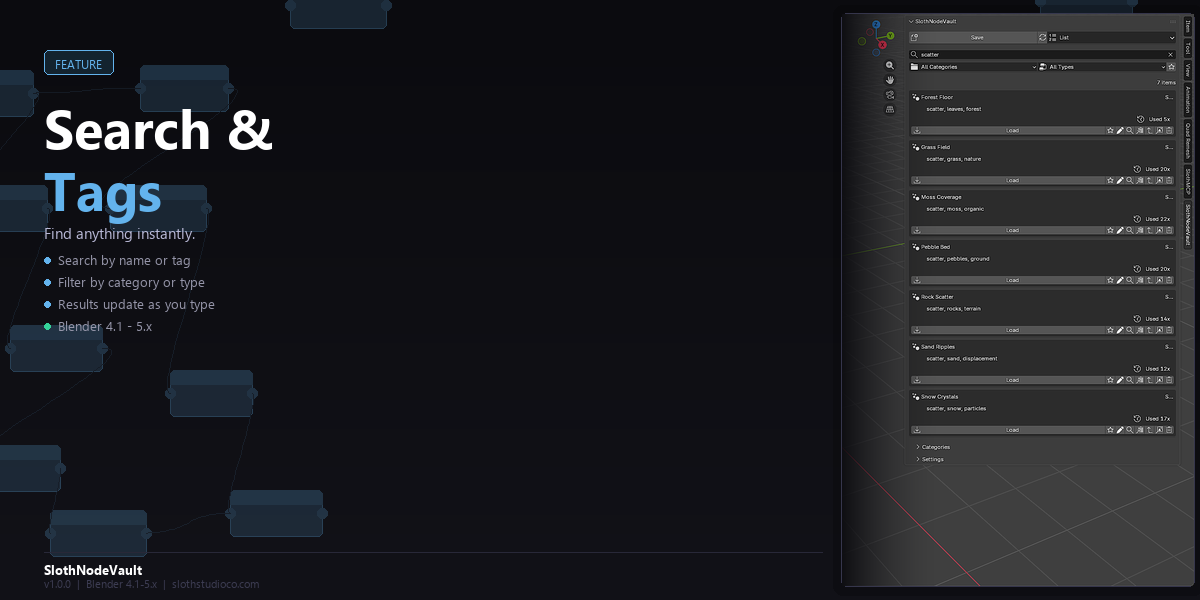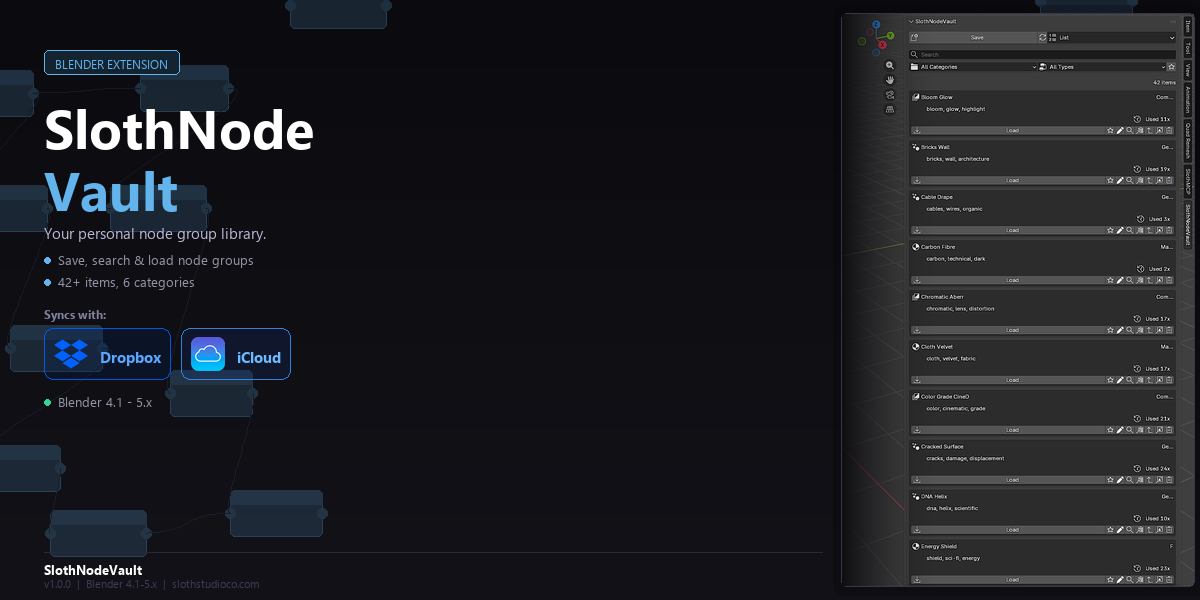
SlothNodeVault - Personal Node Group Library is a Blender add-on for keeping reusable Geometry, Shader and Compositor node groups in a folder you choose. Its N-sidebar panel lets you save groups with a name, category and tags, then browse or search that library later. Each saved group is stored as a .blend file.
Save and load node groups
Open the Node Editor for the group you want to keep. In the SlothNodeVault panel, select or enter the node group, choose Save, and give it a name, category and tags. The panel is also available in the 3D Viewport's N-sidebar.
To reuse a group, browse or search the library and choose Load. If a compatible Node Editor is open, the group is placed in its active node tree. If no Node Editor is open, find the group through Shift+A > Group.
Set up a library across machines
Choose a Library Folder in the panel's Settings. This is where the add-on stores the node groups. For Dropbox, choose Set Dropbox to point the library to a named folder inside Dropbox; machines using the same Dropbox account can access it. Set iCloud configures the library for iCloud Drive, which the product documentation says works on macOS and Windows when iCloud Drive is enabled.
You can also export the full library as a ZIP with Export Library Pack, then use Import Pack to bring in a pack shared by someone else. The Superhive product listing documents these setup and library actions.
Installation and compatibility
Install it through Blender's Edit > Preferences > Extensions screen, or install from the downloaded ZIP file. After installation, open the SlothNodeVault panel in the N-sidebar of the 3D Viewport or Node Editor and set the Library Folder.
The Superhive listing identifies it as a Blender add-on and marks it Blender Extension compatible. It lists Blender versions 4.1 through 5.1, Cycles and Eevee, and a GPL license. Check the listing for compatibility details if your Blender version falls outside that range.