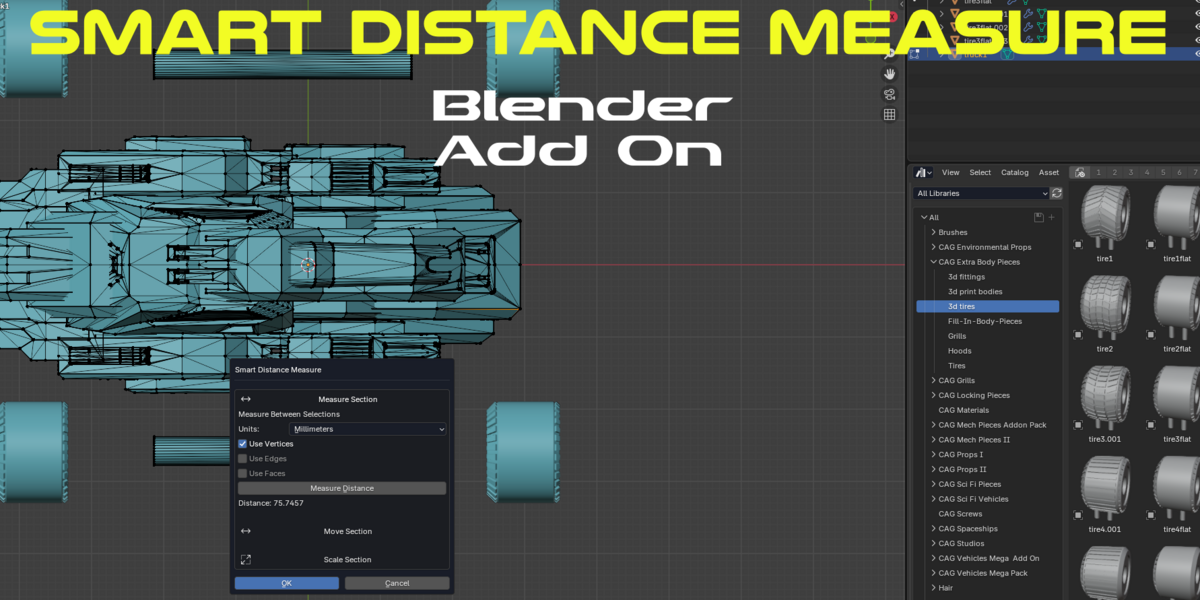
Smart Distance Measure 3 is a Blender add-on that brings real-world distance measurement, object movement, and target-size scaling into a popup. It suits modeling tasks where dimensions need checking, including 3D printing, product visualization, architecture, and game assets.
Measure mesh distances
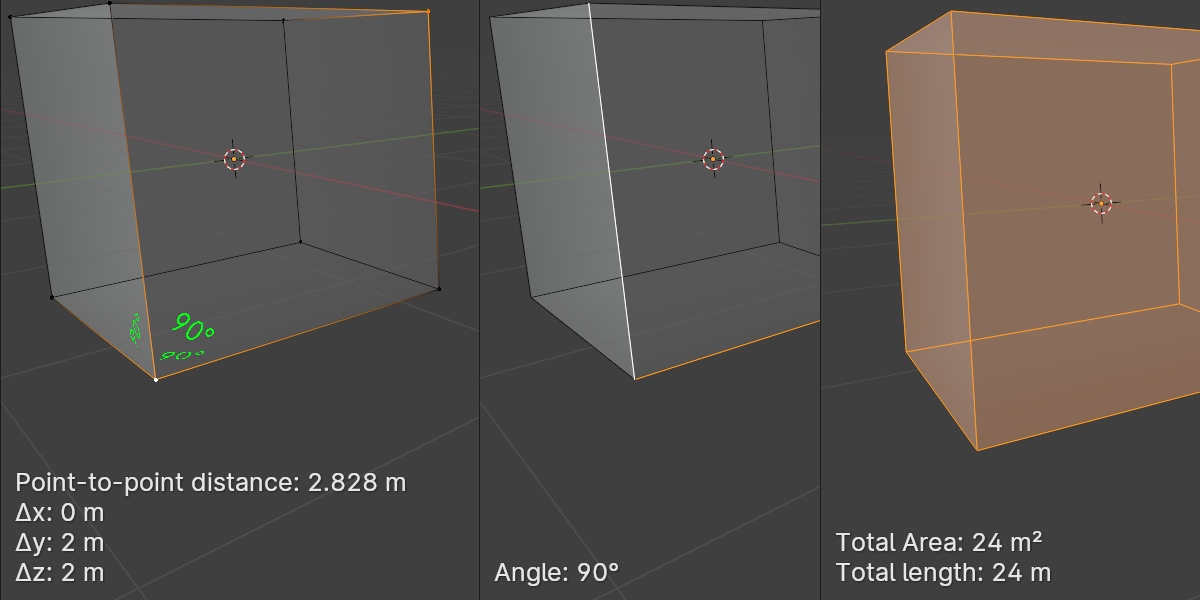
The Measure tool reports the distance between two selected elements on one mesh, or between one selected element on each of two meshes. You can measure vertices, edges, or face centers. Results are described as world-space accurate, with units available in millimeters, centimeters, or inches. This can help check spacing and tolerances or compare a model with a real-world reference.
Move objects by a specified distance
Move shifts the second selected object by an entered distance along X, Y, Z, or their negative directions. Enter the value in MM, CM, or Inches; the add-on converts it to meters internally. This is useful for setting a gap, aligning components, or offsetting a part by a known amount.
Scale to a target dimension
Scale resizes one or more selected objects to a target dimension. It calculates the full bounding box, applies a uniform scale to the selected objects, and keeps them centered after scaling. This can help match an imported asset or model to a specified product or manufacturing dimension.
Open the popup and set a shortcut
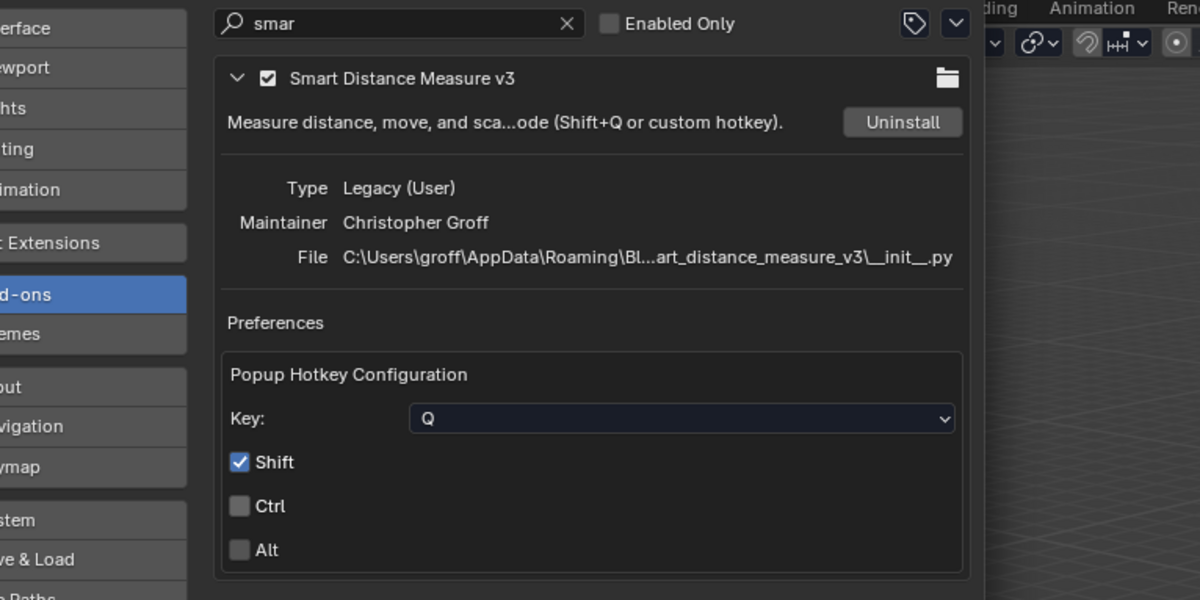
Shift+Q opens the popup by default. In the preferences panel, you can choose any letter key and combine it with Shift, Ctrl, or Alt. The add-on updates its keymap automatically. The popup groups Measure, Move, and Scale in collapsible sections.
Blender compatibility and license
The Superhive product listing identifies Christopher Groff as the creator, lists the license as GPL, and gives Blender compatibility as versions 2.82 through 4.5. It describes the add-on as working in Edit Mode or Object Mode where appropriate. Check the listing for current compatibility if you use a later Blender release.