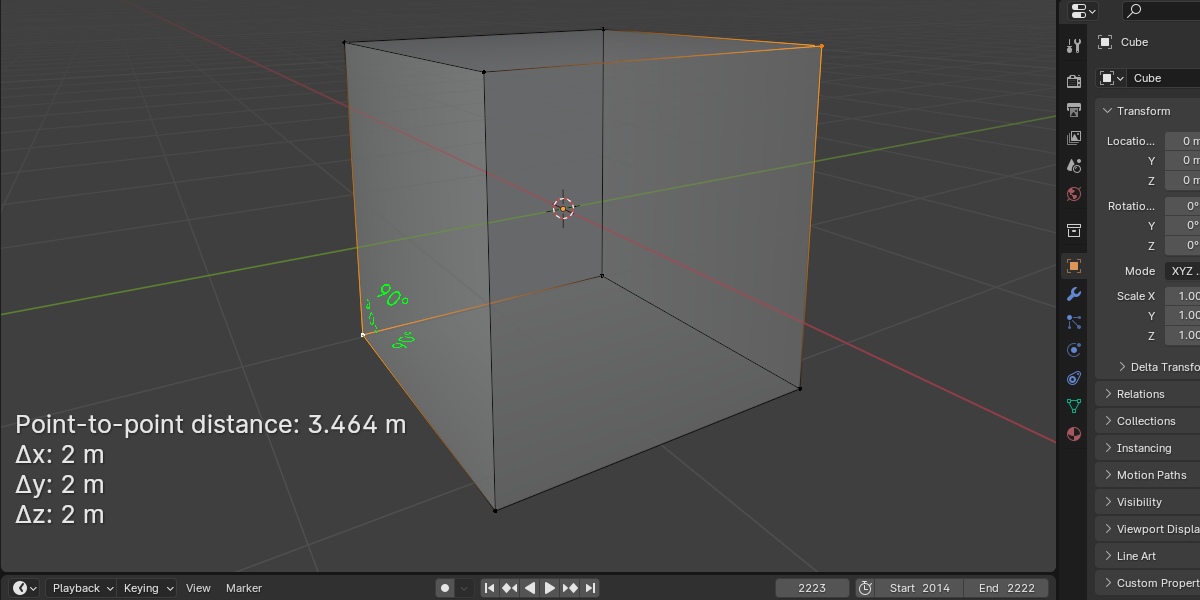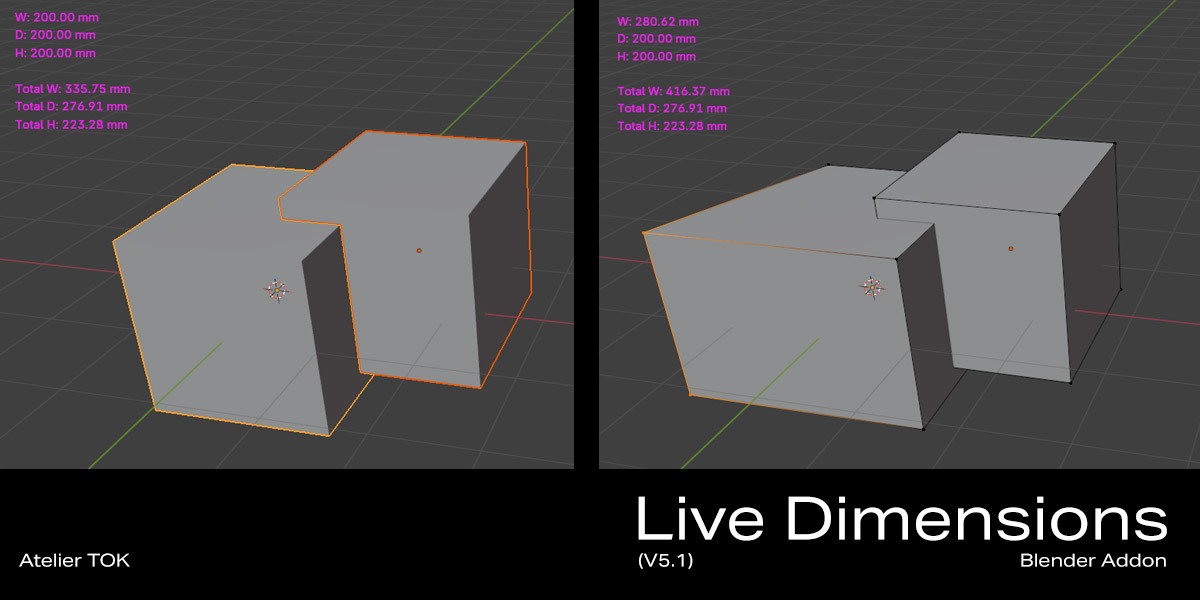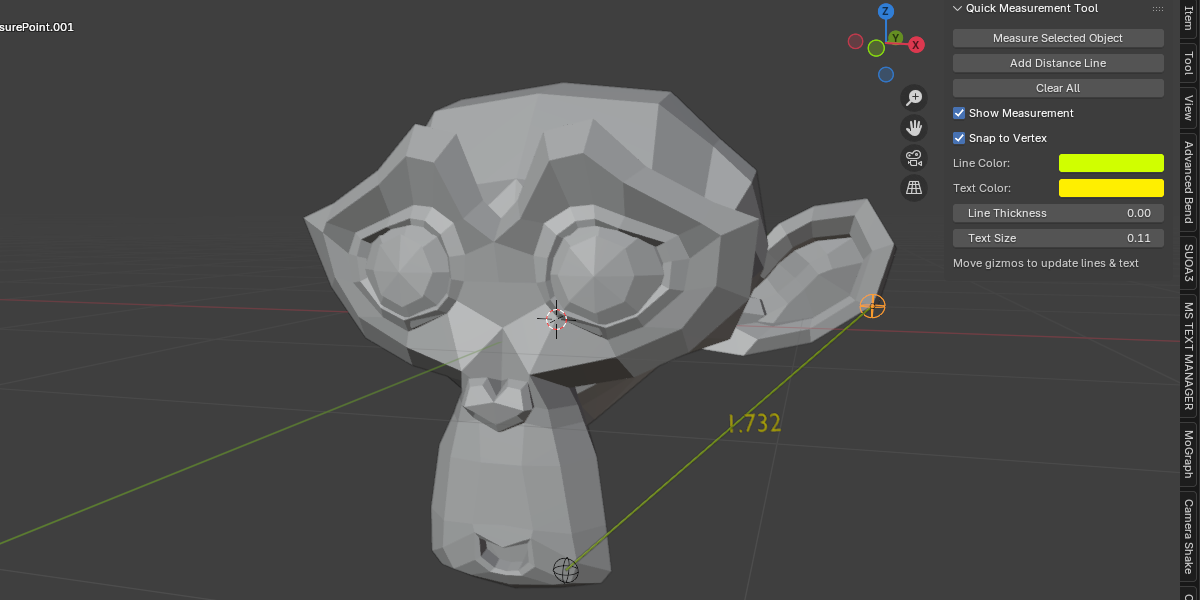
Styriam Quick Measure is a Blender add-on that draws length, distance, area, volume, and angle measurements over the 3D viewport. It reads the current mesh selection, and its calculations try to account for object scale.
Read measurements from the selection
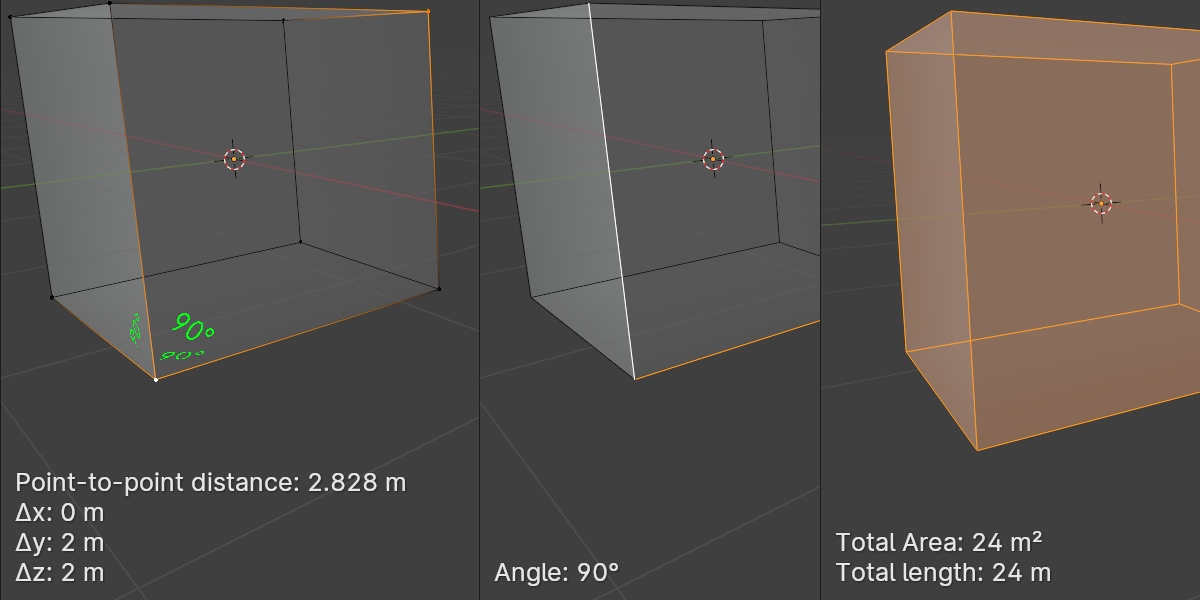
The readout depends on the selected geometry. A vertex shows the corner angles of its faces. An edge or two vertices show distance and the delta along the X, Y, and Z axes. Selecting two edges or four points shows the angle between the edges, even when they are disconnected.
Show combined length or area
For a selection containing multiple edges or faces, run the Display Length/Area of selection operator from the context menu to show the combined edge length and face area. Those values remain visible until the selection changes.
Enable the viewport overlay
Open the Quick Measure panel in the viewport overlays and enable it. Blender's text overlays must also be enabled for the measurements to appear. The add-on lets you adjust text size; its 3D text automatically changes size to fit a face. Text colors are adjustable and can respond to the 3D Viewport theme colors.
Scale and Blender units
Quick Measure supports measuring multiple objects at once in multi-object edit mode, using world scale. Its measurements try to take object scale into consideration, including when selected objects have different scales. Blender unit settings are supported, so the display follows the units configured for the scene.
Version and compatibility
The product listing identifies version 1.1.2 and states compatibility with Blender 3.6 through 5.0. The add-on is distributed under the GPL. Its changelog says volume calculation was added in version 1.1.0, version 1.1.1 addressed selection length and area display and handling objects with different scales, and version 1.1.2 fixes a possible crash when disabling the add-on. Check the Superhive product listing for current product details.