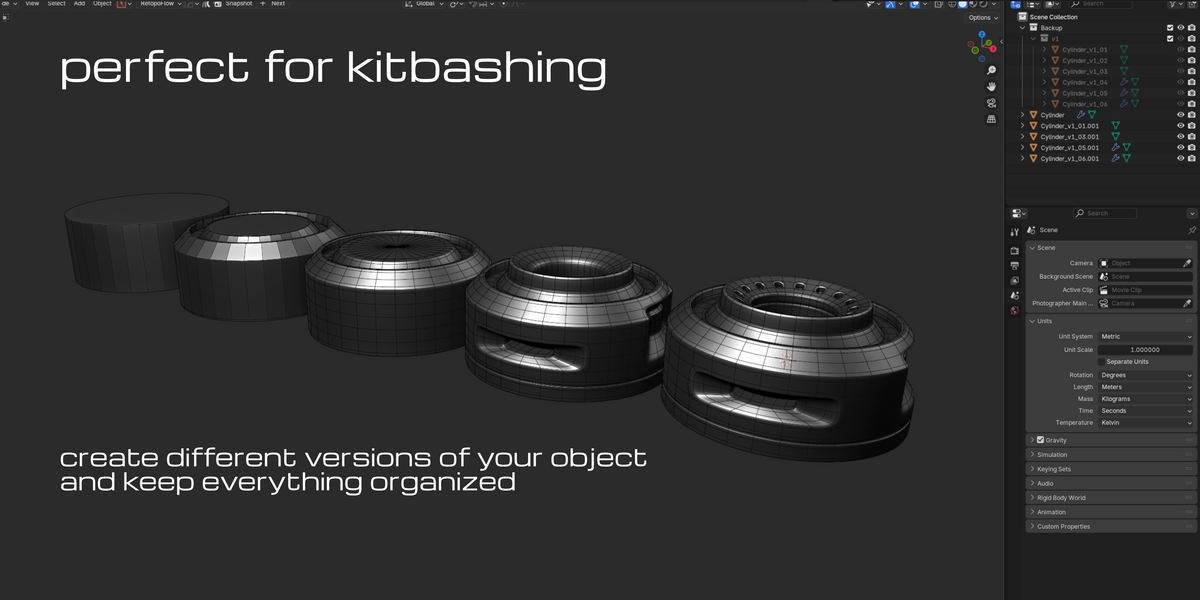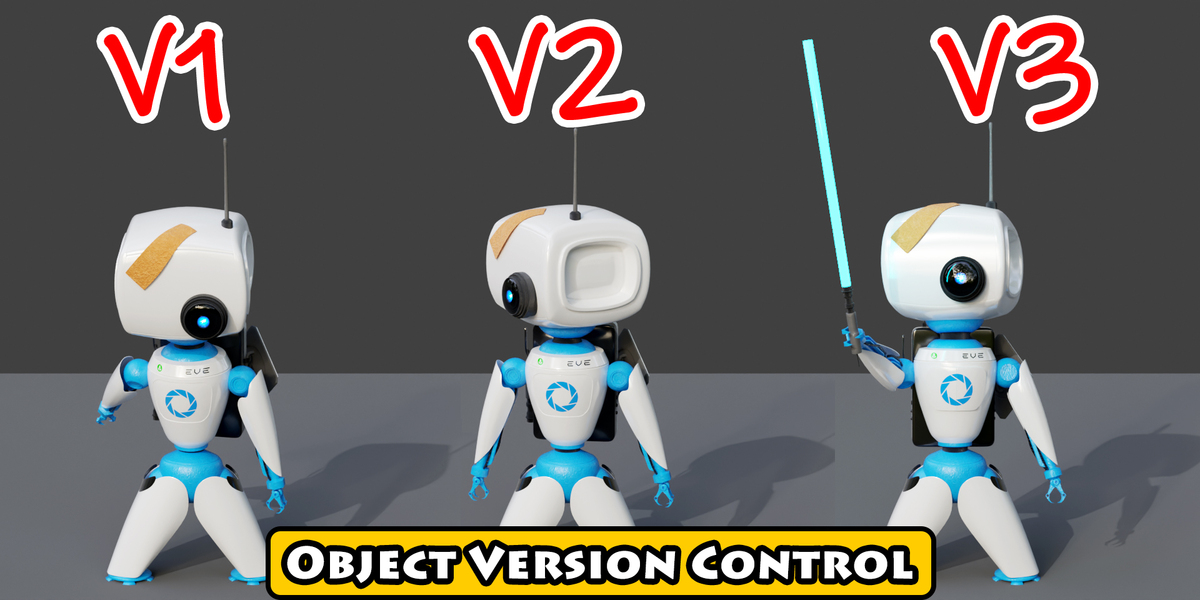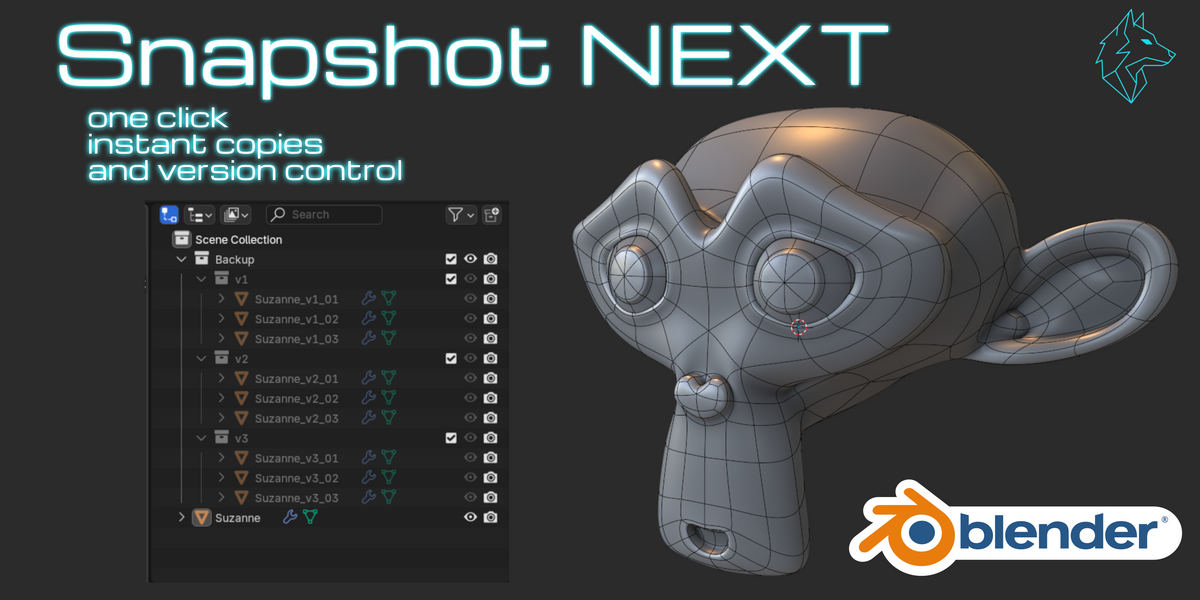
Snapshot Next is a Blender add-on for making object snapshots as you work. With one click, it copies the selected object into a dedicated backup collection, giving you a checkpoint before a change such as a Boolean operation or a new modeling pass. The add-on also supports sets of objects, so you can keep a group of related pieces together while you experiment.
Backups are hidden and named systematically to keep them out of the way in the Outliner. The Next button starts a fresh version folder for a milestone, such as moving a model from blockout to detailing. Here, versioning means organized object copies inside one Blender file.
Snapshots for modeling and kitbashing
A snapshot can preserve an earlier object state before you try a destructive edit. If the result does not suit the model, the copy remains in its backup collection while you continue working. This gives you another point to return to when Blender’s undo history no longer reaches the state you need.
For kitbashing, Snapshot Next keeps iterations in the same project file. You can explore shape or combination variations and snapshot sets of pieces at the same stage.
Blender compatibility and installation
The Superhive listing specifies Blender versions 4.2 through 5.0 and identifies the license as MIT. To install the add-on, drag the downloaded ZIP into the Blender window or install it through Add-on settings. Then search for Snapshot NEXT in Preferences and enable its checkbox.
Saving the project
The snapshots and version folders are kept in the Blender file. Save the .blend file periodically to preserve the project and its snapshots.