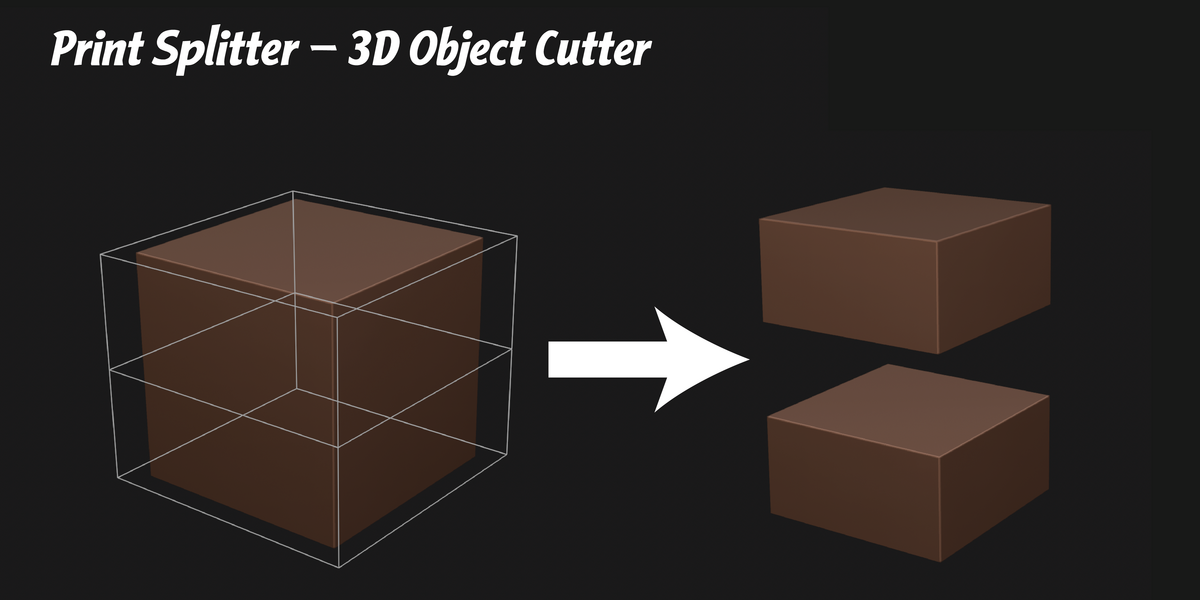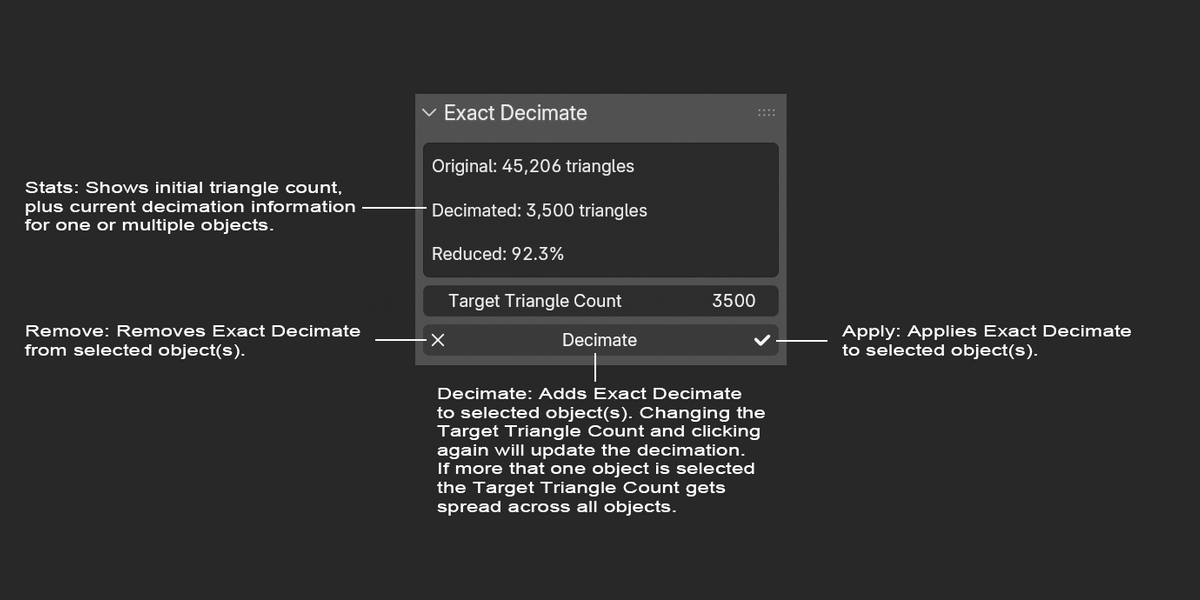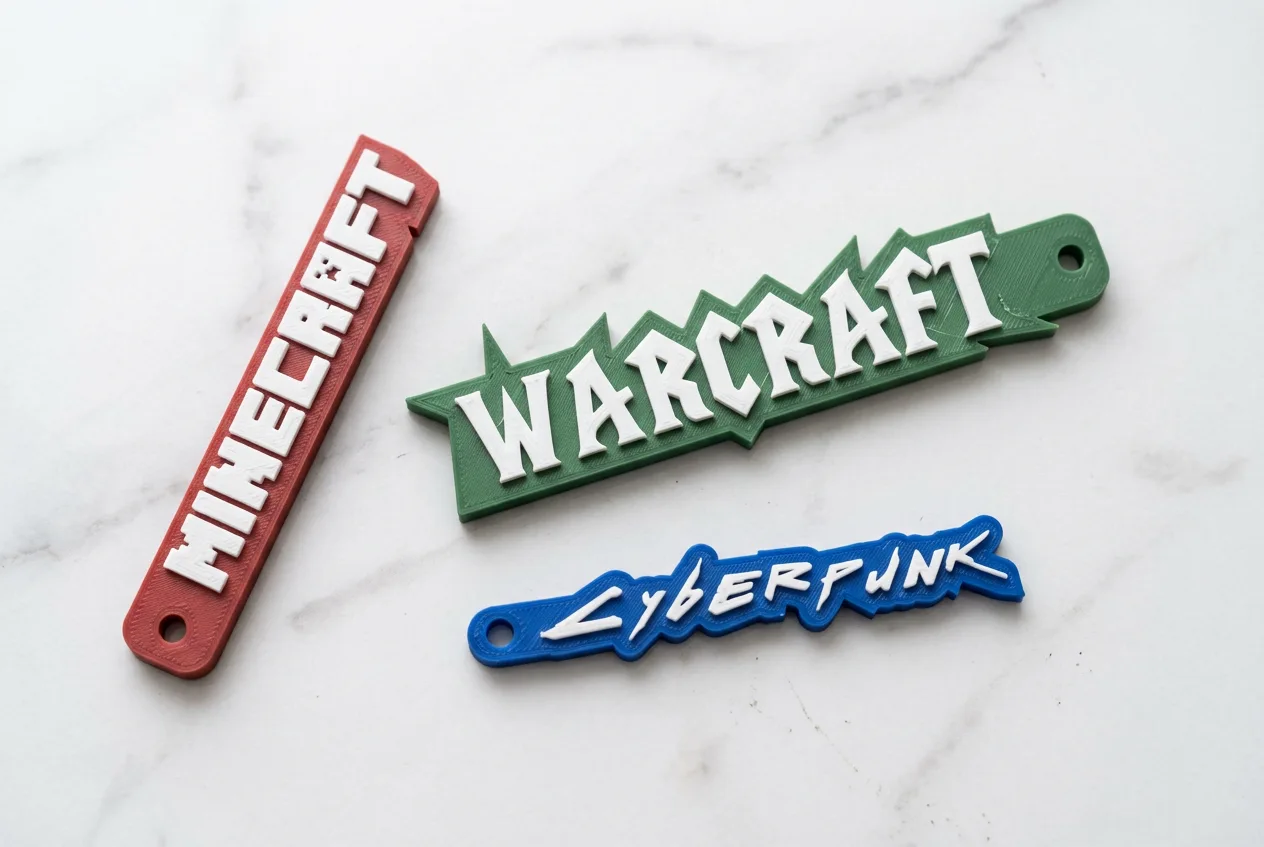
Snapsplit is a Blender add-on for splitting models into printable parts and creating matching connectors and sockets. It can help with models that exceed a printer’s bed, modular sculptures, props and prototypes that need assembly. Its controls are in the 3D View’s N-Panel. See the product listing and developer setup notes.
Split a model and cap the seam
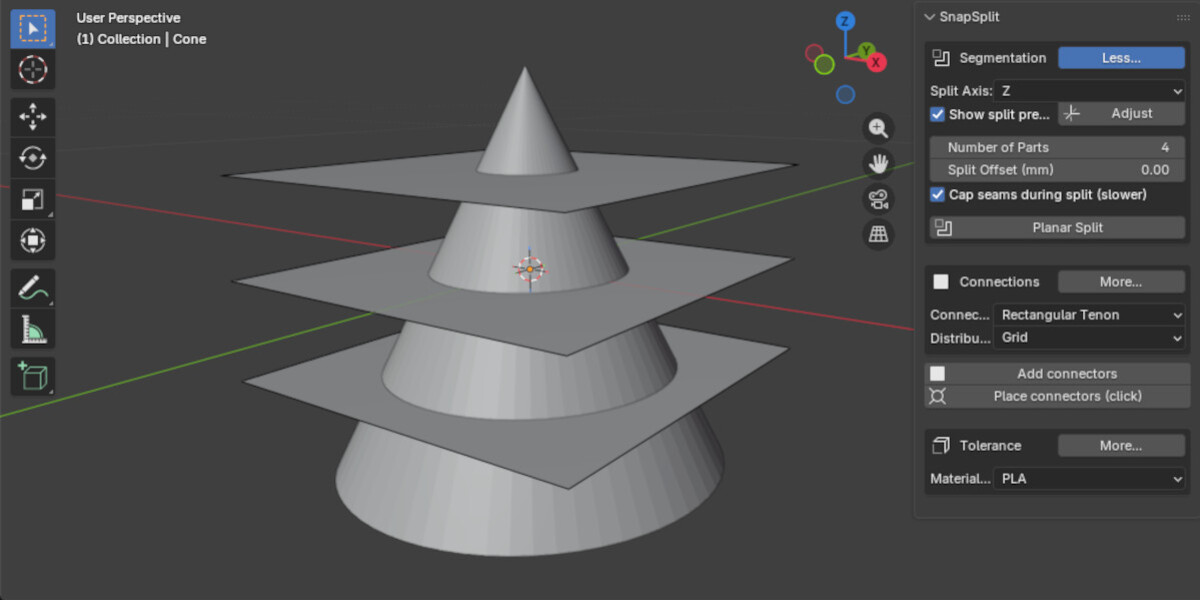
Planar splitting cuts along a global X, Y or Z axis. Set the number of parts, adjust the split offset and inspect the preview before running the cut. A separate stroke-based Freehand Cut follows a hand-drawn line. Version 0.2.1 adds successive Freehand Cuts on previously cut parts and switching between Freehand Cut and Planar Split within one workflow. Seam capping can close the cut surfaces. For supported pre-hollowed geometry, hollow-aware capping closes the cut-side walls while leaving the interior open. Snapsplit can split and cap existing hollow models, but it is not a hollowing tool or a final printability check.
The developer recommends setting Blender’s unit system to Metric, unit scale to 1.000 and length to Adaptive. Start with a watertight mesh, apply its transforms, and check for manifold issues, thin walls and intersections with a tool such as Blender’s 3D-Printing Toolbox. After splitting, inspect each part to confirm it contains polygons.
Place connectors between parts
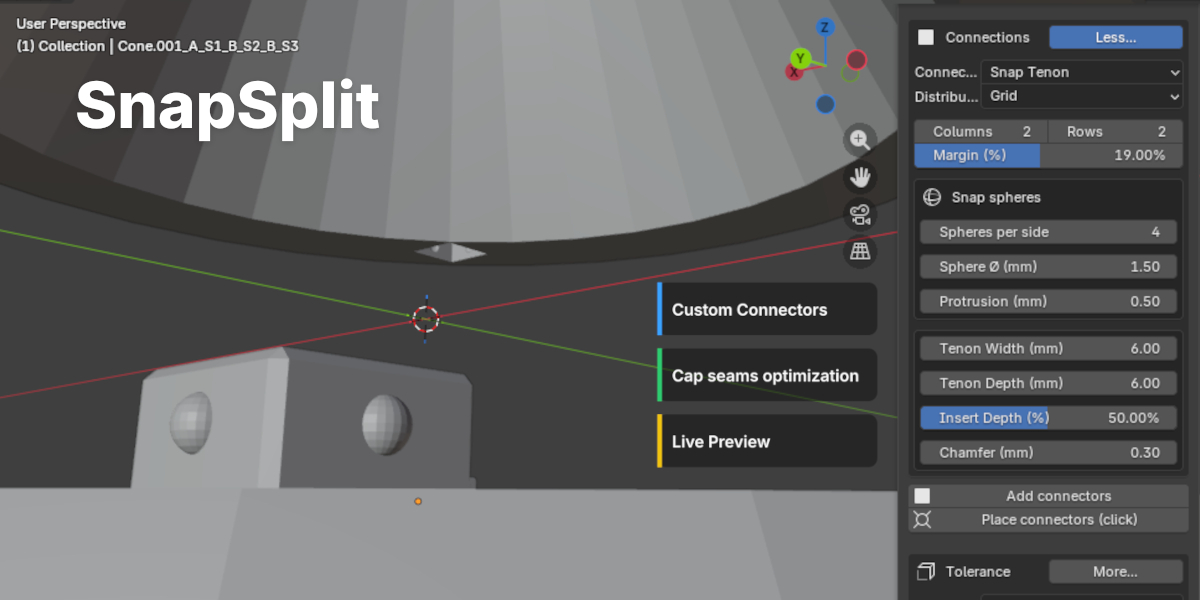
Snapsplit offers cylindrical pins, rectangular tenons, dovetails, snap variants and custom connectors made from a user-selected mesh. Place connectors along a seam, distribute them across a grid or position them individually with mouse clicks. The operation embeds a connector in one part and cuts a matching socket, with clearance, into the adjoining part. Face-to-face alignment in Object mode can help when connecting two separate meshes.
Set connector clearance for your material
Material profiles provide adjustable starting tolerances per side. You can overwrite the presets; the listed ranges do not guarantee a fit for every printer or model.
| Material profile | Tolerance per side |
|---|---|
| PLA | 0.15 to 0.25 mm |
| PETG | 0.25 to 0.35 mm |
| ABS or ASA | 0.20 to 0.30 mm |
| TPU | 0.30 to 0.45 mm |
| SLA | 0.05 to 0.15 mm |
Actual fit depends on the material, printer calibration, print orientation and connector dimensions. Snap connectors are intended for glue-free assembly, so test the fit on a small sample before printing a large project.
When Snapsplit may suit your workflow
The N-Panel brings the split, seam and connector steps together. For 3MF exports, check scale and units in the setup notes . The listing identifies version 0.2.1 and the GPL license.