Sketch curves directly in Blender
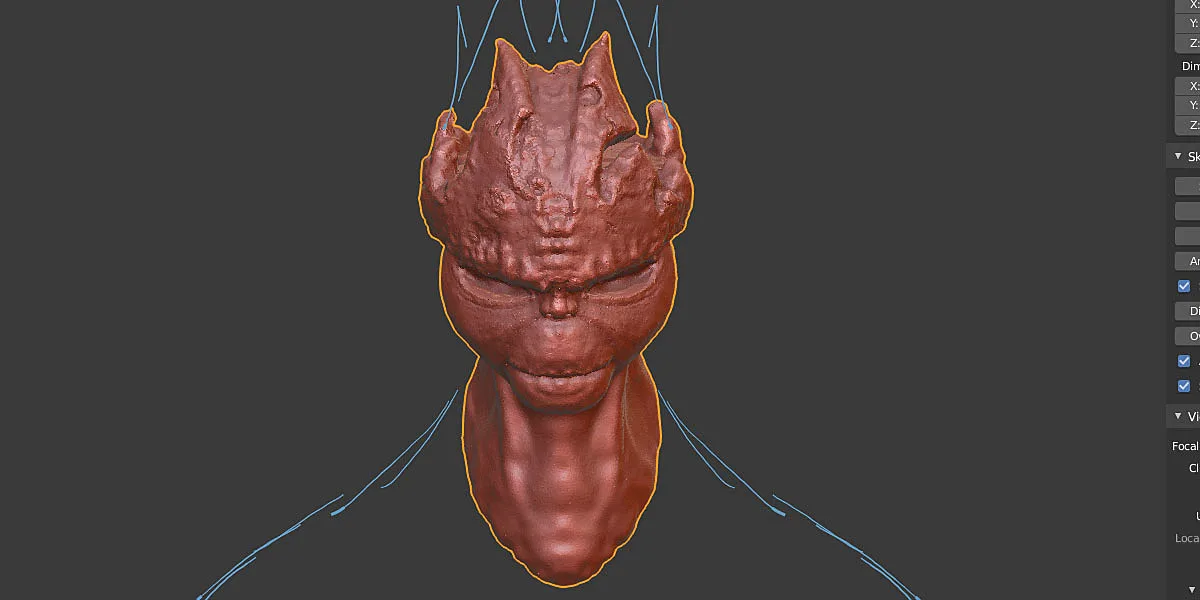
SNURPilator is a Blender add-on for drawing curves in the 3D viewport. It is designed for quick concept sketches, sculpt blockouts, surface detail, hair, ribbons, ropes, and abstract forms. Draw on a surface or in free space, then refine the curves before converting them into geometry.
Start a stroke with the SNURP tool. Choose a round, square, or flat profile and adjust its thickness with Phatness. Snurplook controls the profile, while Snurpsmooth adjusts smoothing as you draw.
Control stroke shape and variation
Use Taperfy for procedural thickness falloff; the documentation says it works best with mouse input. Pen Squish uses tablet pressure instead. These options are mutually exclusive because both control curve thickness. With Pen Squish, pressure is applied without post-processing; Taperfy processes the stroke after drawing.
Flips mirrors a stroke across the X, Y, or Z axis. Wabble adds noise to curve points for more organic shapes. The panel shows mirror settings for the selected Snurp, so select a curve to inspect its settings.
Convert strokes into mesh forms
Combimesh converts curves to mesh and can combine multiple Snurps into one object. Combivox converts and voxel-remeshes strokes into solid forms, which the documentation identifies as useful for blockouts and sculpt bases. Jorkelate adds curve-based deformation to meshes, with a preview rig that can be applied along an axis.
Install SNURPilator
- Download the add-on ZIP file.
- In Blender, open Edit > Preferences > Add-ons, choose Install, and select the ZIP file.
- Enable SNURPilator. Its panel appears in the 3D Viewport sidebar, opened with N.
The product listing gives a Blender version range of 4.0 through 5.1, marks it as Blender Extension compatible, and lists Cycles and Eevee. The listing identifies the license as GPL. For the full controls and current compatibility details, see the SNURPilator documentation and product FAQ.